
This article covers the sections, features and optional modules on the Appraisal Form, so you know what your dealership already has and what can be added. Some functionality differs between the New Zealand and Australian versions, and some features carry an additional charge.
Images
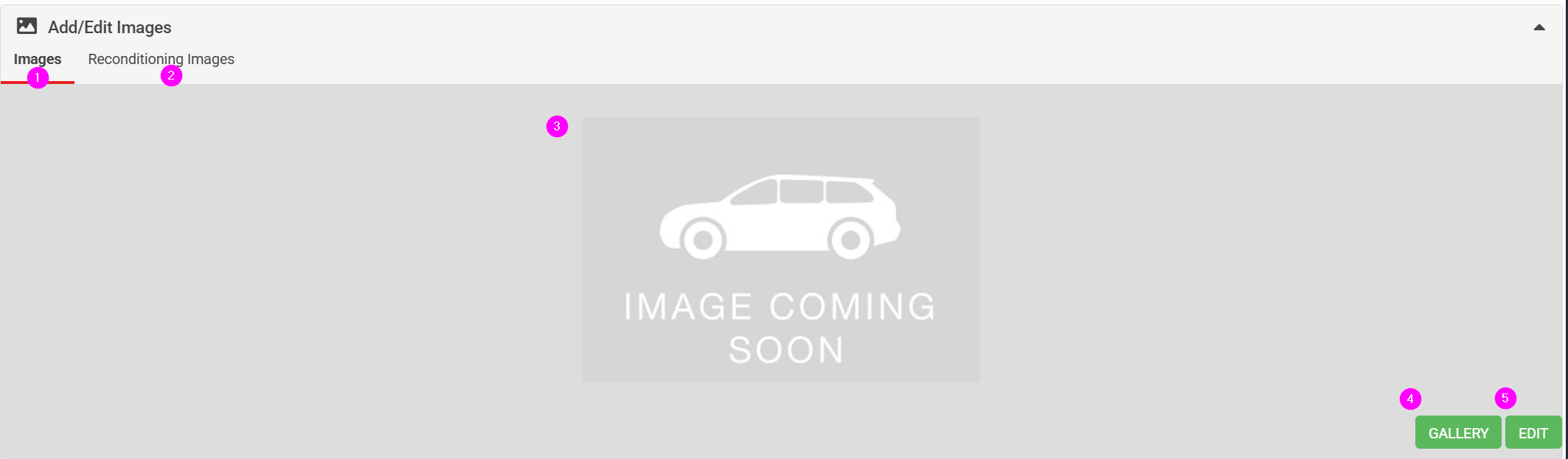
- Image tab
- Reconditioning splat chart (external)
- Image gallery preview
- Click to show enlarged images
- Click to add, edit or reorder images
Details
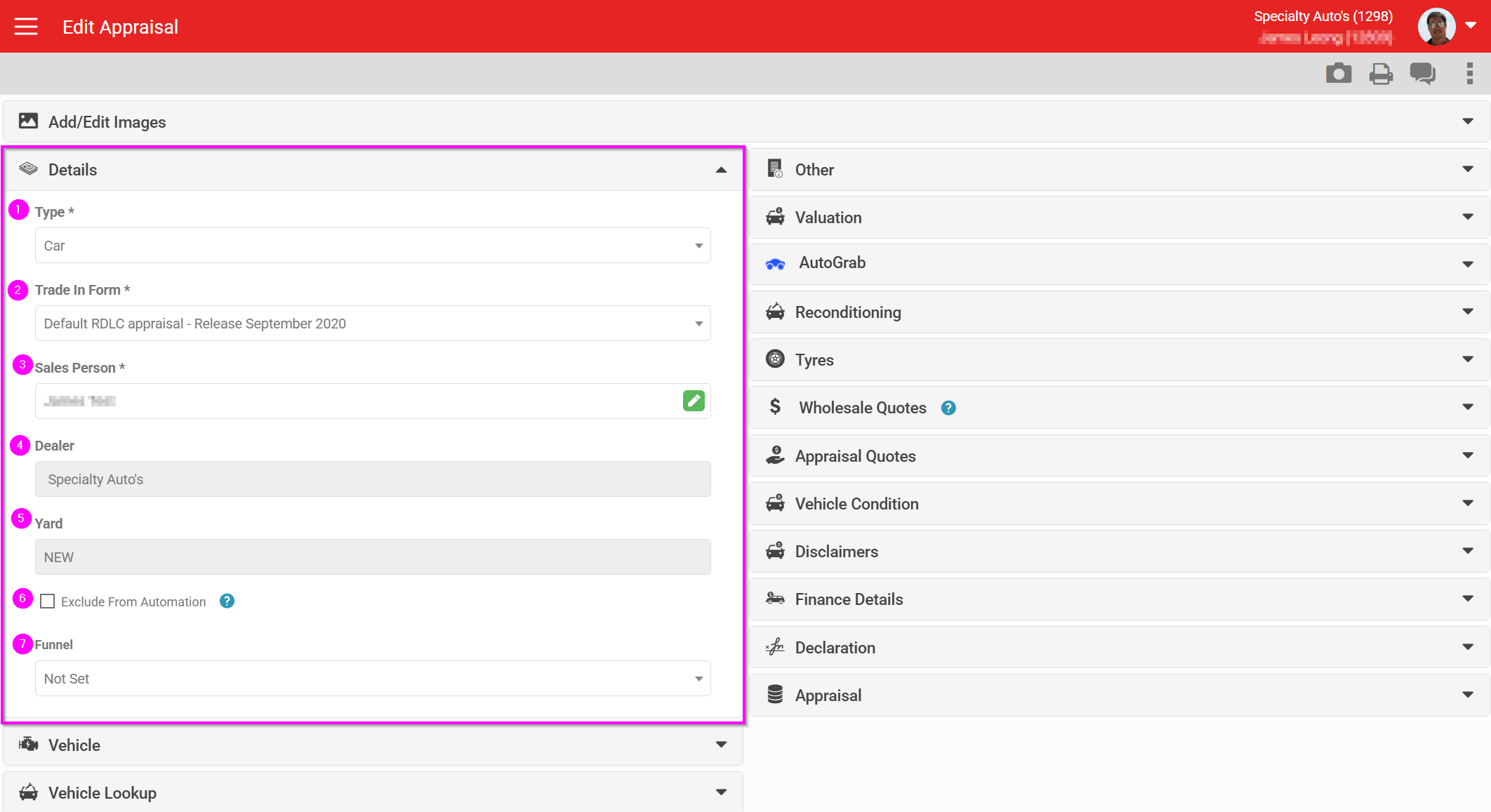
- Vehicle type
- Appraisal Form selection
- Sales person
- Dealer (only shown to accounts with SSO)
- Yard, which inherits the lead's yard
- Option to exclude this appraisal from any automations set up on the account
- An arbitrary option to record where the appraisal sits in a dealership's process
Custom Appraisal Forms can be built for any dealership or dealer group, with the form's structure, branding and content controlled as a template drop-down option. An account can have multiple forms available. Custom forms carry a one-off build charge. Speak to your Account Manager if you want one built.
Vehicle details
This section differs slightly between countries.
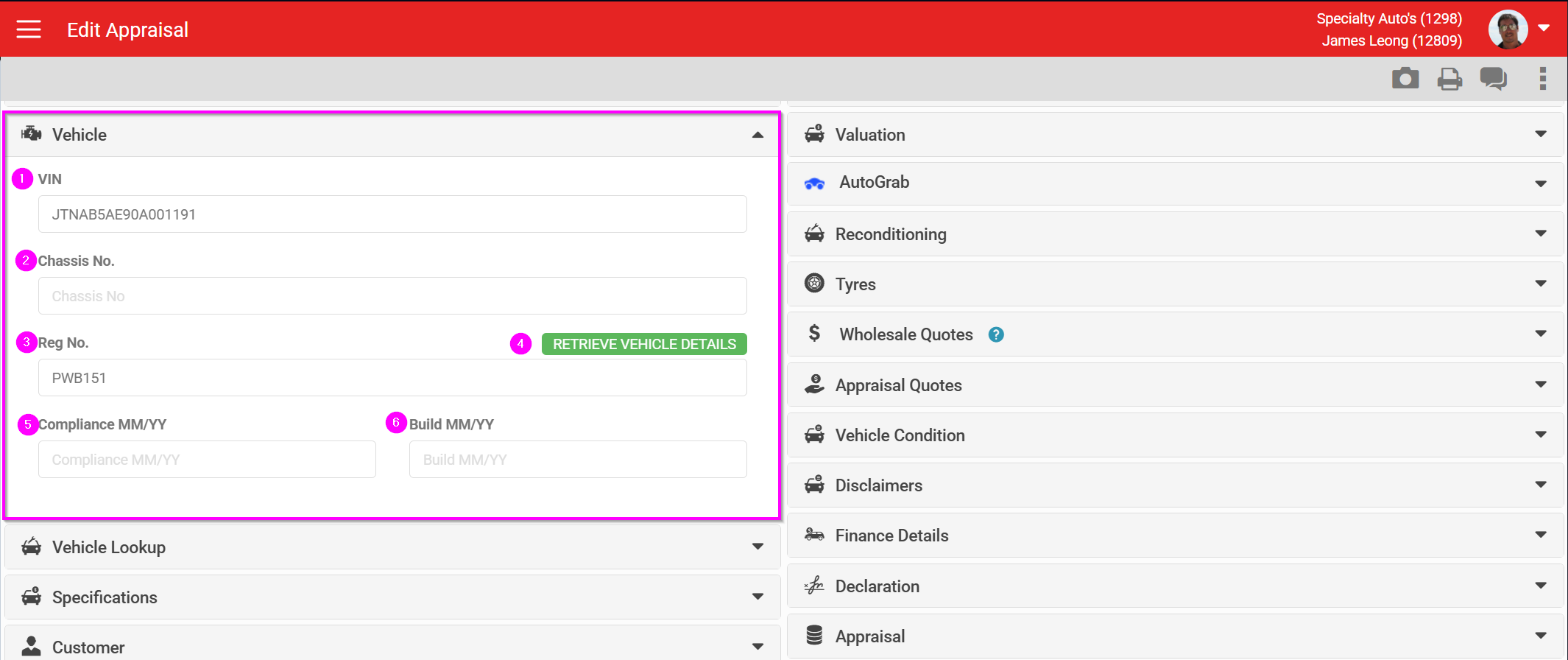
- VIN
- Chassis
- Registration
- (NZ only) Retrieve Vehicle Details, which looks the vehicle up against NZTA and returns its specifications. The remaining fields in this section populate from that lookup.
- Compliance date
- Build date
Vehicle lookups
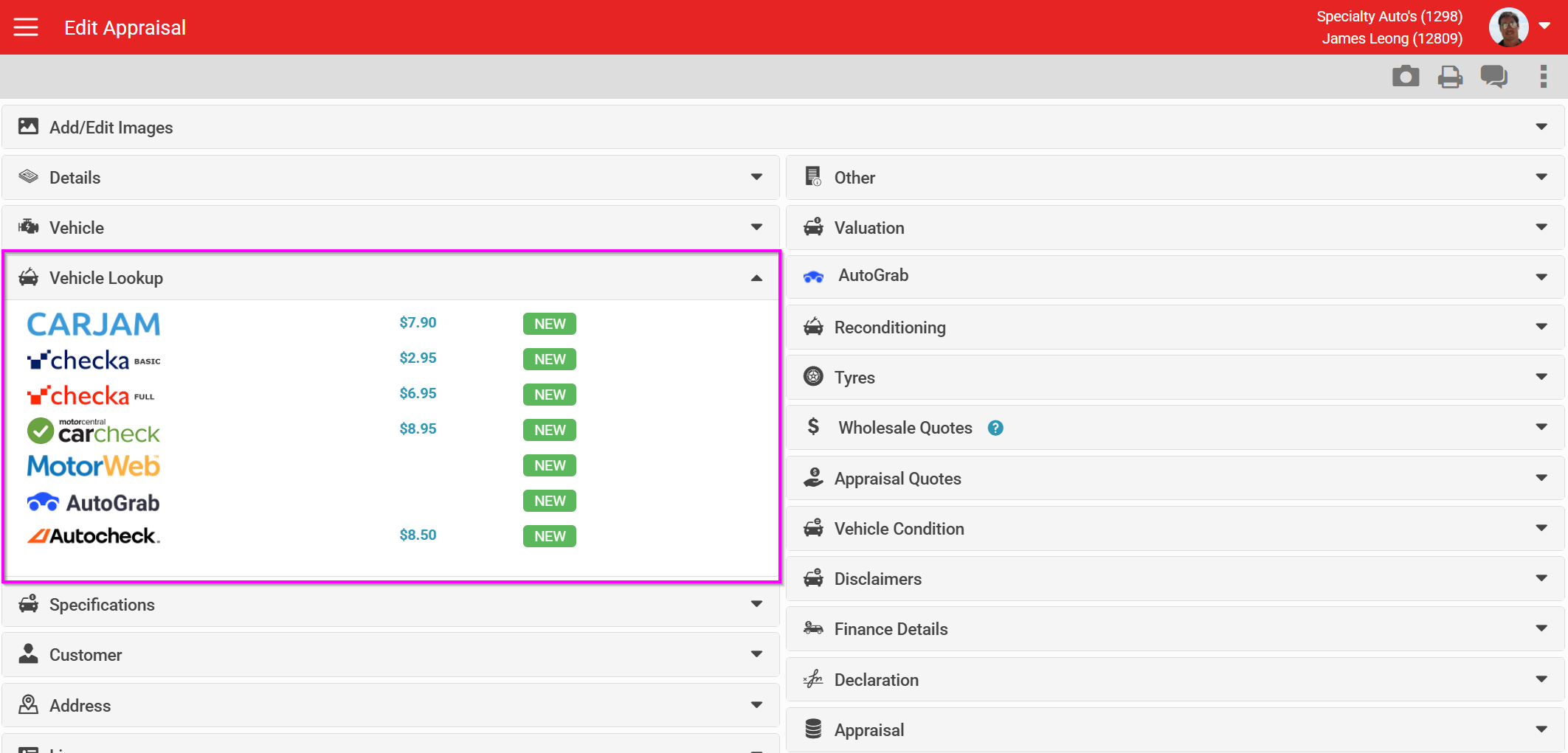
This section lists the lookup services available on an appraisal. The list differs by country, and can be turned on or off per dealership depending on which services they want access to. Costs are shown on screen where they apply.
NZ lookup options
- CarJam
- Checka Basic
- Checka Full
- Carcheck
- Motorweb VIR
- AutoGrab
- AutoCheck
AU lookup options
- Redbook
- Redbook Advanced
- Motorweb
- PPSR
- Glass's
- Glass's Plus
- Rego to PPSR
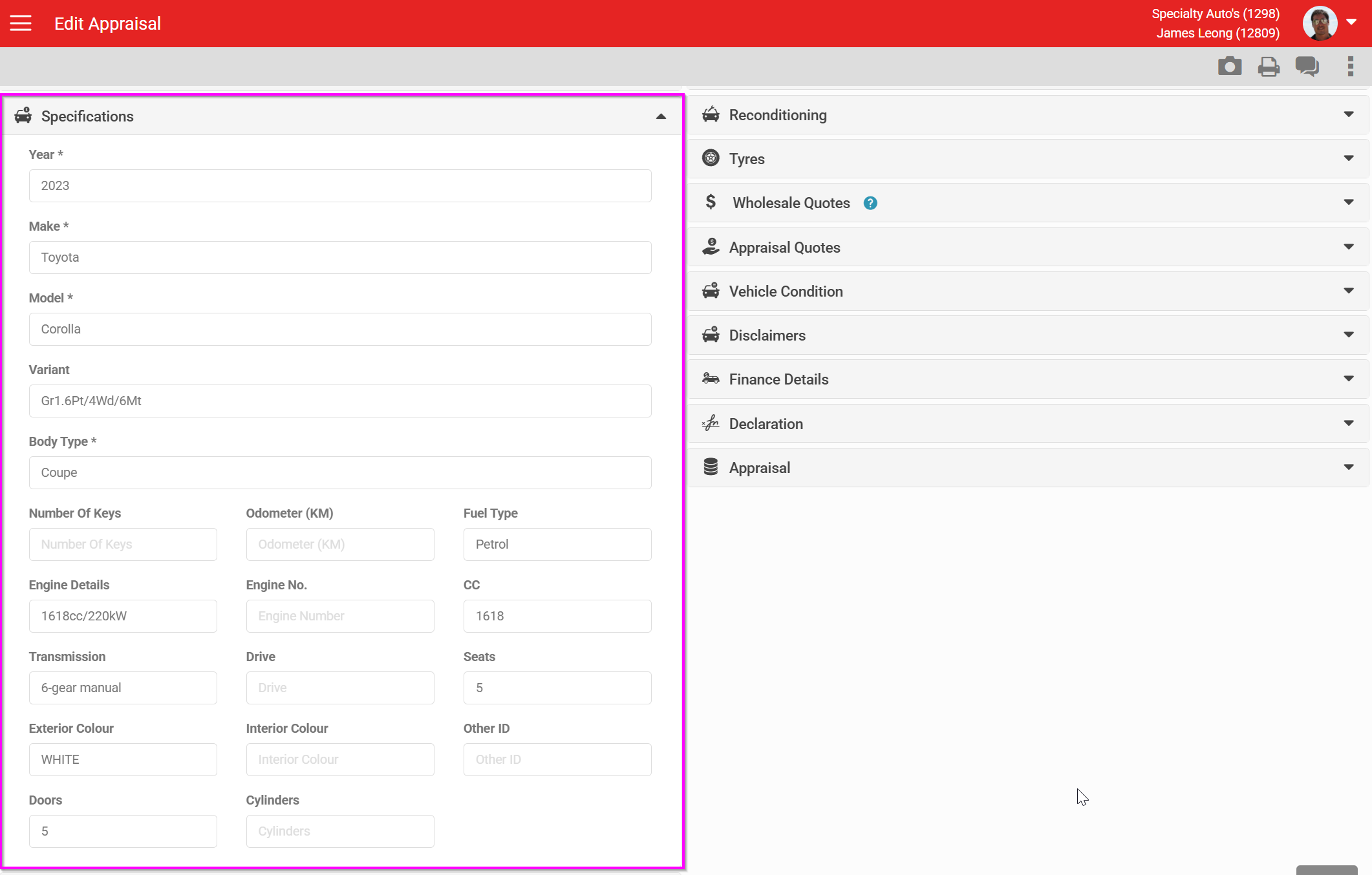
Specifications
Specifications update automatically wherever one of the lookup services above can supply them.
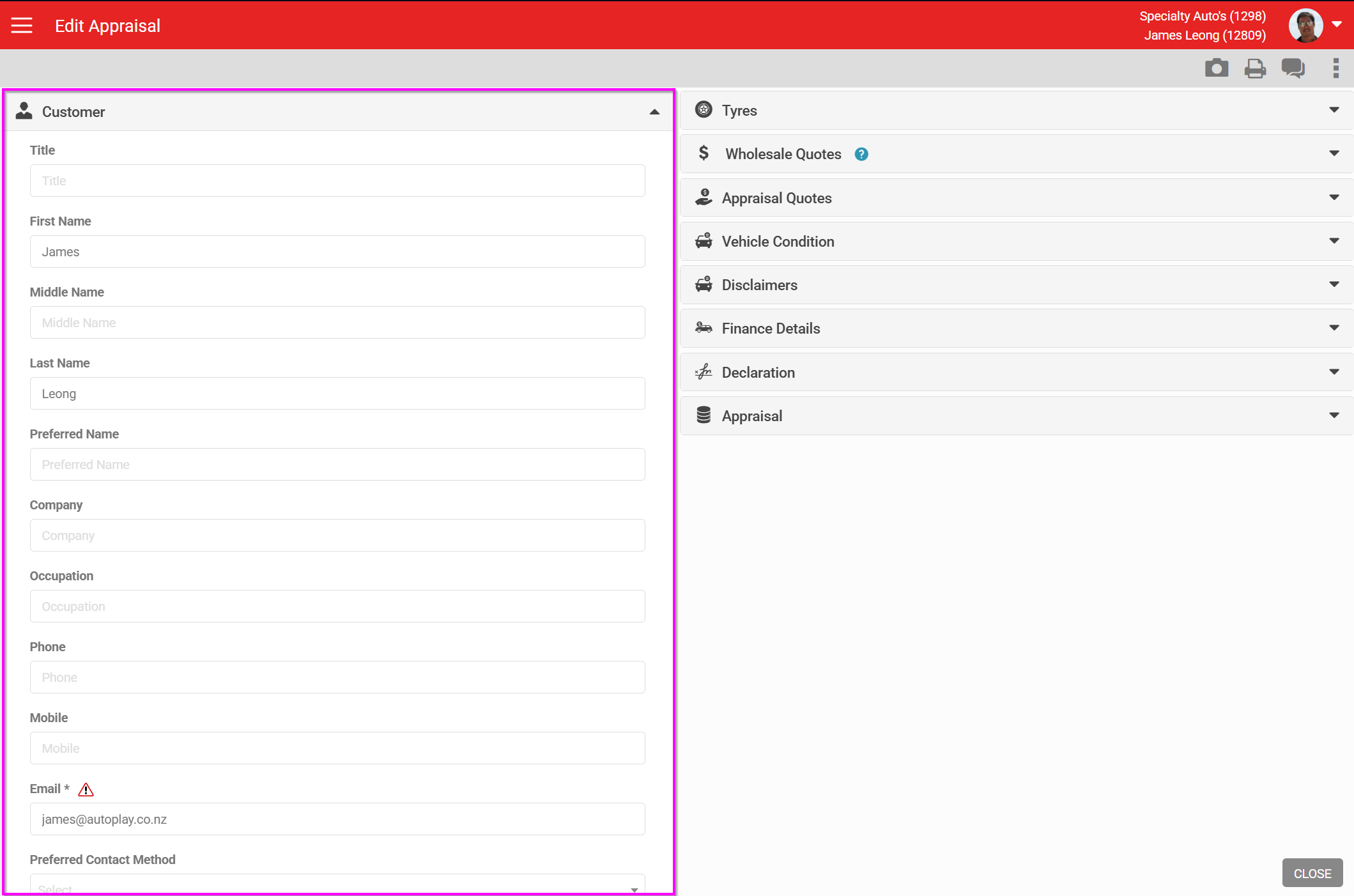
Customer
This section pulls the contact details directly from the Lead Detail screen. Any changes you make here update the contact record itself, so they flow through to every other lead and form connected to that contact.
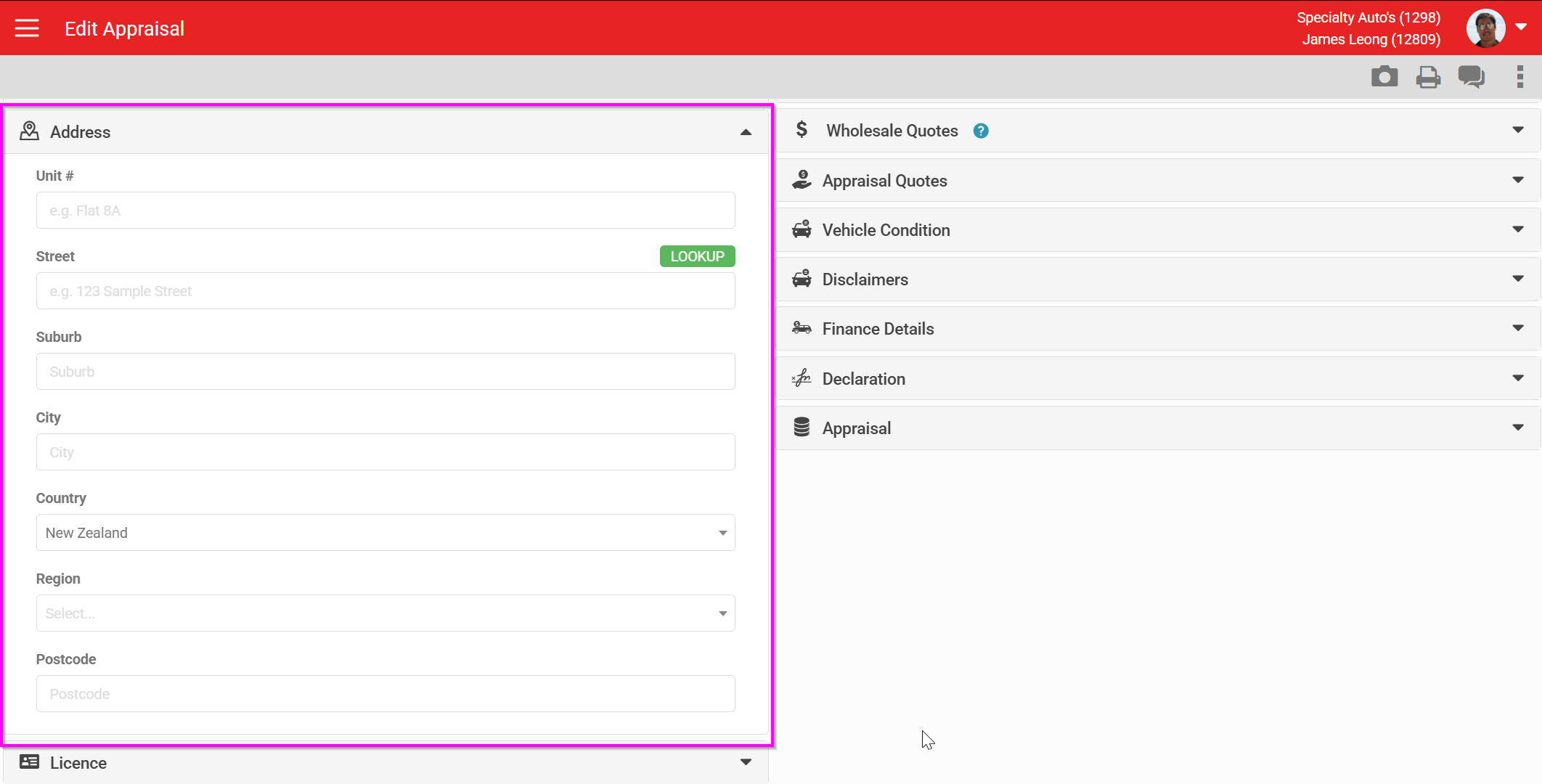
Address
The address is also taken from the contact record directly.
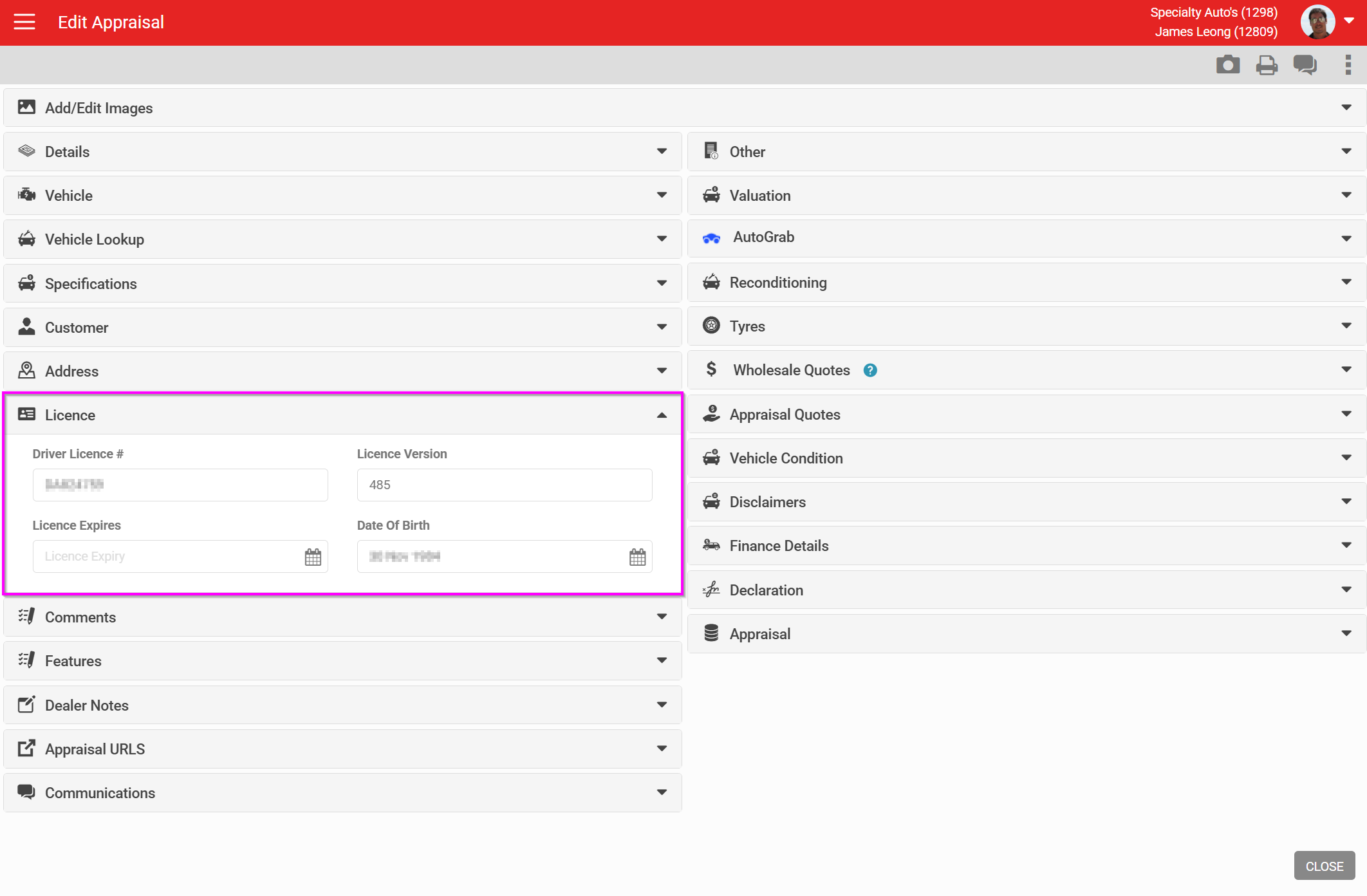
Licence
This is the driving licence detail for the contact.
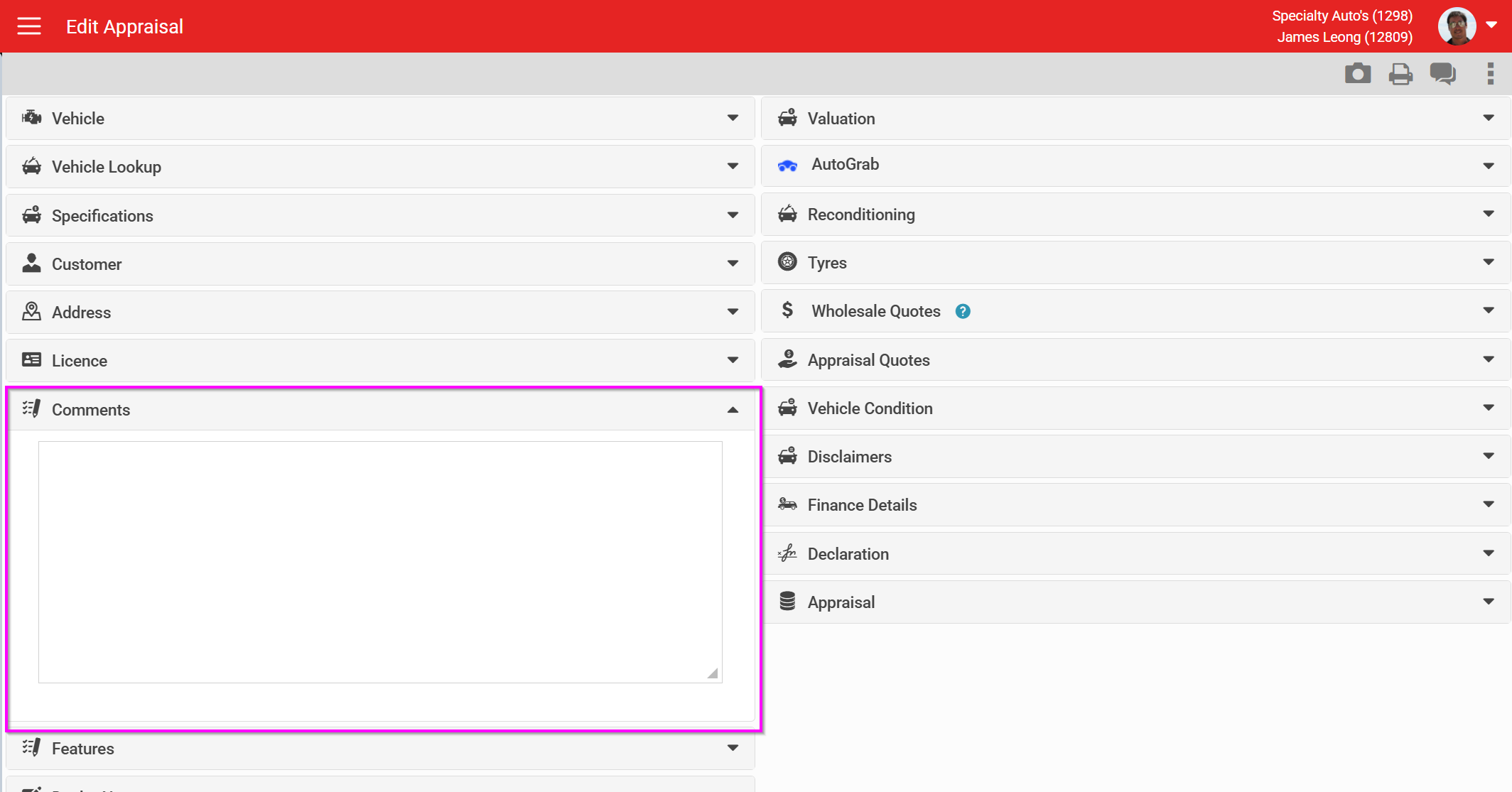
Comments
A free-text notes field for the appraisal.
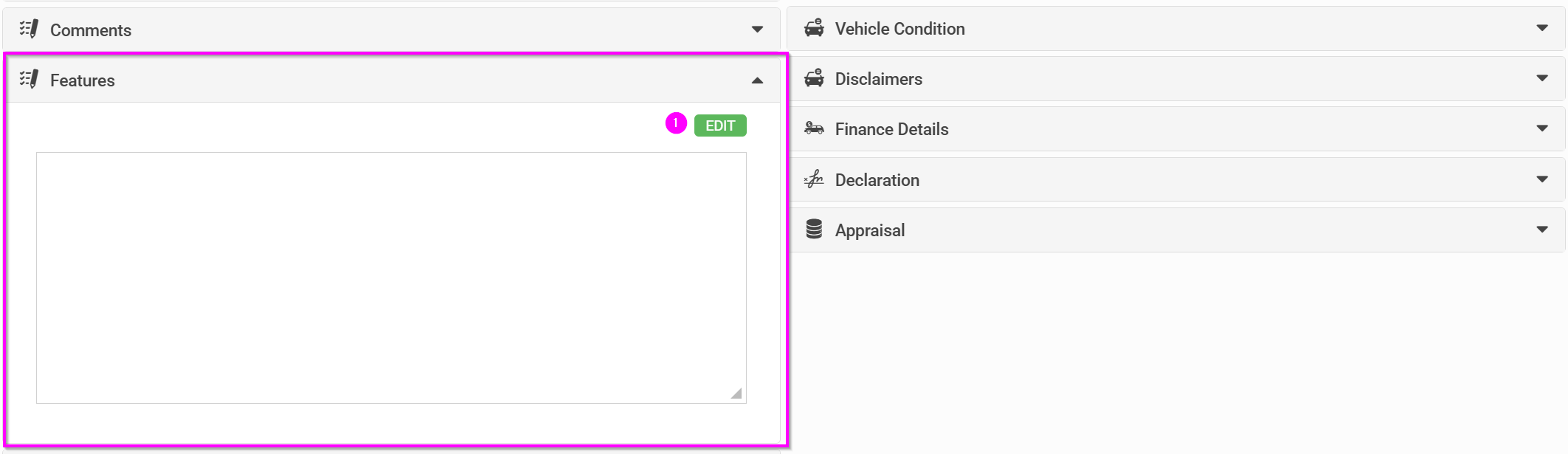
Features
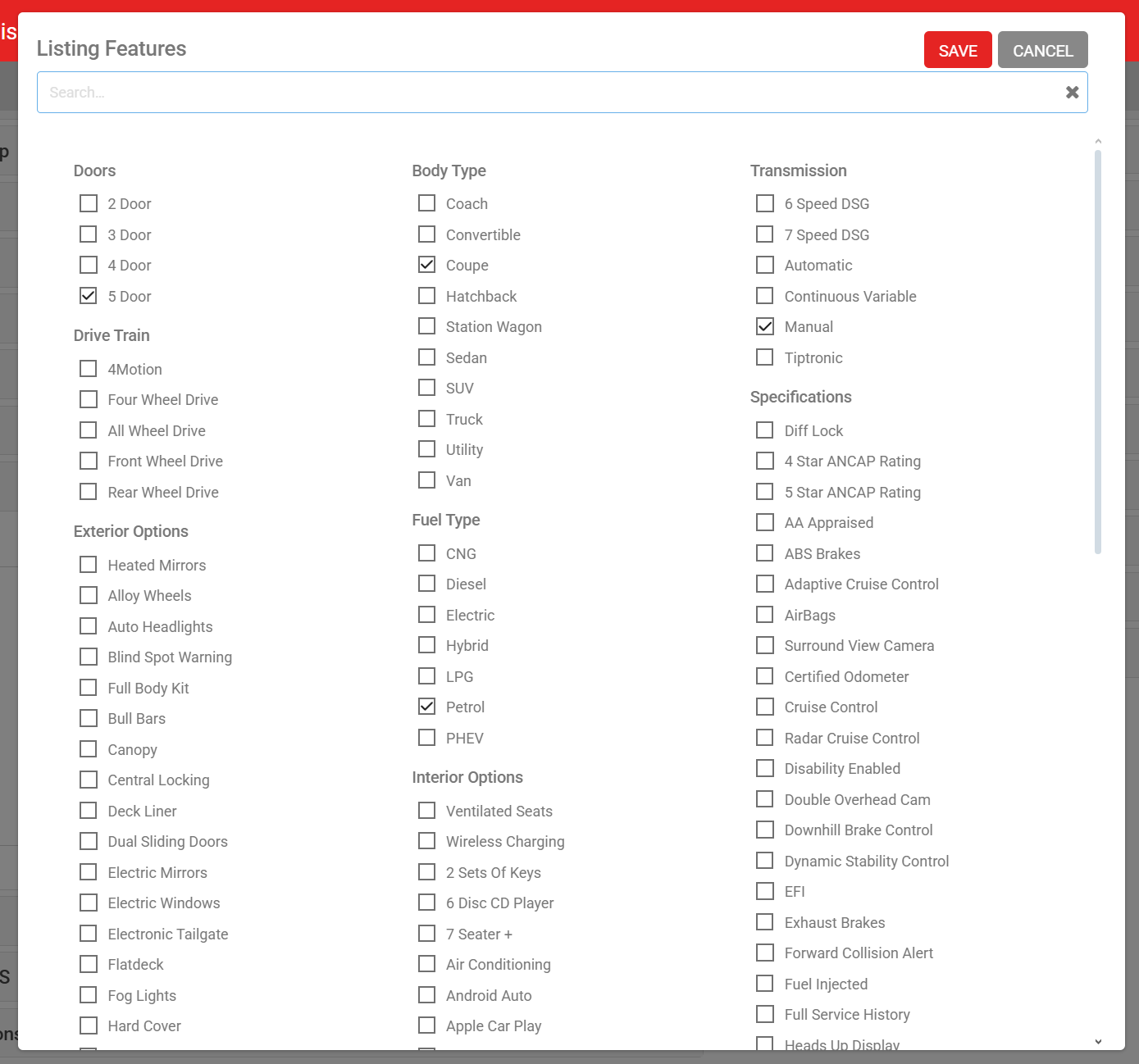
Click Edit to open a tick-box selection of the default features list.
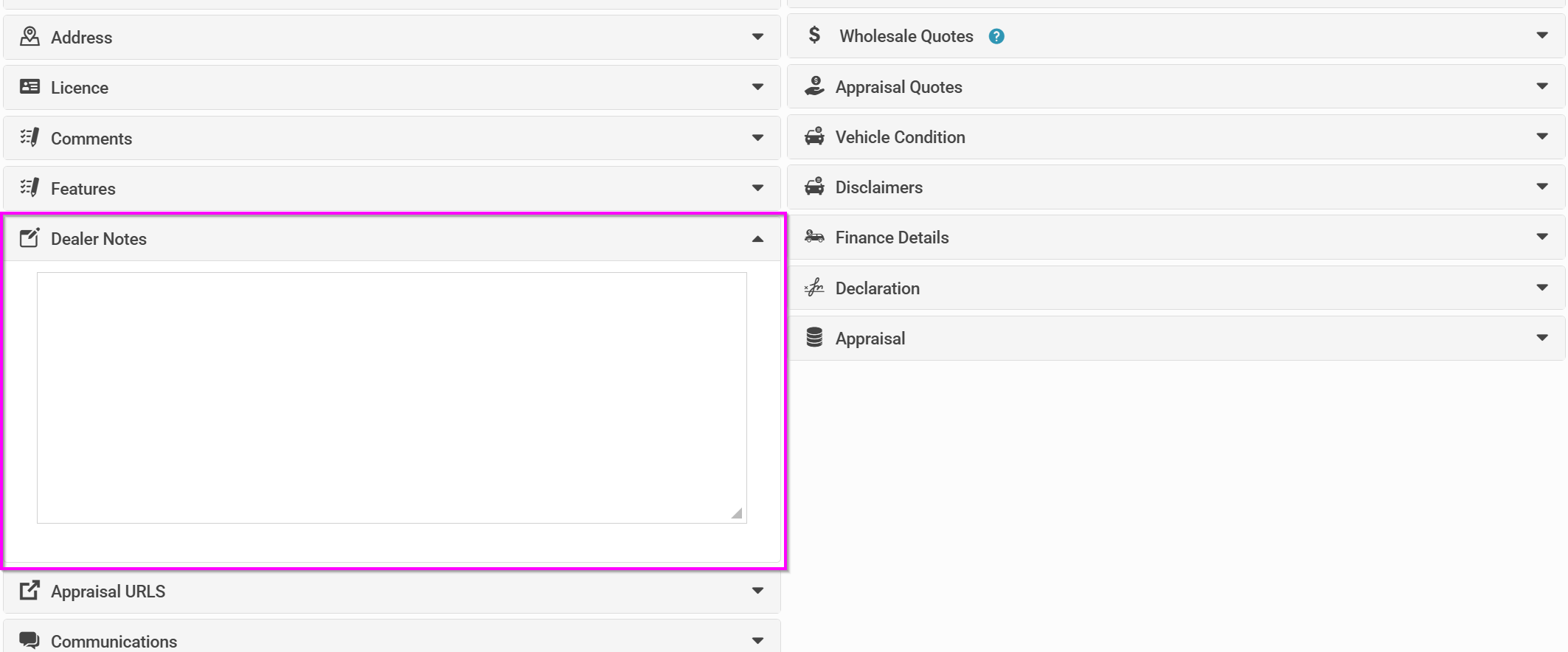
Dealer notes
Use this section for comments on the Appraisal Form that are for internal use only. Note that this section is shown when a wholesaler quote is sent, but is not visible in external communications or exports.
Appraisal URLs
An Appraisal URL is typically ingested from a third-party system, but can also be added manually.
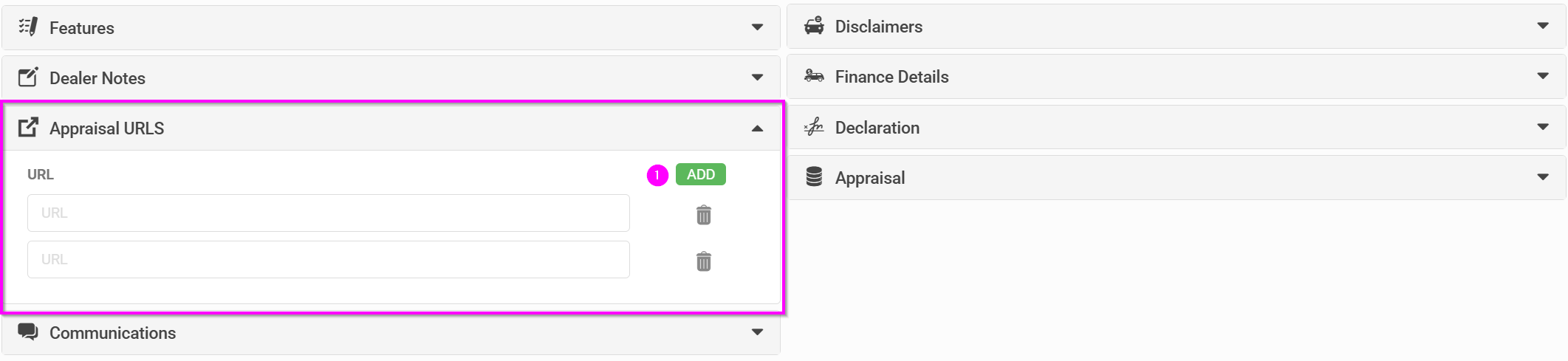
- Click Add to create a new URL row
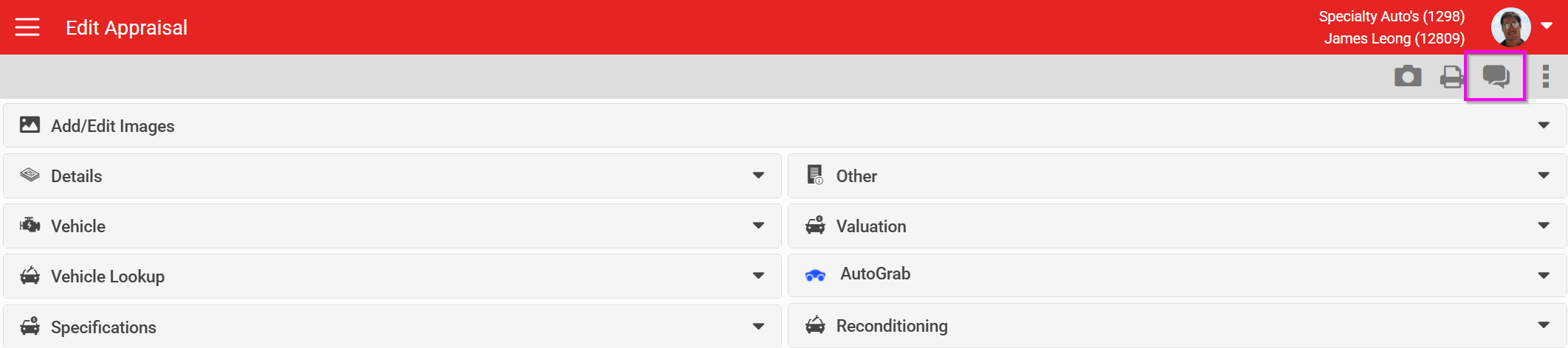
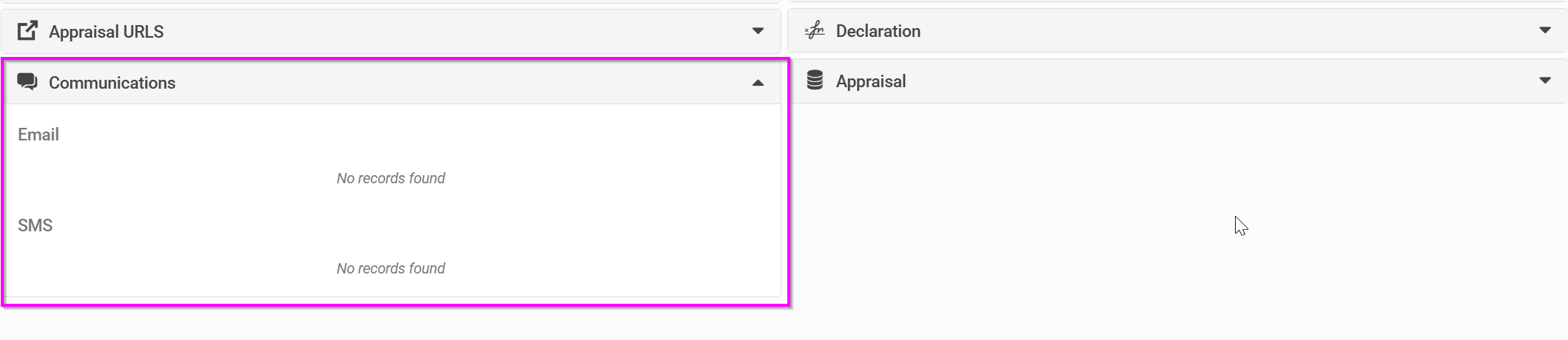
Communications
The standard set of communication options is shown here. Wholesaler and internal communications are not listed in this section, only communications sent to the contact.
Other
This section collects a few fields about the vehicle that lookup services don't usually return. Some carry extra functionality, highlighted below.
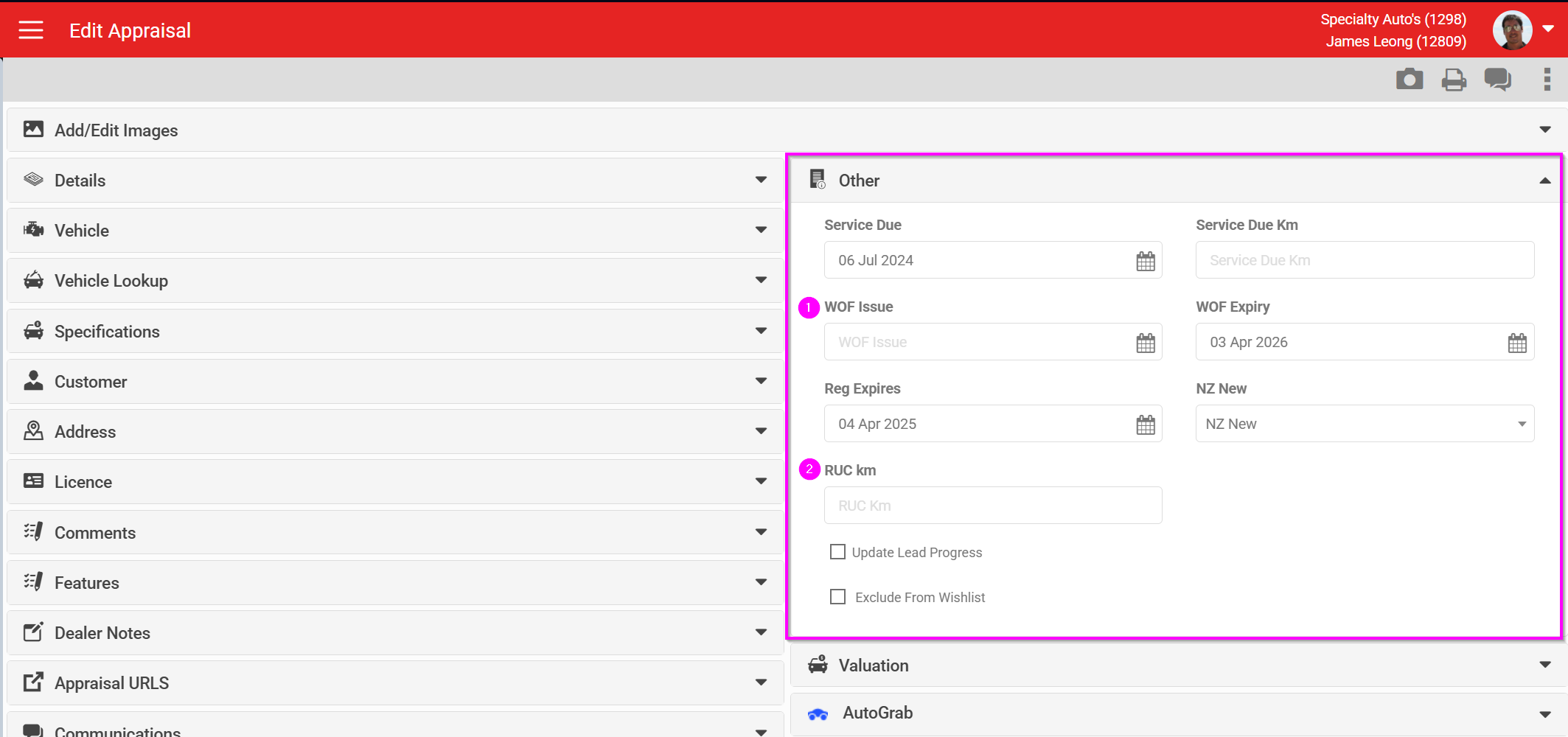
- WOF issue date. A warning threshold (in days) can be set by an AutoPlay Support user, so the form warns you if the WOF was issued outside that date range. Many dealerships make a recent WOF mandatory before trading a vehicle in.
This threshold is set as a role attribute on the Vehicle Appraisal role (AutoPlay staff only).

RUC km works the same way: a threshold check can warn when RUC is due within a set number of kilometres. This can only be added by AutoPlay Support.

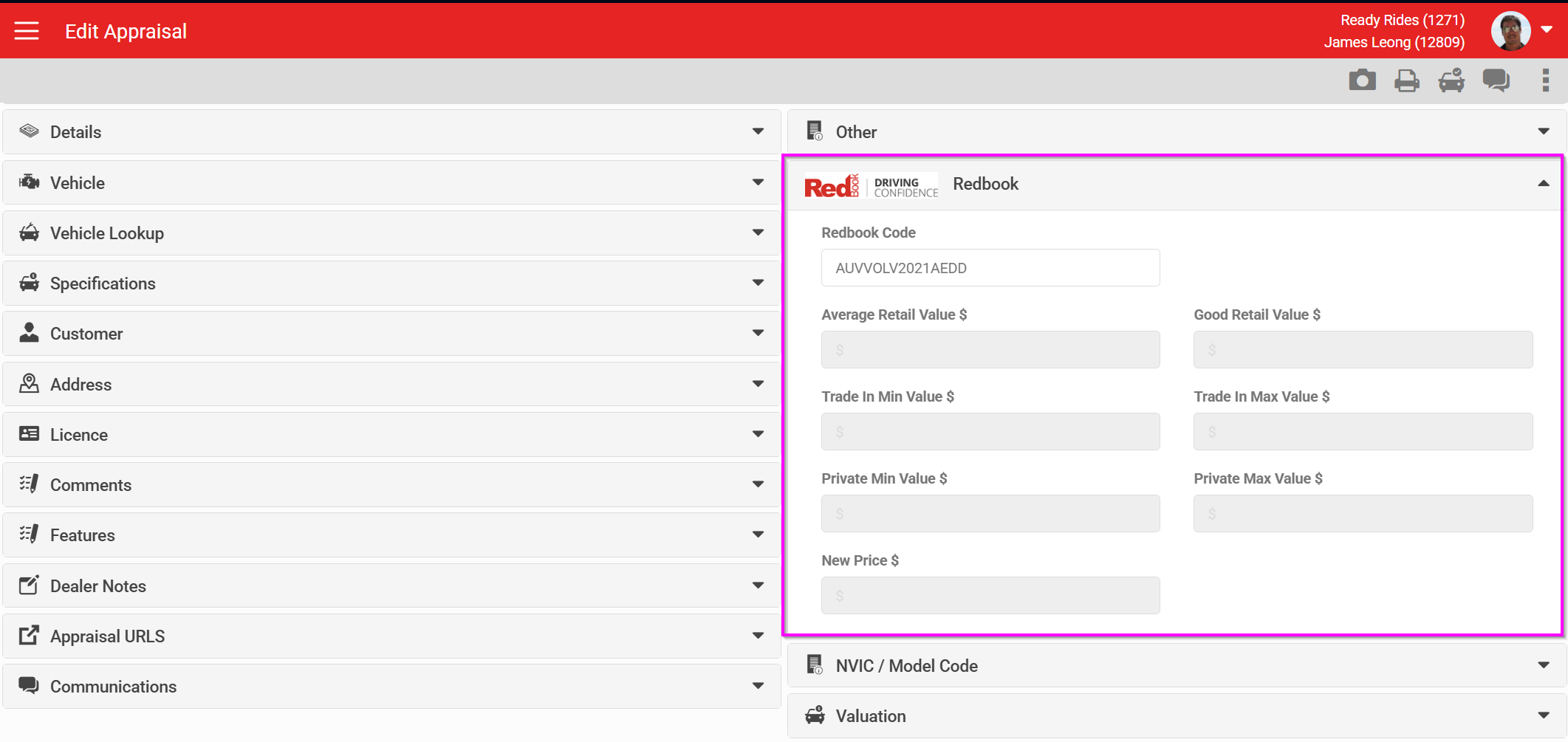
Redbook (AU only)
Australian dealerships with Redbook access have additional fields for Redbook valuations.
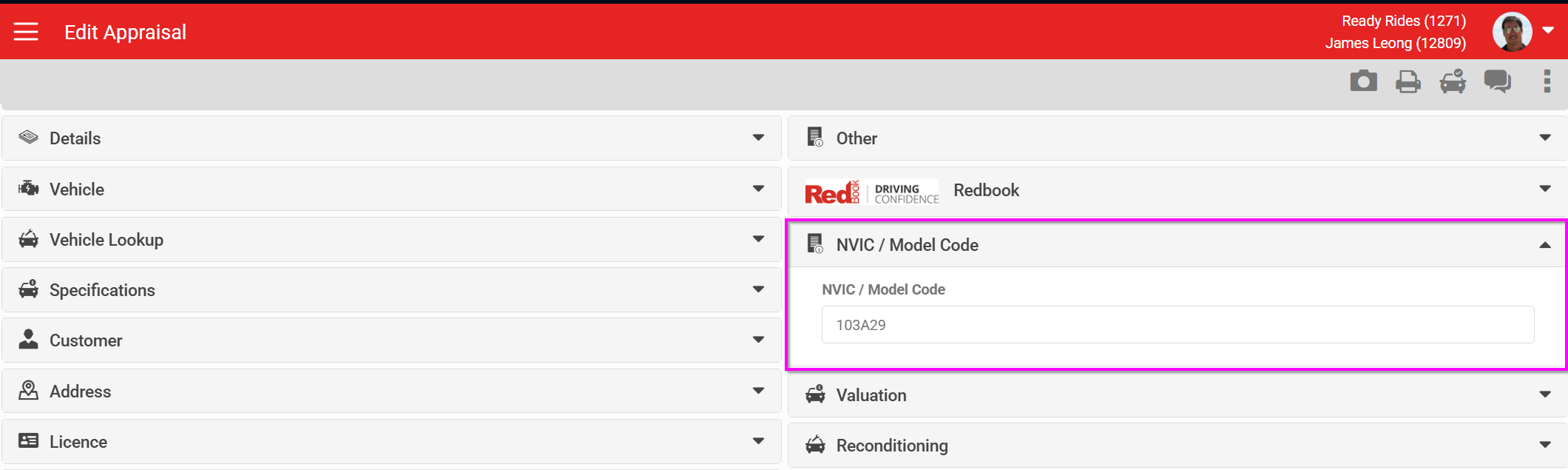
NVIC / model code (AU only)
Australian dealerships with Glass's access have a field to hold the NVIC code.
Valuation
This section puts a dollar value against the appraised vehicle. It starts from an initial offer, then subtracts any reconditioning items entered in the Reconditioning section and any money owing. Two configurable options apply here:
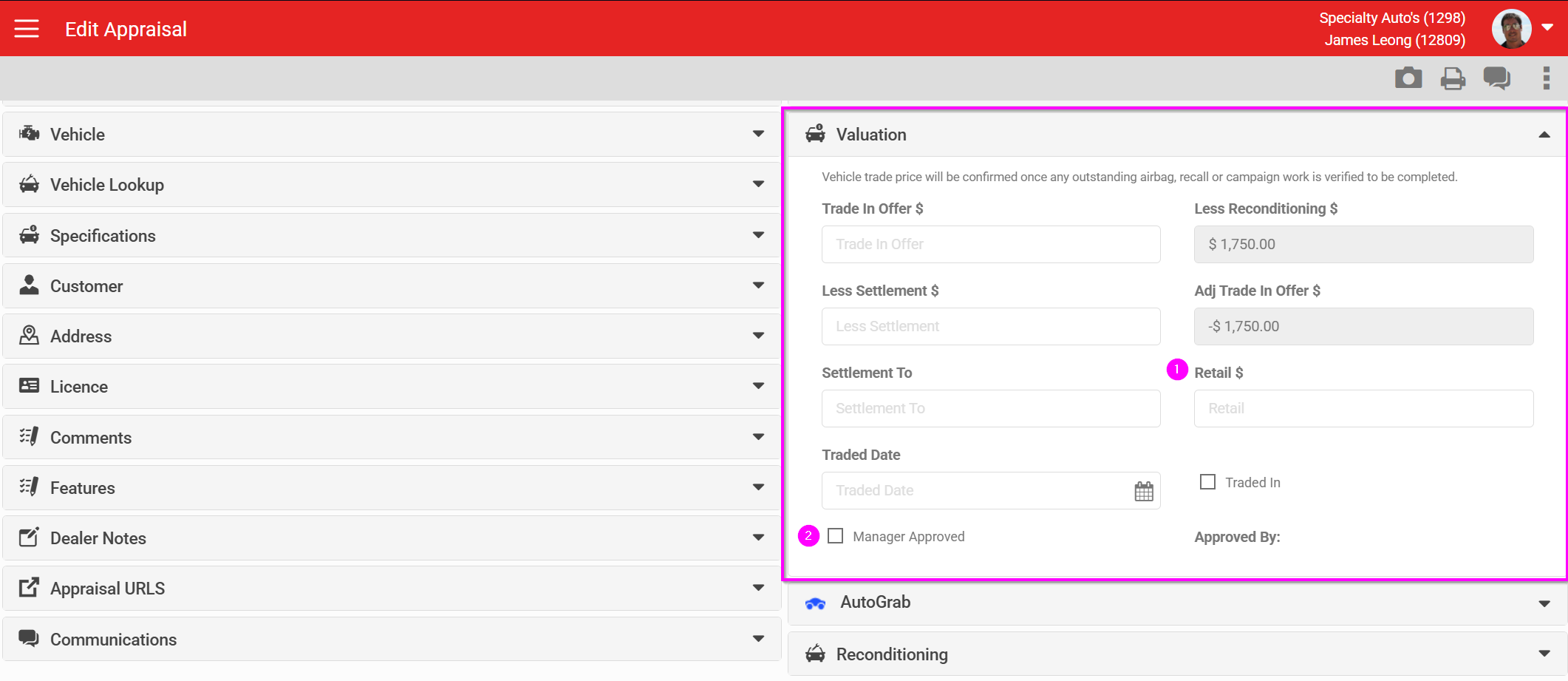
- Retail: a role attribute on the Vehicle Appraisal role can force wishlist price matching to check the Retail field first, falling back to the adjusted trade-in value if Retail is empty.
- Manager approval: the separate Vehicle Appraisal Manager Approval role can restrict which fields a salesperson can enter values into, and can notify specified managers when a new appraisal is created. This can also be set so that only approved appraisals may be added to Write Up Forms. Read more about this role here.
AutoGrab
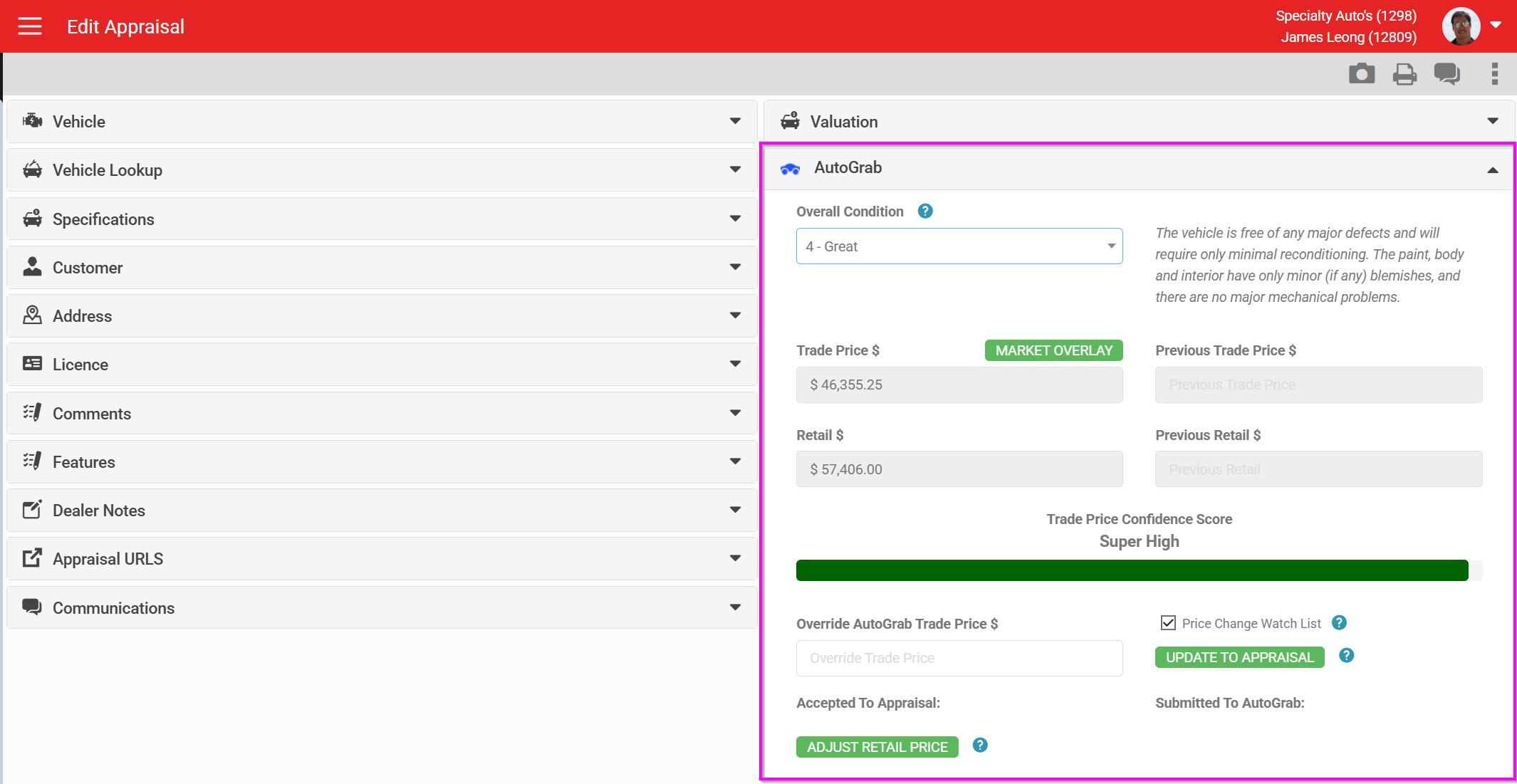
An optional module for AutoGrab valuations, added at account level. Read more about AutoGrab here.
Reconditioning
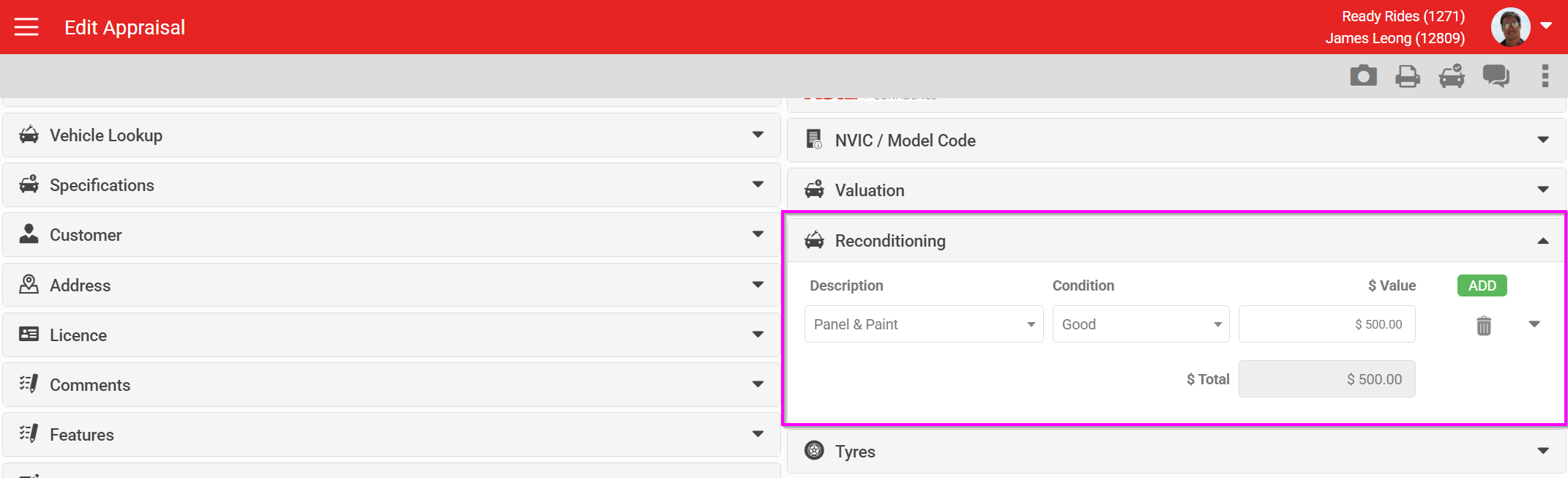
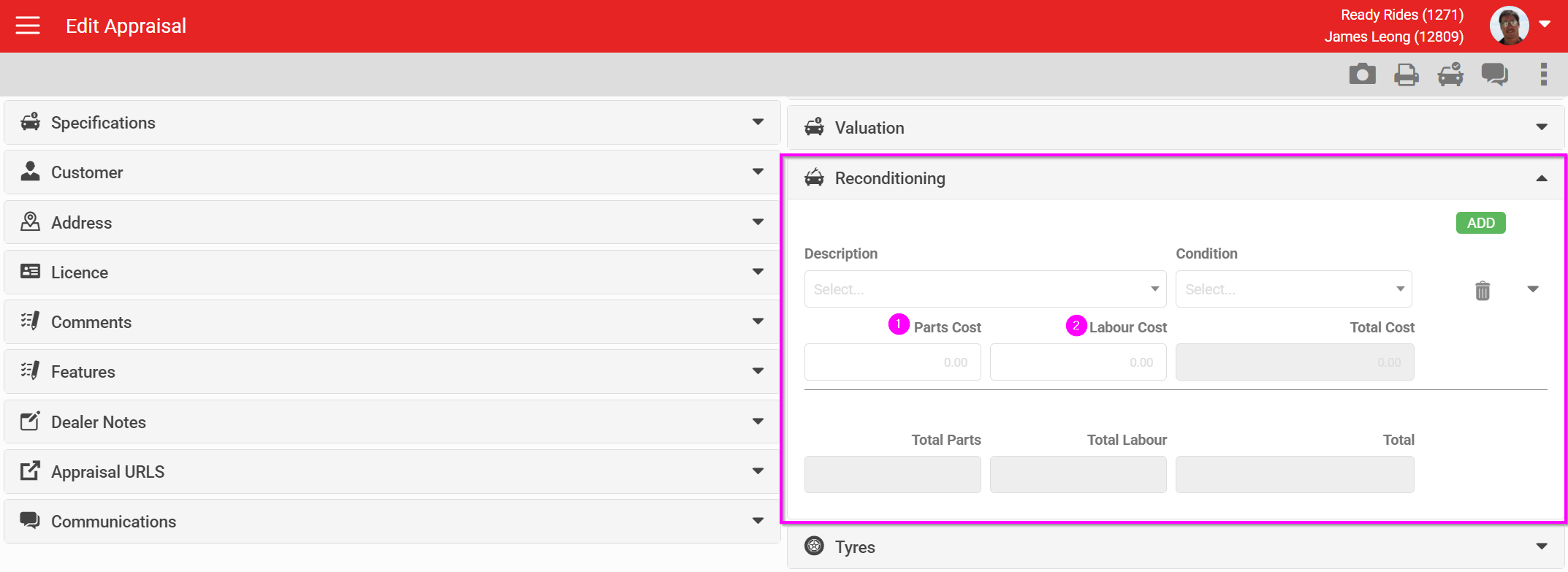
The Reconditioning section is highly configurable in both appearance and behaviour. Item values are summarised into a single reconditioning total, which feeds into the Valuation section to calculate the adjusted trade-in offer. Reconditioning items can carry default values so they are costed consistently every time.
Default view
A simple click-to-add view for a new reconditioning item and value.
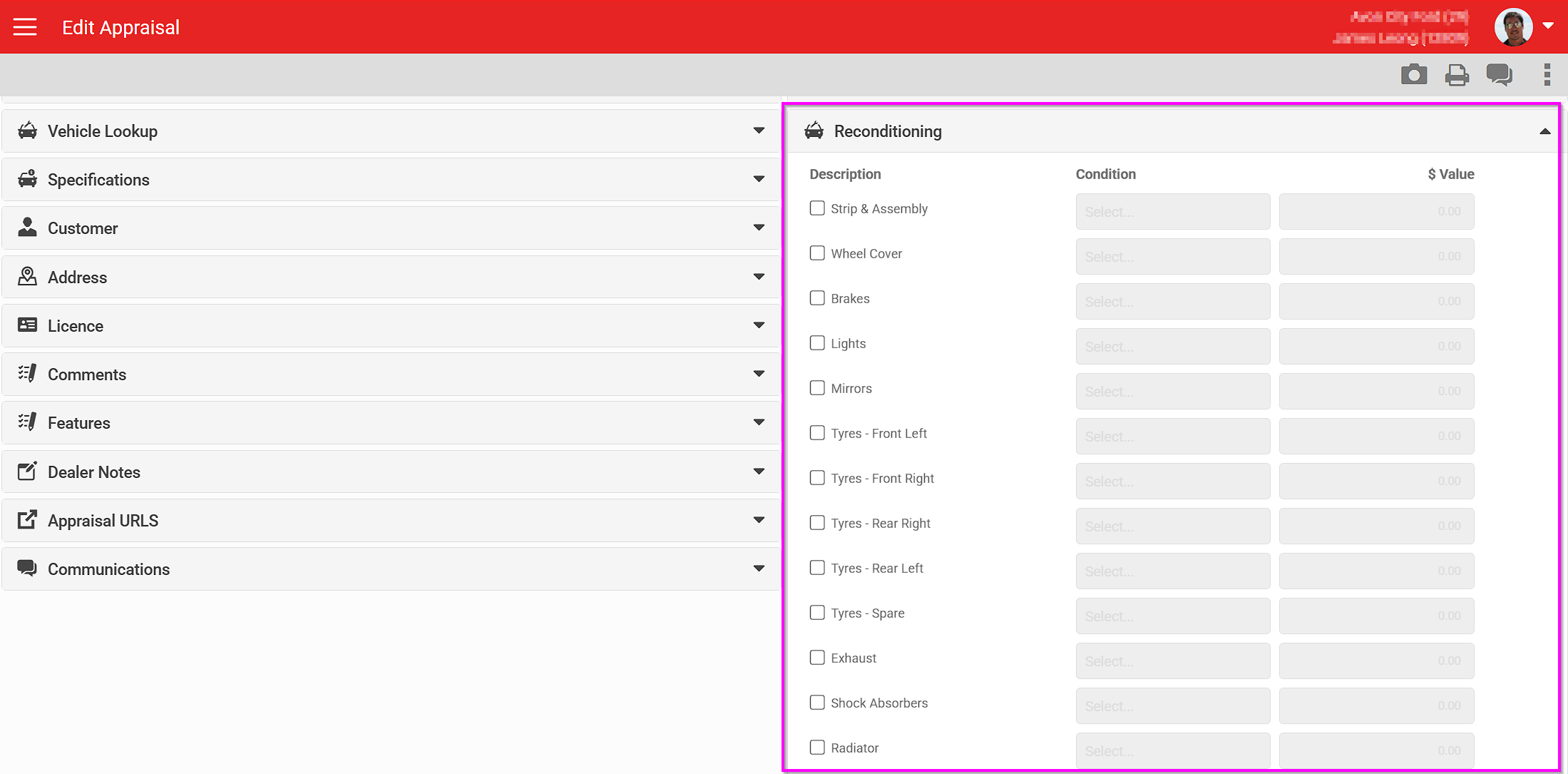
List view
Shows a specified, configurable set of reconditioning items by default, so every user checks the same items each time.
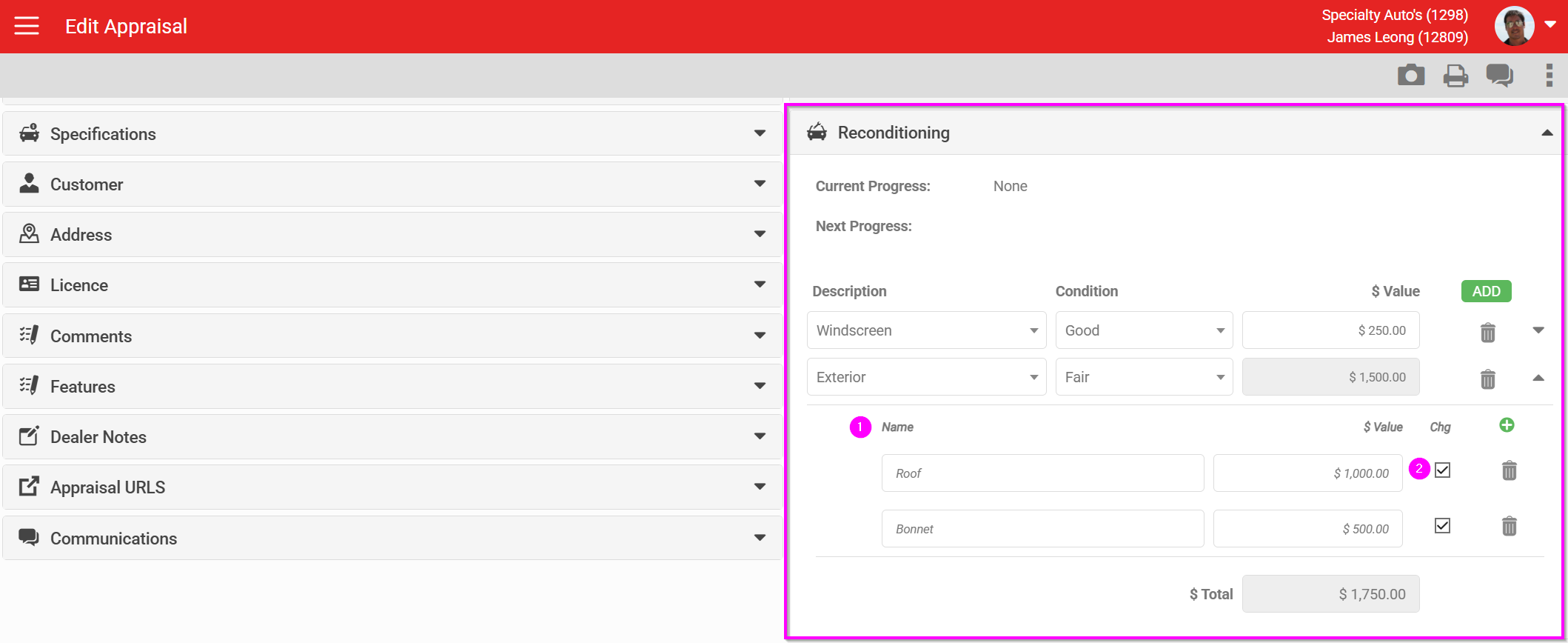
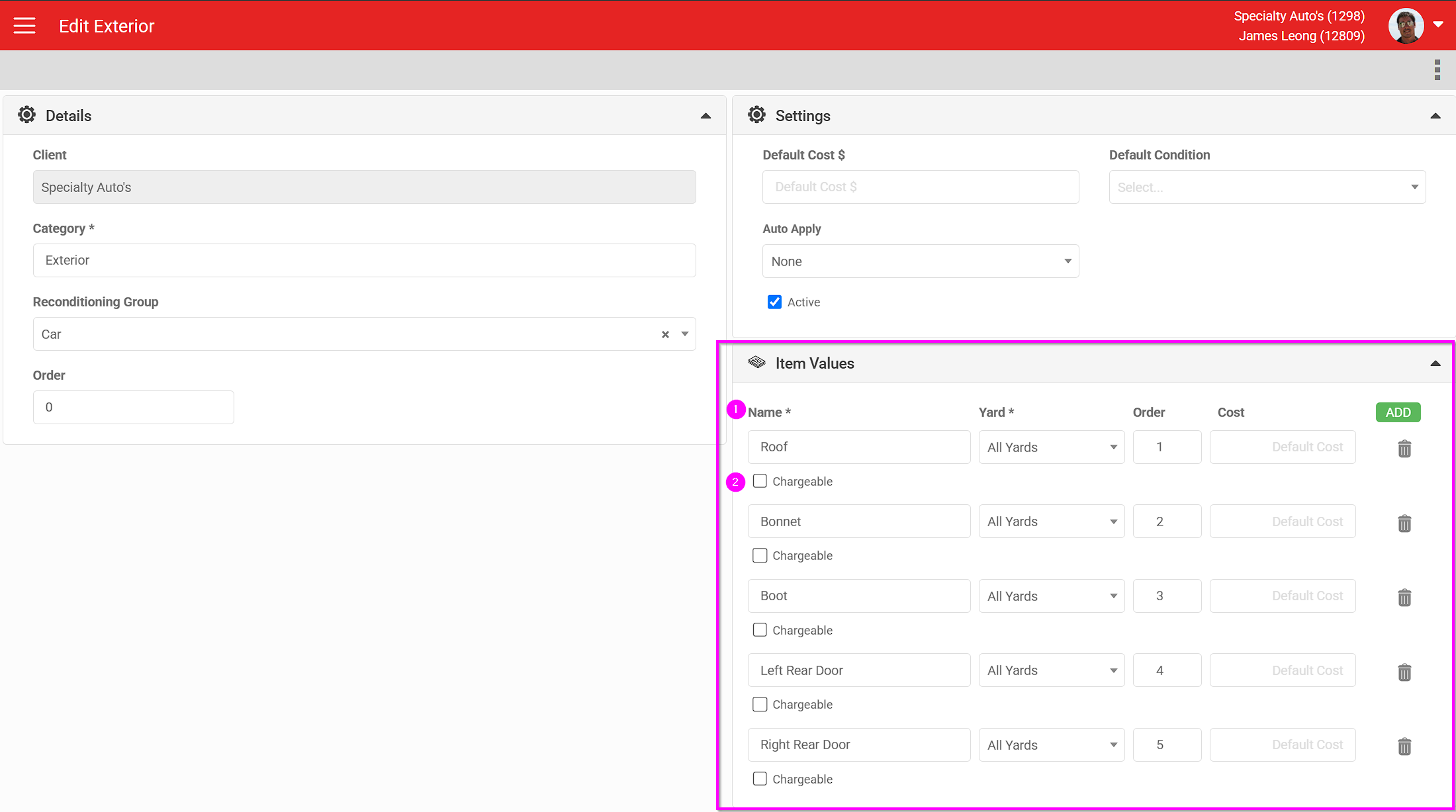
Reconditioning item options
Reconditioning items can be further customised. A dealer can create their own items and sub-items, including a "Chargeable" flag. If Chargeable is not ticked, the item records that reconditioning work is needed, but its cost is not added to the appraisal value or the reconditioning total.
Labour can also be itemised individually, controlled by a role attribute on the Vehicle Appraisal role (AutoPlay staff only).
Vehicle Appraisal Reconditioning Approval
Similar to Manager Approval above, this extends approval specifically to reconditioning costs. With this role enabled, a salesperson can send an appraisal to reconditioning team members. This adds a reconditioning progress step and new fields for actual amounts, turning the original salesperson figures into estimates. Reconditioning team members can then send the appraisal on to a Reconditioning Manager for approval.
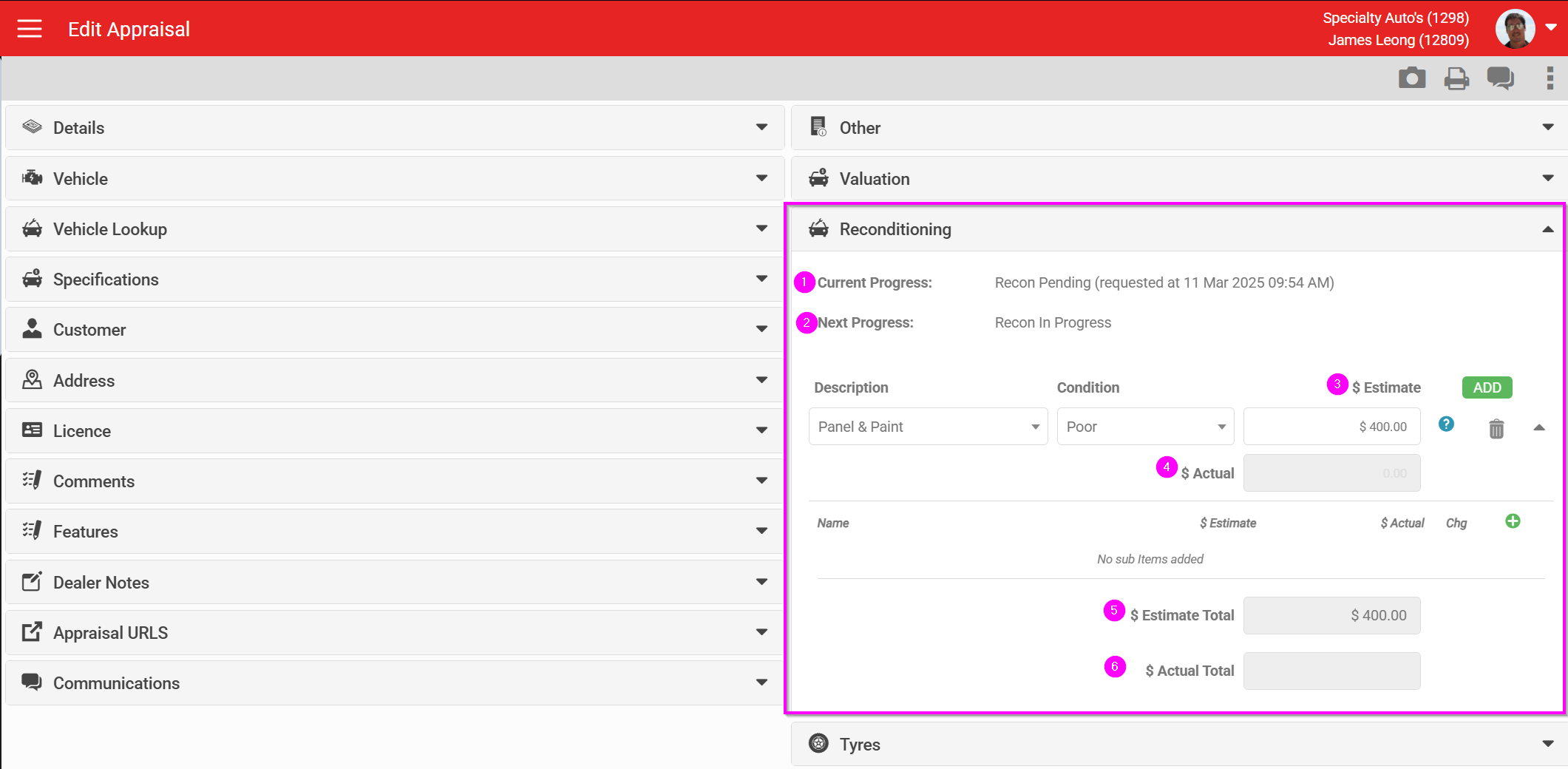
- Current reconditioning progress step
- The next reconditioning progress step
- The salesperson's original entered value becomes an estimate
- Reconditioning team members can enter an actual amount
- The salesperson's original reconditioning item totals
- The reconditioning team's actual totals
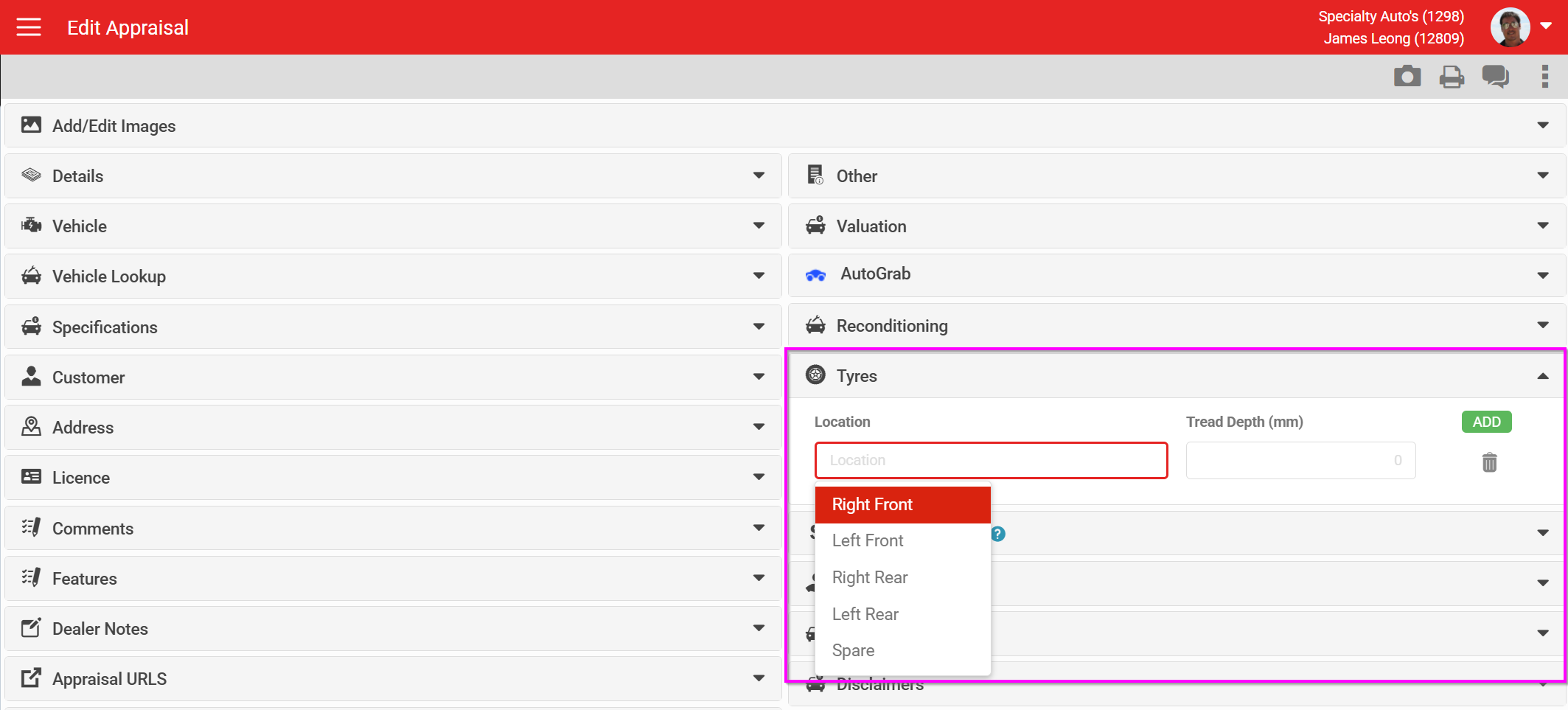
Tyres
Tyre items can be added individually, or set to display in full by default.
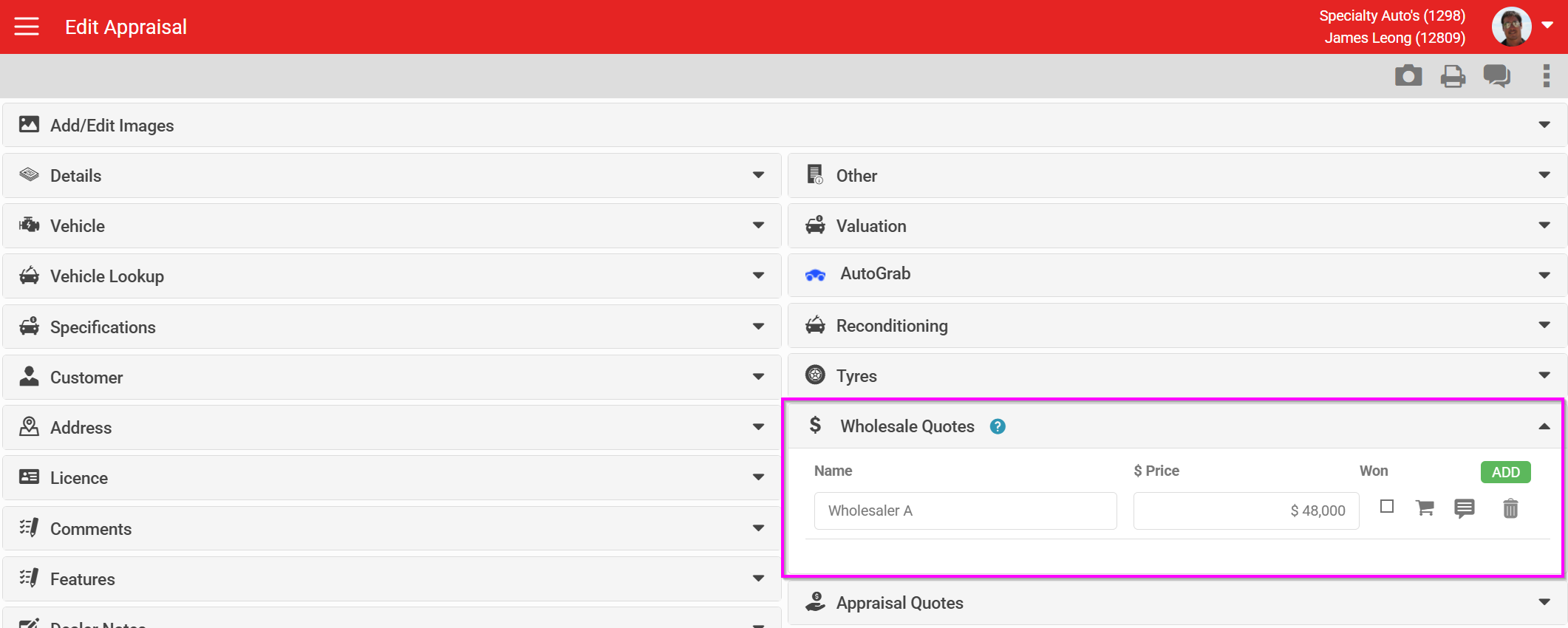
Wholesale Quotes
This whole section is an optional module added at account level. It has various visibility settings and lets a dealership email or SMS a link to their wholesalers, who can submit a value straight back into the appraisal. Read more in How To Add Wholesale Quotes To Your Appraisal Form.
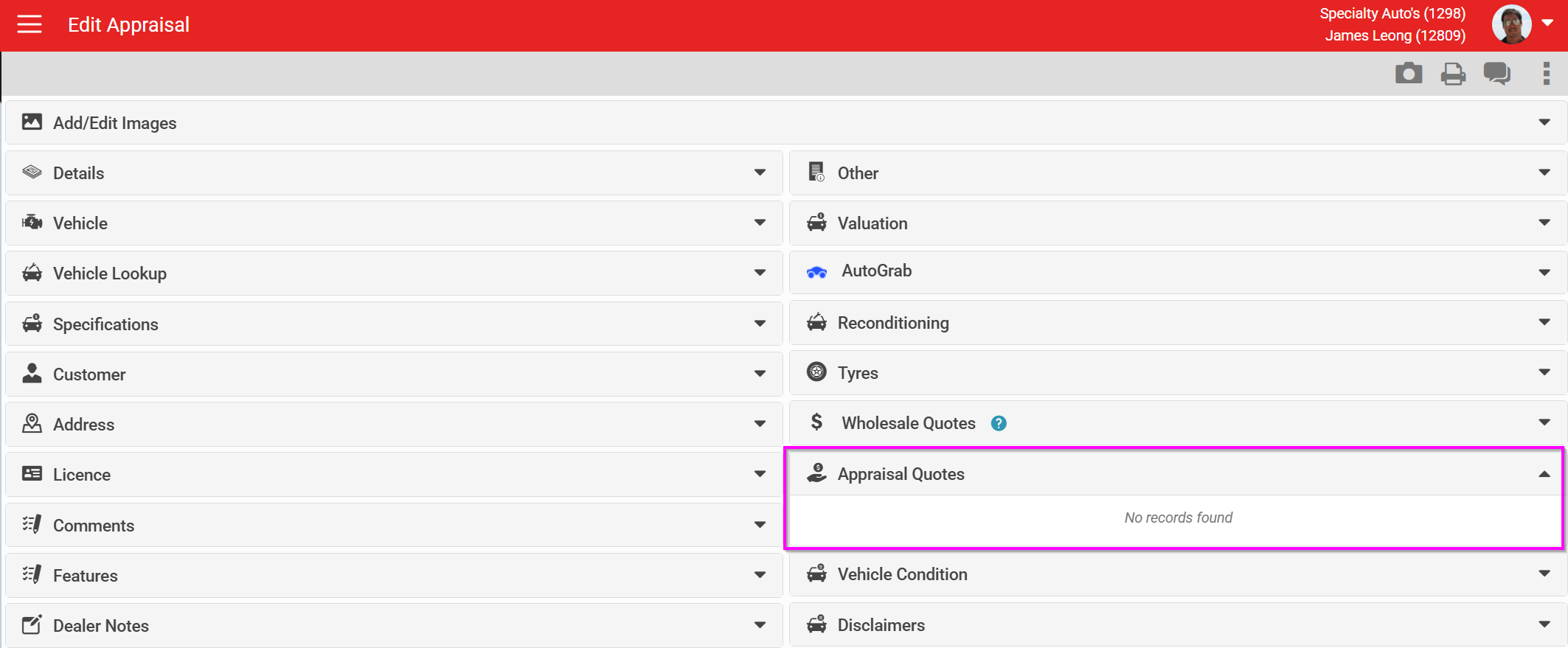
Appraisal Quotes
Coming soon: the ability to send the customer a quote to purchase their own appraised vehicle back from them.
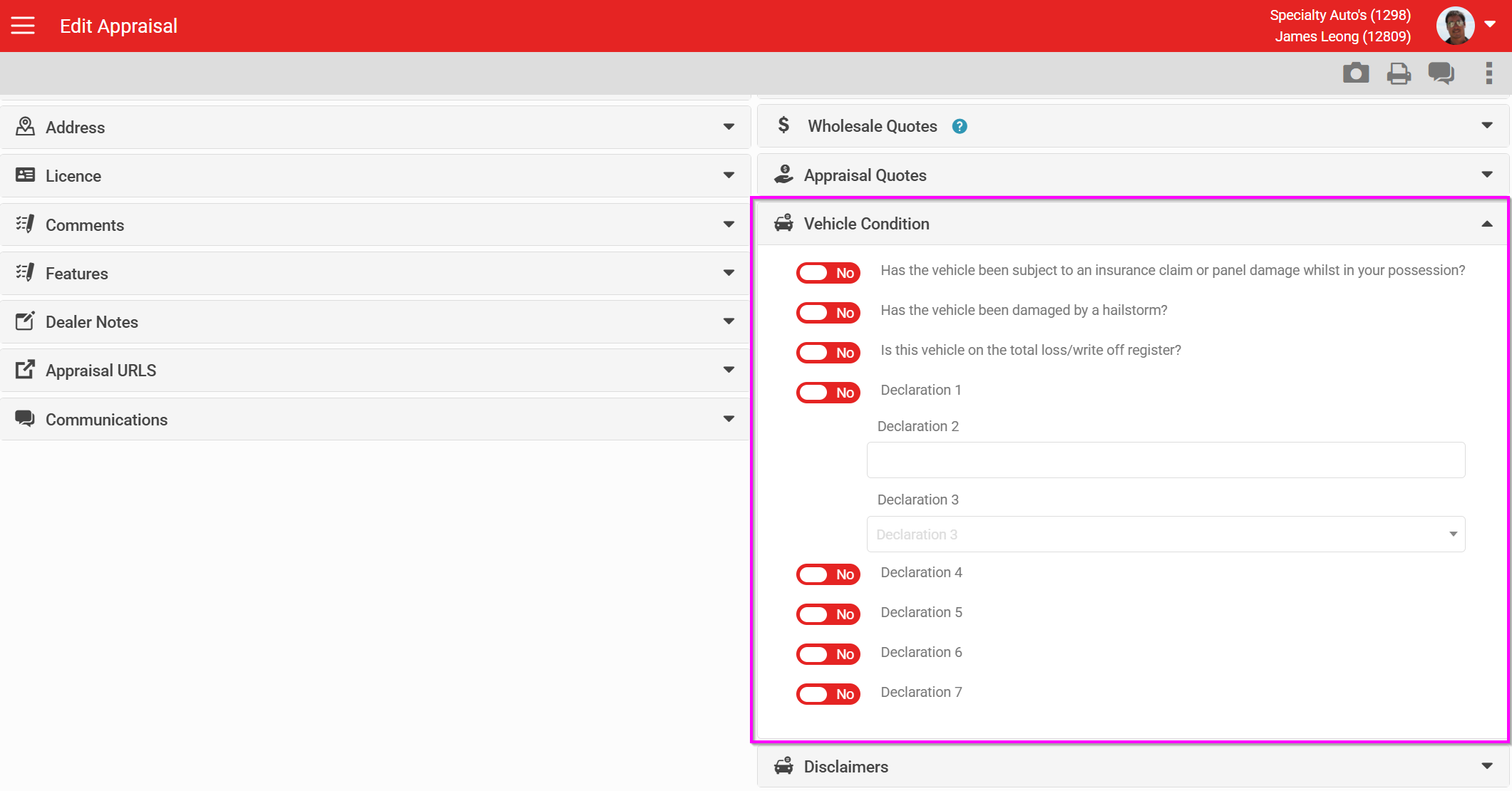
Vehicle Condition
This section hosts custom Appraisal Declarations. These can be configured at dealership or dealer group level to collect custom data sets or record custom acknowledgements.
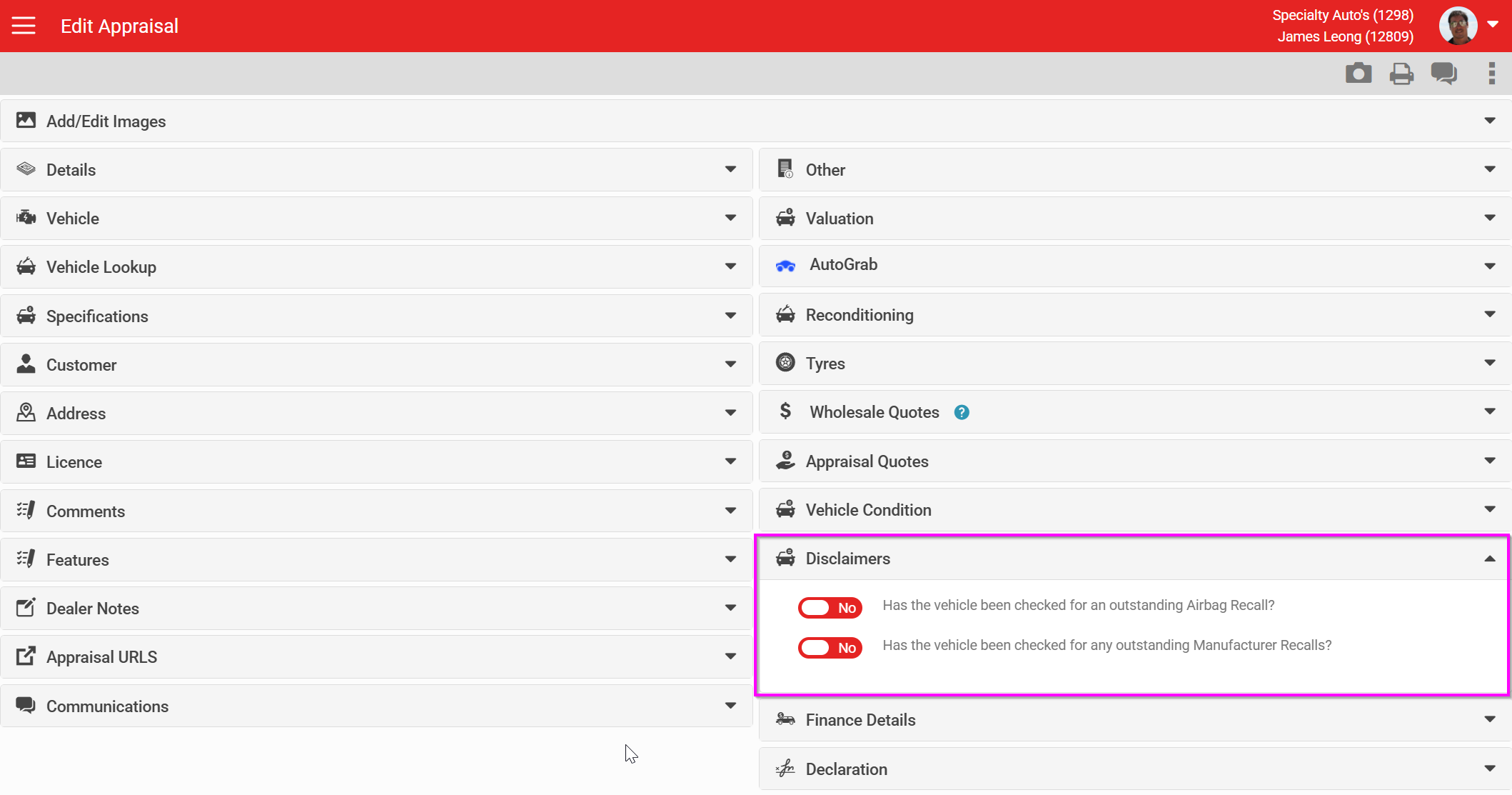
Disclaimer
Two options here force users to acknowledge industry-wide disclosure questions.
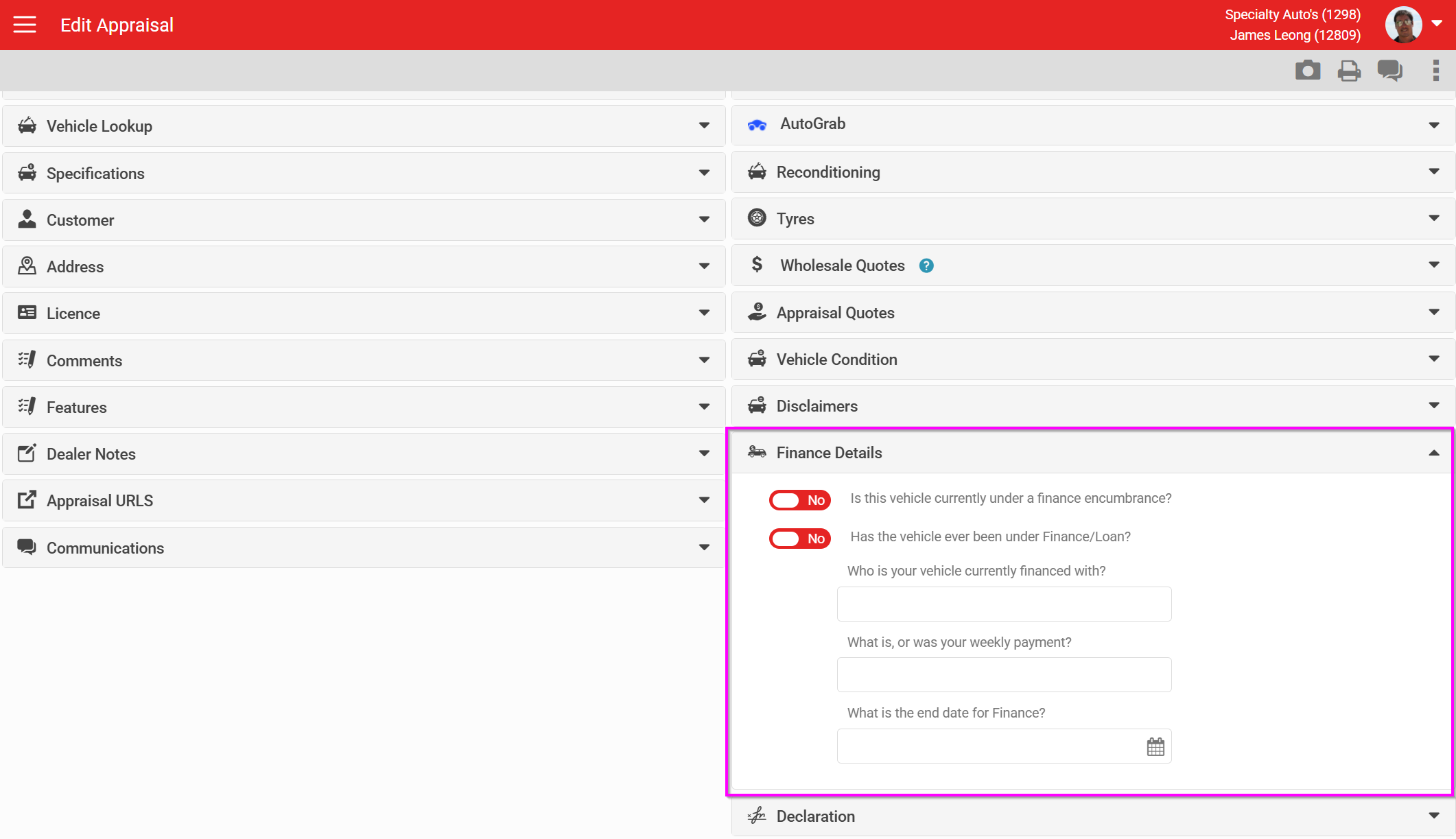
Finance details
Basic finance information that can be collected about the appraised vehicle.
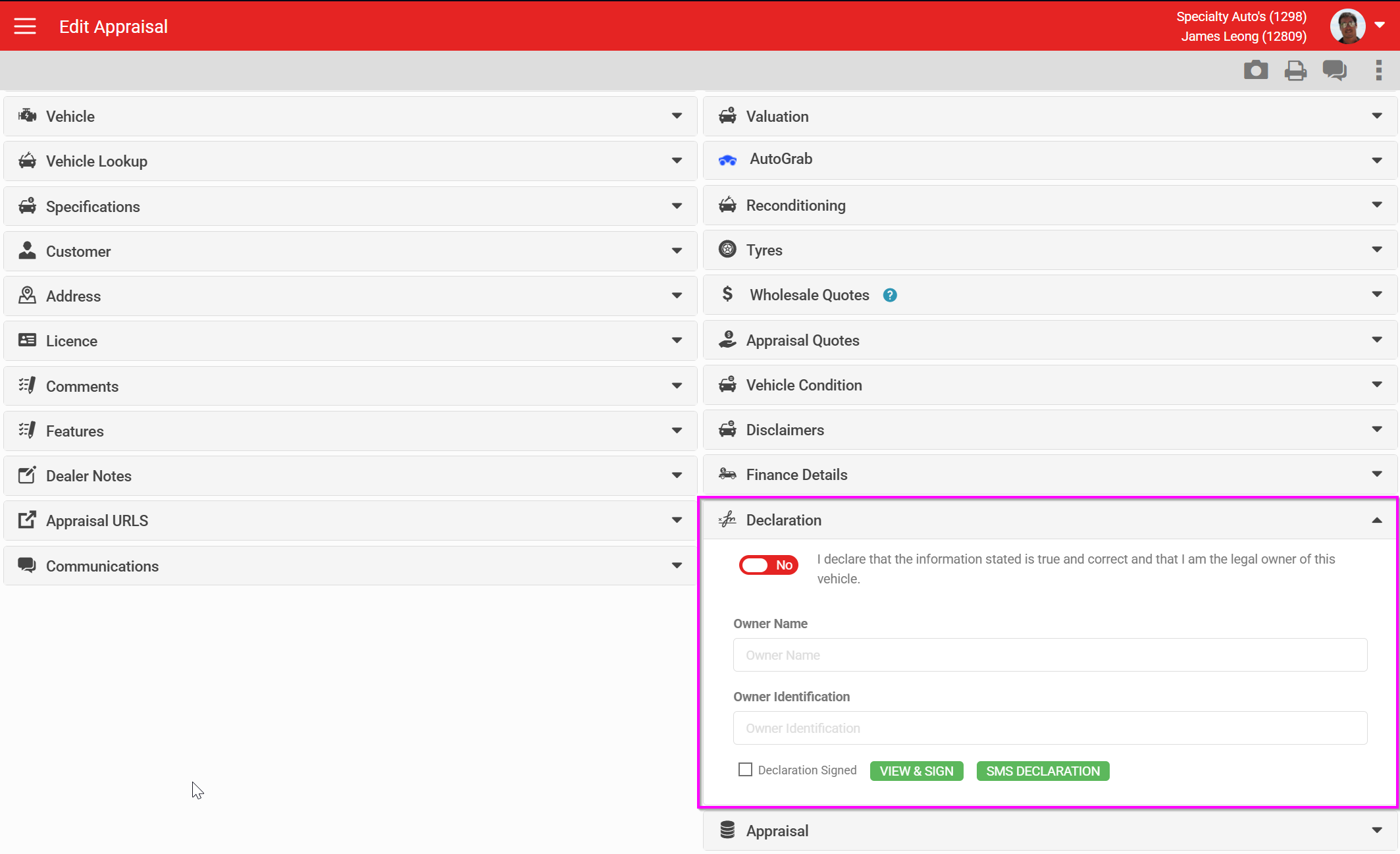
Declaration
This section holds the customer declarations and lets the customer sign the appraisal's terms and conditions.
Integrations
The Appraisal Form connects to several external systems:
- Auction Online (NZ only) - a third-party wholesale site. Appraisals can be sent individually from the record to populate the Auction Online website.
- Revolution DMS Appraisal Export - sends appraisals into Revolution DMS. Charges apply.
- Titan DMS Appraisal Export - exports appraisals to Titan DMS on creation.
- Sales Logs - dealerships using Sales Logs can have their appraisals exported.
Fields and lookup options vary by account and by market. If something described here is missing from your Appraisal Form, contact AutoPlay Support to check whether it needs enabling.