
AutoPlay Rewards is a points-based incentive programme, built with Smart Loyalty, that lets a dealership or dealer group reward staff for the actions that drive sales. It is available to any dealership on the Sales Pipeline package.
What AutoPlay Rewards measures
Good lead management comes down to a mix of compliance and enforcement, but an incentive can work better than either. AutoPlay Rewards currently supports the following KPIs, with more in development:
- Test drives: for example, a salesperson earns a set number of points per test drive, accumulating through the month.
- Sales: for example, a salesperson earns a set number of points per lead marked as sold, accumulating through the month.
- Awaiting Action: for example, a salesperson earns points if they end the month with fewer than a set number of leads in Awaiting Action.
- Overdue and stalled leads (in development): a salesperson earns points if they end the month with fewer than a set number of overdue or stalled leads.
- Email response time (in development): a salesperson earns points if their average email response time is under a set threshold.
Focusing on the right actions drives results. For example, a dealership that focuses on test drives usually sees an increase in sales. AutoPlay Rewards lets a dealership or dealer group set KPIs to motivate their team accordingly.
Note
This article's source material describes AutoPlay Rewards as being in beta, with pricing still to be finalised. AutoPlay's own product records show a longer history of development and an active integration with Smart Loyalty, so treat the beta/pricing framing as unconfirmed and check current commercial terms with your Account Manager before quoting a customer.
This article's source material describes AutoPlay Rewards as being in beta, with pricing still to be finalised. AutoPlay's own product records show a longer history of development and an active integration with Smart Loyalty, so treat the beta/pricing framing as unconfirmed and check current commercial terms with your Account Manager before quoting a customer.
What's included
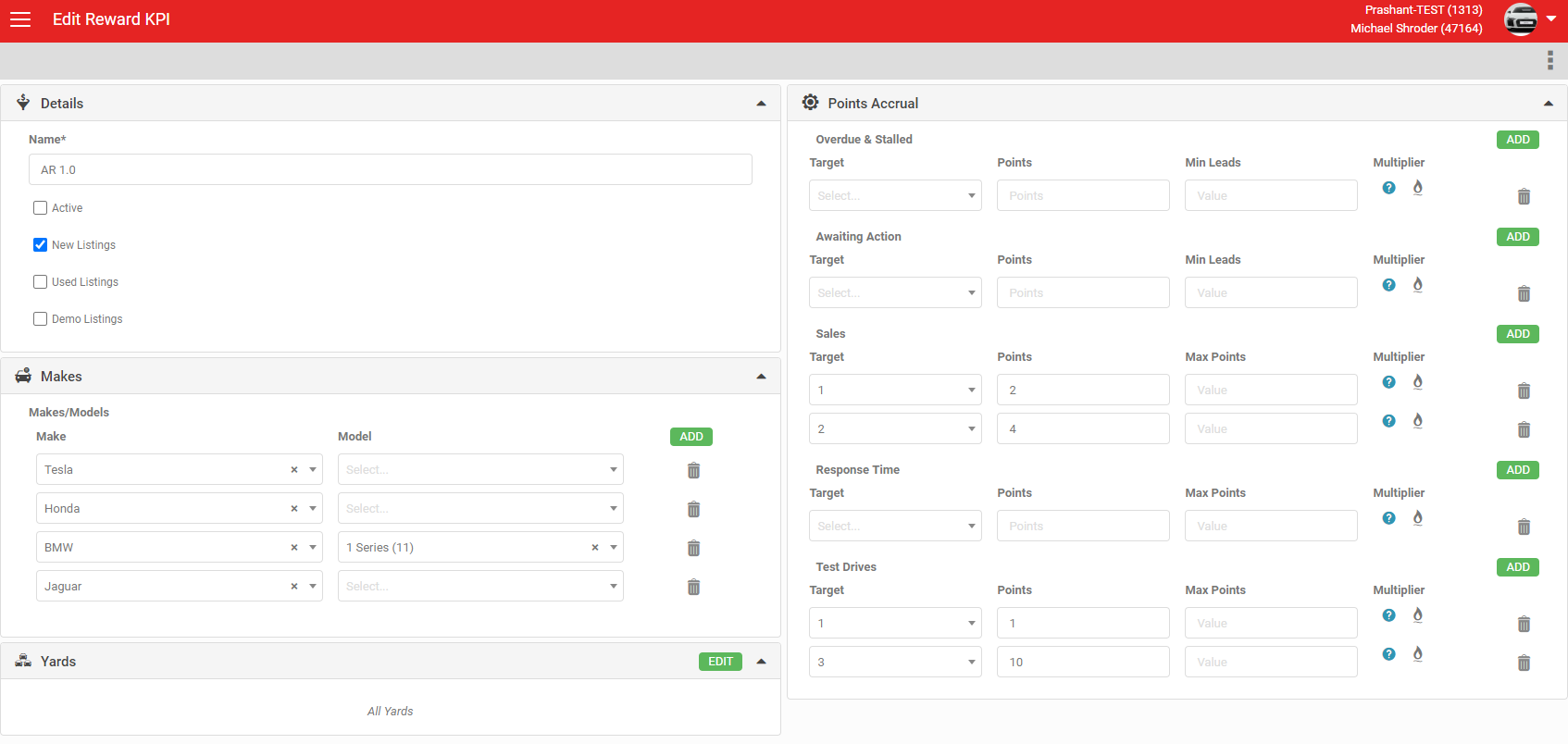
- An admin screen to set up your dealership or group's points model.
- Points are earned by individual users enrolled in the Rewards programme.
- Set up at group level, every dealer in the programme can earn points through their OEM or group.
- Points can be generated on New, Demo or Used listings, and on specific makes, models and yards.
- Only users set up with the AutoPlay Rewards role generate points.
- Use the default points KPIs, or ask AutoPlay to customise them. If an action can be measured and tracked in AutoPlay, a rewards KPI can usually be built around it.
- Set how many points your team earns for each action.
- Points are earned per action (test drives, sales), as a monthly roll-up (Awaiting Action, overdue/stalled), or as a monthly average (email response).
- Per-action points are earned as soon as the action is completed, for example when a Test Drive Form is created.
- Monthly roll-up and average points are calculated at 5am on the first of each month, for the previous month's activity.
- If an action is undone during the month, for example a sold lead is reopened, the points are removed.
- Once points are submitted at month end they are final and cannot be reversed.
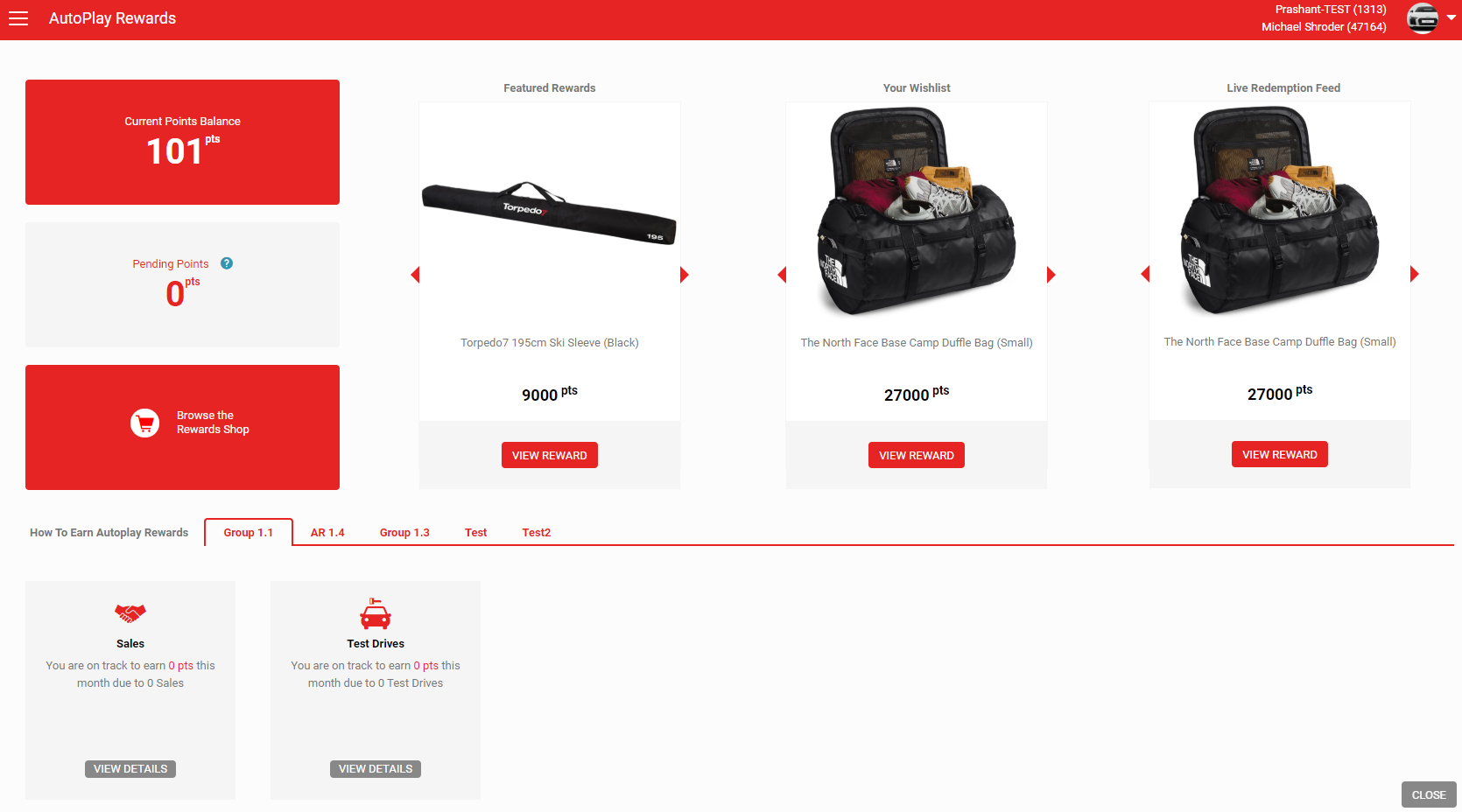
- All points are "Pending" until Smart Loyalty transacts them at month end. Pending points cannot yet be redeemed in the Rewards shop.
- AutoPlay submits points to Smart Loyalty on the first of each month. Smart Loyalty converts these into redeemable points two to three working days later.
- Points targets can be set as a Max Value or a Stretch Target.
- Max Value targets pay a graduated rate once a threshold is passed.
- Stretch Targets pay a flat rate per action, plus a bonus once a target is hit.
- For example, with a target of 10 points per sale and 100 points once 5 sales are hit, a salesperson who reaches 10 sales earns 540 points under Max Value logic (10 points each for sales 1 to 4, 100 points each for sales 5 to 10), or 300 points under Stretch Target logic (10 points each for sales 1 to 10, plus 200 points for hitting the 5-sale target twice).
- Points multipliers can apply bonus points for a specified date range. For monthly roll-up KPIs the multiplier must be in place when the calculation runs (the first of the month). For on-demand KPIs the multiplier applies as points are earned.
- You can set a minimum number of leads required to qualify for a KPI (for example, a minimum lead count to qualify for the Awaiting Action KPI), and a maximum number of points that can be earned on a given KPI (for example, test drives).
- A running history of points earned each calendar month is visible on the Rewards screen in AutoPlayAuto.com.
If you would like to find out more about AutoPlay Rewards, contact your Account Manager.