
Your browser needs permission to use the camera or microphone. If you declined the prompt or never saw it, turn on access manually in your device settings.
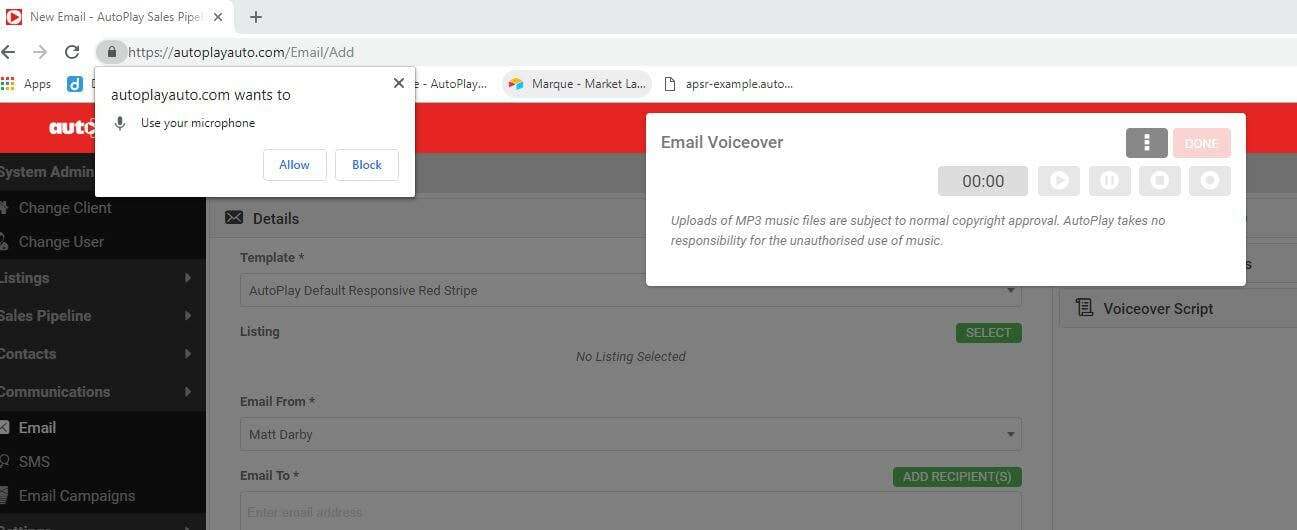
The first time you use the camera or microphone in AutoPlay, your browser asks for permission. Accept this to use camera or microphone features. If you missed the prompt, set it manually:
- iOS: Settings > Safari > Camera & Microphone Access. iOS asks for permission again on every screen that uses the camera or microphone.
- Android: Settings > Apps > [your browser] > Permissions, then allow Camera and Microphone. The exact path varies by browser.
- Windows: Settings > Privacy > App permissions > Microphone and Camera.
If the camera or microphone still does not work, your firewall or antivirus software may be blocking it. Ask your IT team to check.
To check whether your specific browser supports camera and microphone access, see caniuse.com.