When you email a customer from AutoPlayAuto.com, you can capture their reply straight back into the lead, so the whole conversation stays in one place.
If your email included a video, the Communications section on the lead already shows you how many times the customer watched it, marked with a small red count. See this article for more on tracking video views.
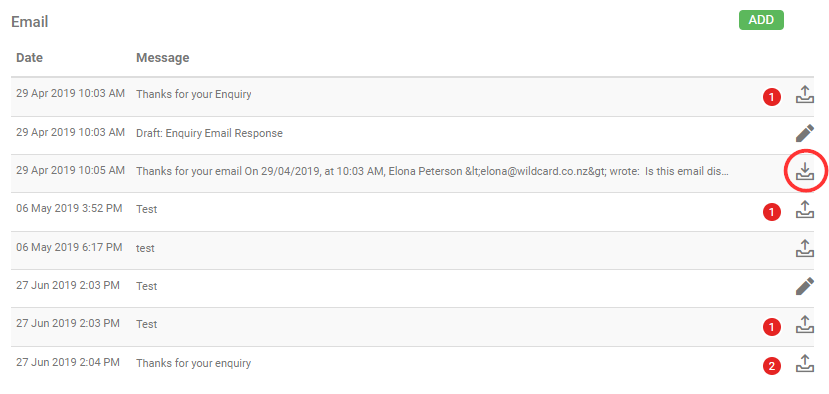
To capture the customer's reply as well, enable the Track Email Conversation role. Once this is turned on, every email your account sends automatically appends leads@autoplay.co.nz. When the customer replies, a copy lands in the Communications section on the lead, marked with an inbound icon.
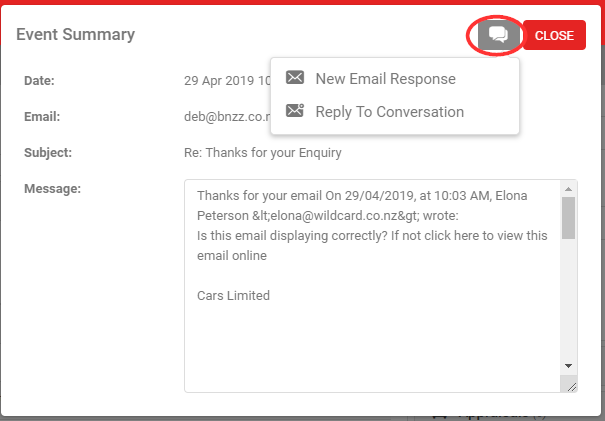
Opening a customer reply shows what they wrote, and gives you two options from the Communication button:
- New Email Response: create a new video email response back to the customer.
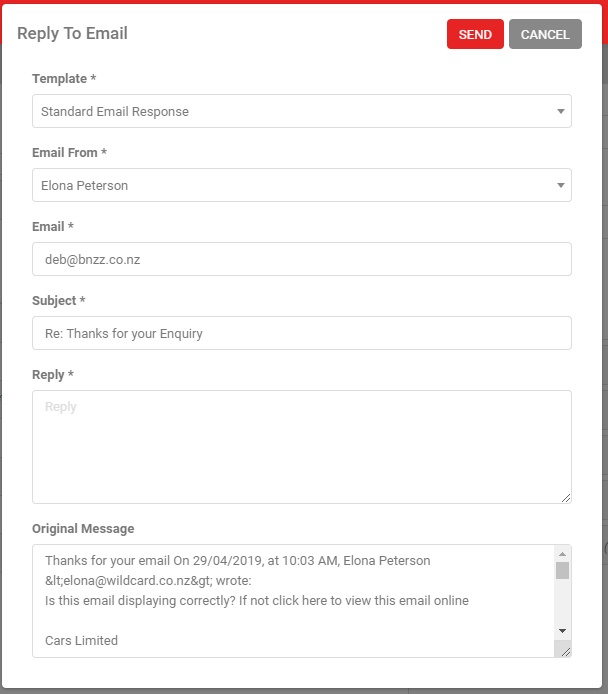
- Reply To Conversation: create a streamlined reply without a video. This lets you pick a different, non-video email template and keeps your reply in a single thread in the customer's inbox.
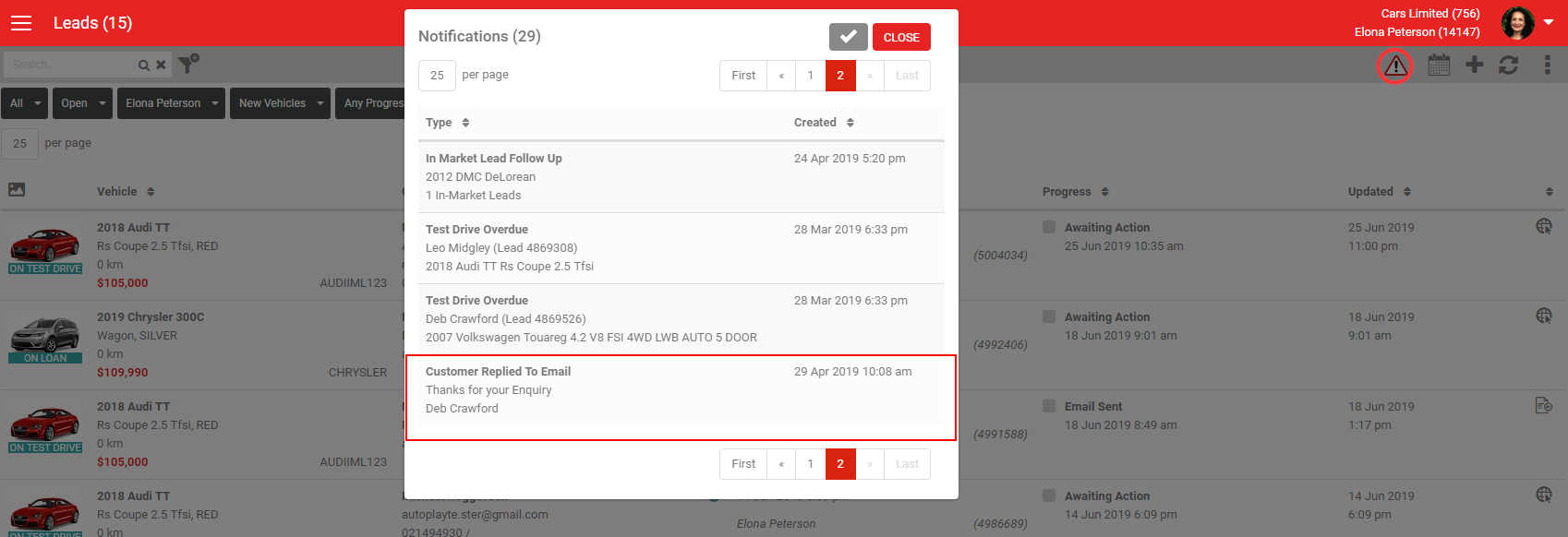
With Track Email Conversation enabled, the current lead owner is notified whenever a customer replies. The notification appears in their normal Notifications list as "Customer Replied To Email". Clicking it opens the lead so you can go straight to the email in the Communications section.