
This article explains the hard validation setting for customer mobile number formatting.
Overview
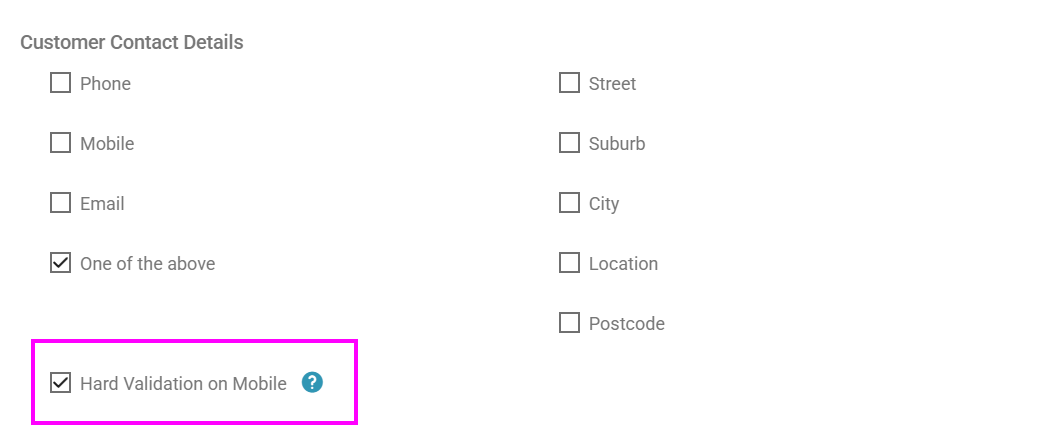
AutoPlay applies soft validation to the customer mobile number field by default. The hard validation setting builds on that same formatting check, but stops the record from saving if the mobile number format is incorrect or unrecognised.
This setting does not make the mobile number field mandatory.
Turning it on
Go to Settings > Company Settings > My Company > Mandatory Fields.
Note
This setting does not require a mobile number to be entered. It only accepts a value in the field if that value is in a recognised format.
This setting does not require a mobile number to be entered. It only accepts a value in the field if that value is in a recognised format.