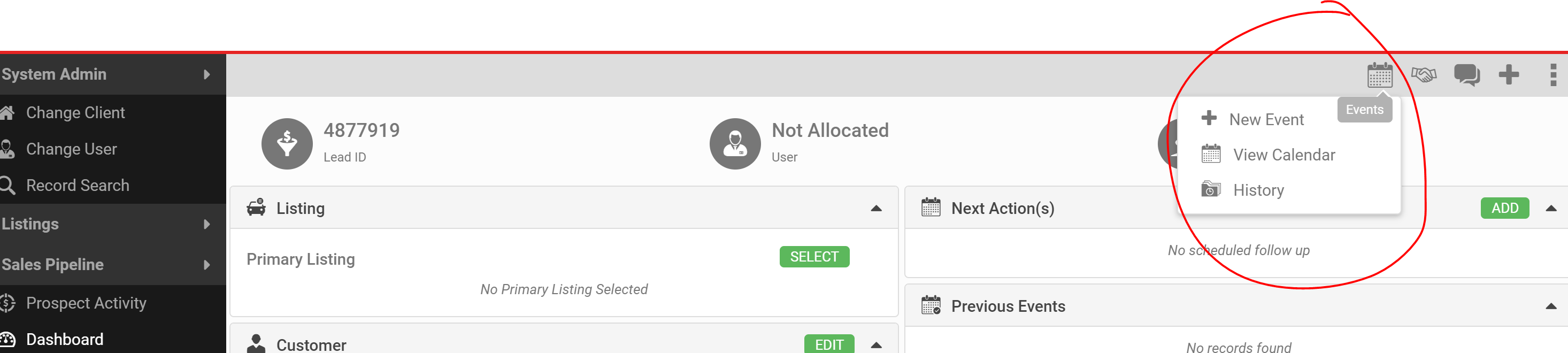
Schedule follow-up from the Lead Details screen, using the calendar in the Action menu.
You have three ways to do this:
- Open the Action menu and click + New Event.
- View the calendar and click on a date.
- Click Add in the Next Action section on the calendar.
Once the follow-up is done, mark the event Complete or No Show.