This article shows you how to add a Privacy Policy PDF for your dealership.
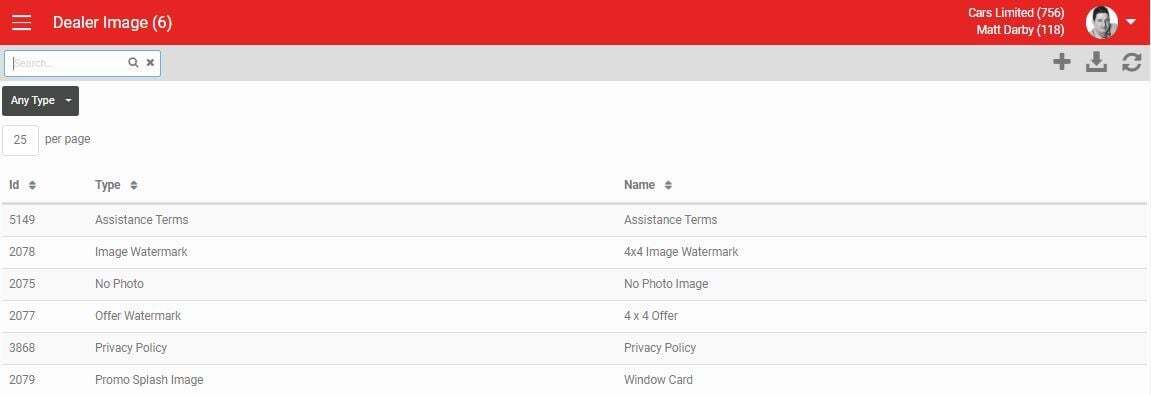
- Go to Settings > Listing Settings > Images.
- Click the + button to load a new record.
Loading your Privacy Policy
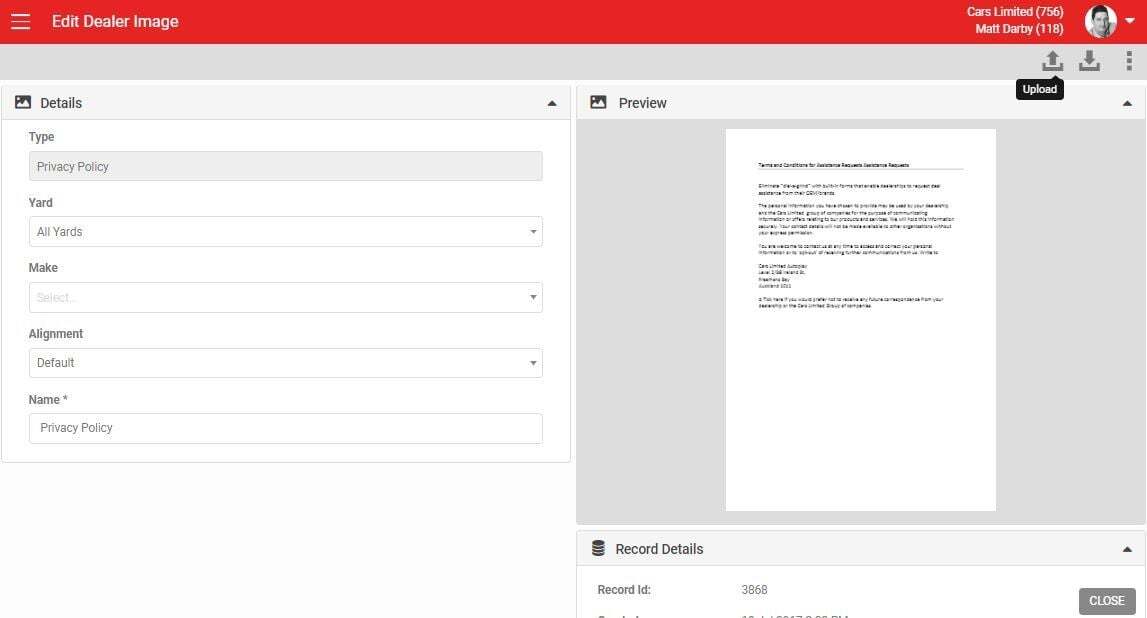
- Choose the Image Type Privacy Policy.
- Choose the yard you want to assign the Privacy Policy to. When a lead is loaded, the yard is determined by the yard the listing belongs to, or, if no listing is selected, the default yard the user belongs to.
- Name your Privacy Policy. We recommend the format "Privacy Policy, Yard Name".
- Upload your Privacy Policy document from your device. The document can be multiple pages, but it must be in PDF format.
- Click SAVE in the bottom right corner to finish creating your Privacy Policy.
This document displays when a user clicks VIEW & SIGN under the Privacy Policy section. See Managing Privacy When Loading Leads for more detail.