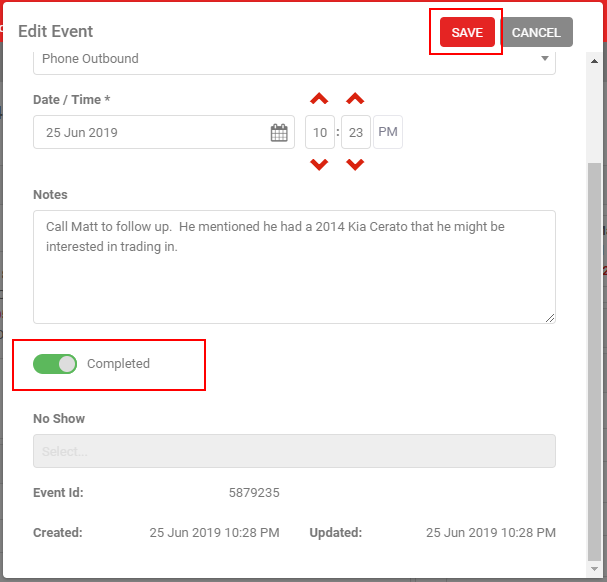
Once you've followed up with a lead, mark the calendar event as complete. Open the event, flip the Completed toggle to green, and click Save.
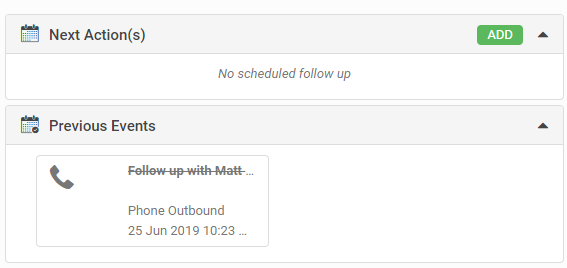
The event moves from the Next Action section to Previous Events, and shows with a strike-through once completed.
Updating lead progress from a calendar event
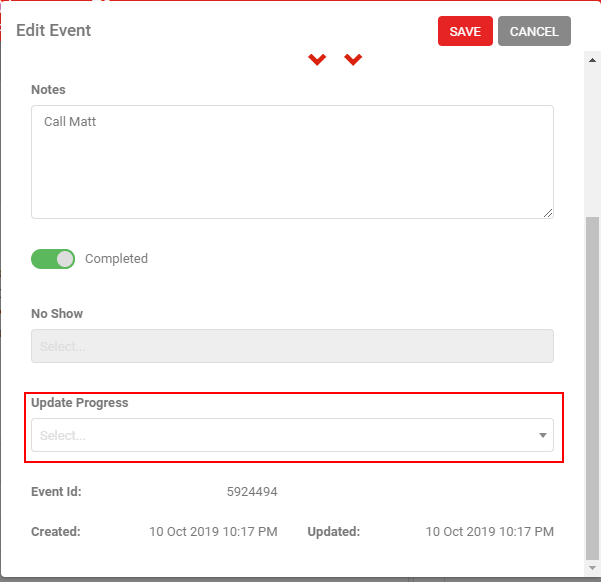
You can update the Lead Progress while completing an event or marking it as a no-show. When you select either option, a Lead Progress drop-down appears (it's hidden otherwise). Select the new progress stage from the drop-down to update it.