
You can create a lead directly from a listing. Open Listings > View Listing and click the + button in the grey action menu, then select Lead. The listing you were viewing is automatically added to the new lead.
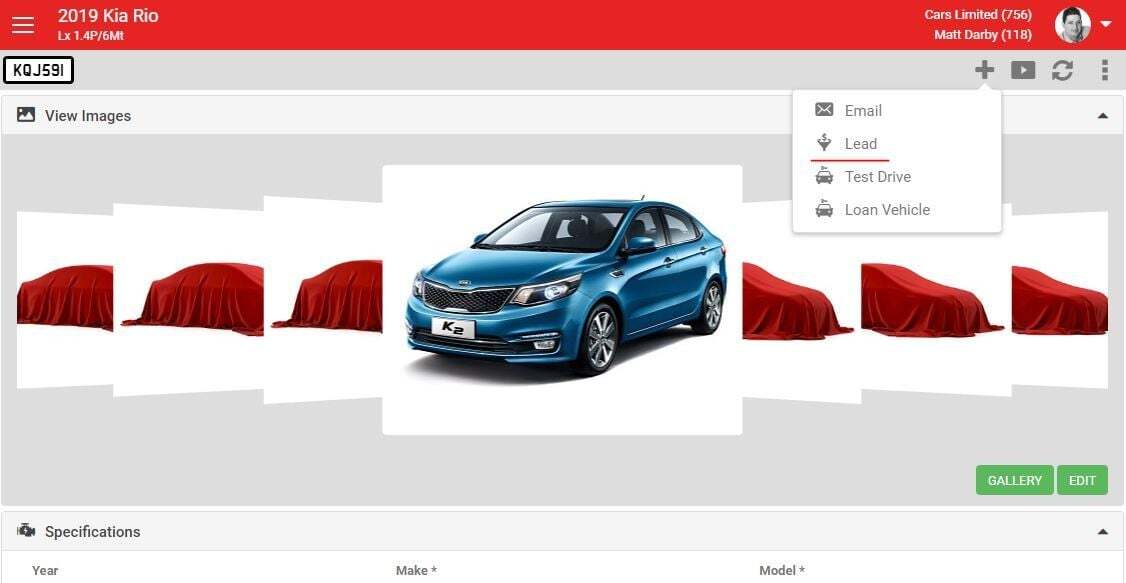
You can create a lead directly from a listing. Open Listings > View Listing and click the + button in the grey action menu, then select Lead. The listing you were viewing is automatically added to the new lead.