This article explains how to minimise and manage duplicate or similar leads in AutoPlay.
Preventing duplicates
There are two ways AutoPlay helps you avoid creating duplicate leads:
- When you manually load a lead, AutoPlay shows you matching duplicate customers and leads across the whole dealership, not just leads owned by you. This warns you before you create a duplicate. Read more in How to Manually Create a Lead.
- For electronic leads, a setting lets AutoPlay automatically match an incoming lead against a customer record with an existing open lead. Read more in Match Captured Electronic Leads to Similar Open Leads.
Getting alerted to duplicates
If a duplicate or similar open lead is created against a customer record, two things can alert your team:
- With the 'Possible Duplicate Leads' role, you are notified about any new lead created against a customer who already has a lead. Read more in Role Management: Possible Duplicate Lead Alert.
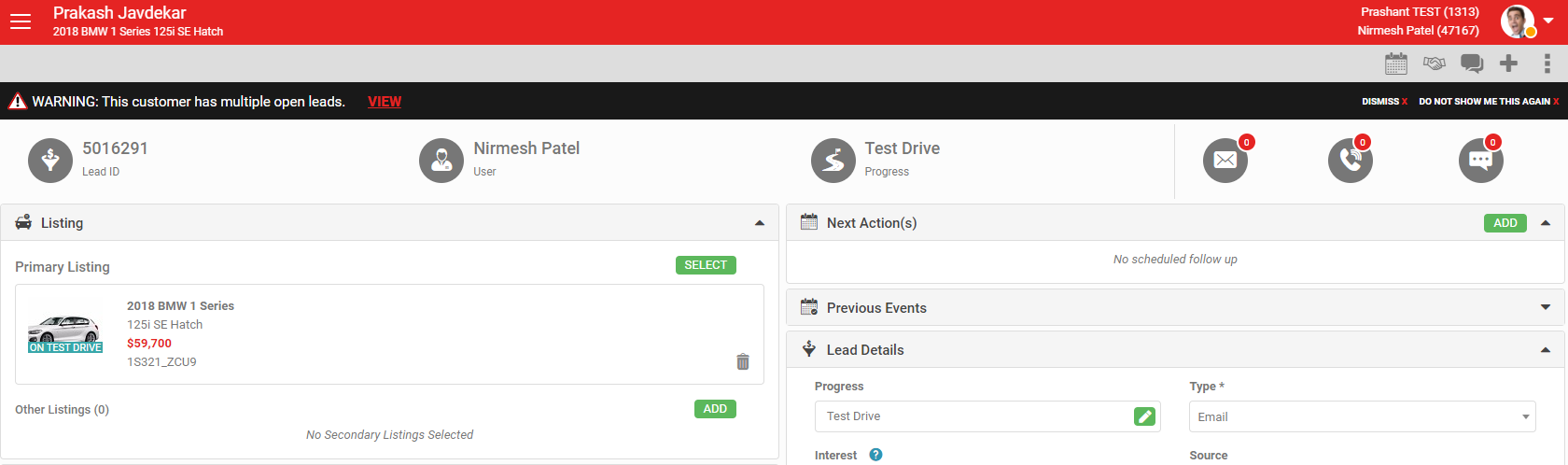
- In the Dashboard, a warning displays if a customer has multiple open leads against them. Read more in Multiple Open Leads Warning.
Merging duplicate leads
If you end up with multiple open leads against the same customer and confirm they are duplicates, you can merge them. Use either the similar open lead warning or the 'Merge Leads' function directly. Read more in Merge Leads.