This article shows you how to find your way around AutoPlay using the left hand navigation menu.
Watch: basic navigation tips and tricks
The main navigation menu sits on the left hand side of the screen, the same as the iOS app and the old Silverlight Studio.
The menu is divided into sections that expand or collapse as needed. Click a menu item to open that menu.
If you need more space to view page content, hide the navigation menu with the < button. When you open a page such as an individual lead or listing, return to the previous page using your browser's back button, or by clicking the relevant menu item and navigating back.
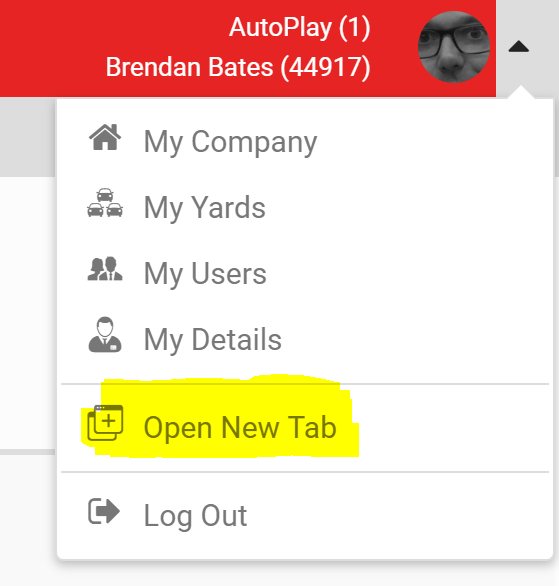
Sometimes you want to open a new screen without losing the one you are on. To do this, open the profile menu on the right hand side of the red header and click Open New Tab.