
You can send an SMS to a customer from the Lead or Appraisal screens in AutoPlayAuto.com.
1. From a smartphone (Appraisals only)
On a mobile device, you can send an SMS directly from your device, but the message won't be visible within AutoPlay, and customer replies can't be captured.
2. Via SMS Gateway
If your account has the SMS Gateway service and you have the Send Lead SMS role, you can send an SMS from AutoPlayAuto.com on any device, smartphone or desktop.
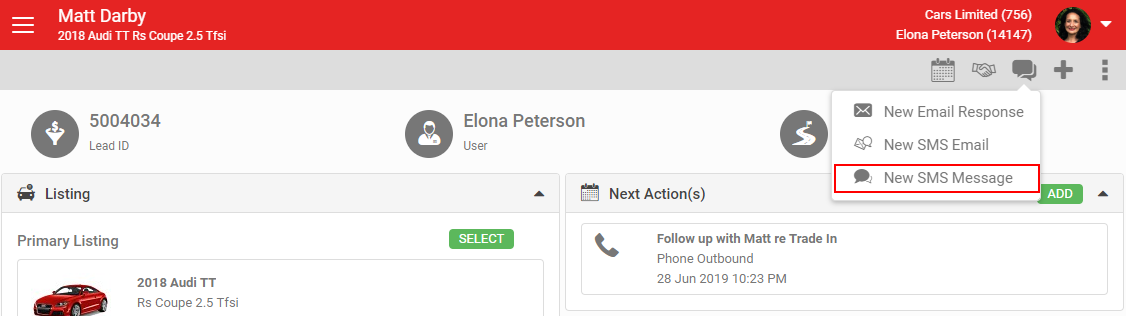
Click the Communications icon and select New SMS Message.
This opens the Send SMS popup. Type your message, watching the character count as you go. Each SMS can be up to 160 characters; going over is allowed but incurs additional SMS Gateway charges.
Add a link to a web page by entering a URL and clicking the green Insert button. This converts the URL to a short link, added to the Message field, and counts towards your character total.
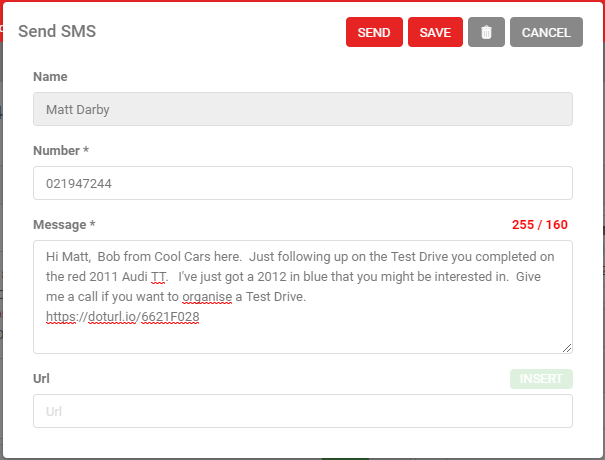
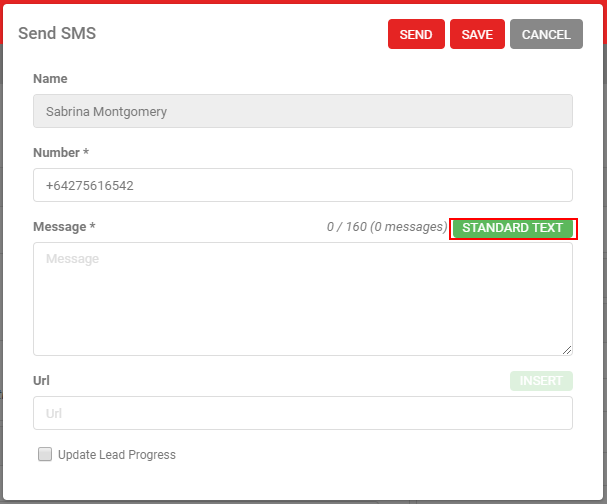
Click Save and Close to save a draft without sending. You can also load a pre-written response using the Standard Text button.
If the customer has previously opted out of SMS, you can't send them one until their customer record is updated. See SMS Opt Outs For Australian Customers for more.
Delete an unsent SMS using the rubbish bin icon. Click Send to send it. See Standard Text for more on setting up SMS standard text.
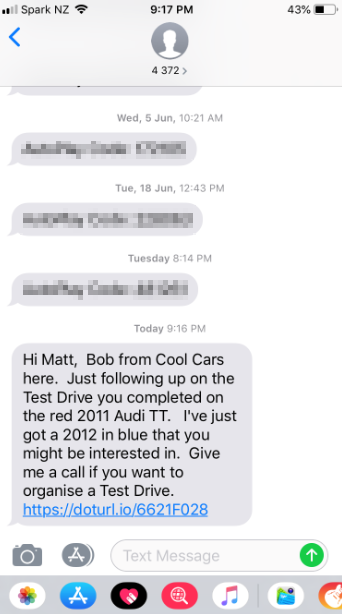
With SMS Gateway, you can also automatically capture the customer's SMS replies. See Capturing Customer SMS Replies for more.