This article shows you how to use the Image Bank to store and reuse images.
Before you start
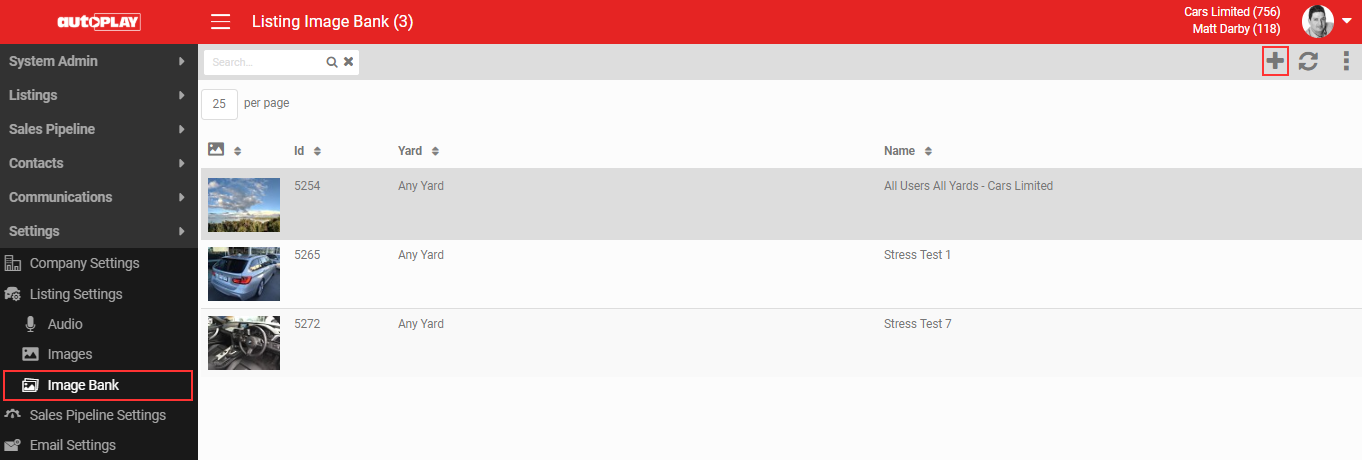
You need the Yard Admin role (manager level) to use the Image Bank. Go to Settings > Listing Settings > Image Bank.
Creating an Image Bank record
- Click the + icon in the grey action menu.
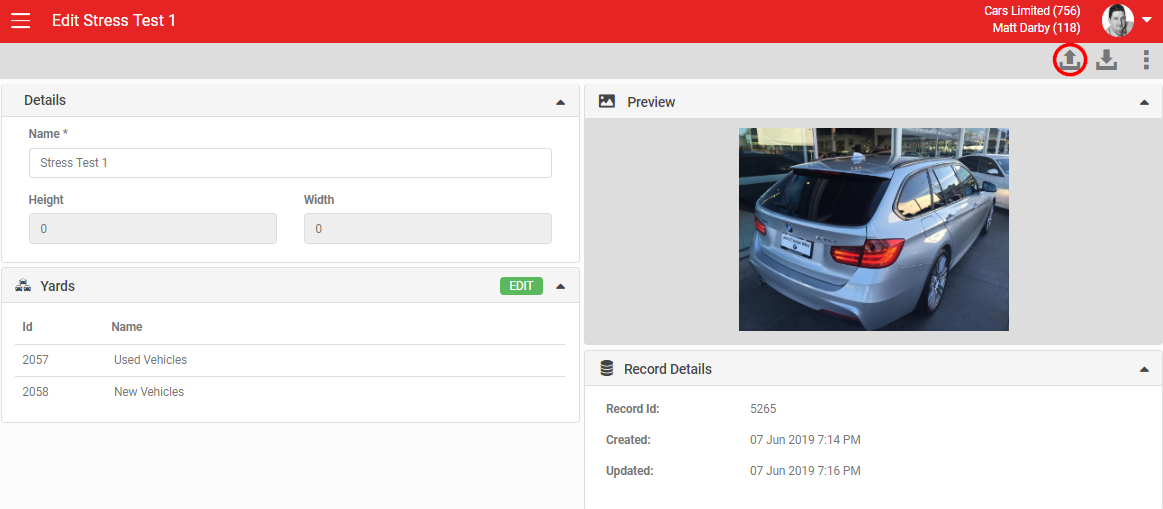
- Add a Name.
- Optionally select yards to restrict access to your image.
Uploading and downloading images
- Click the 'Upload' icon in the grey action menu to add an image.
- Click the 'Download' icon, next to Upload, to download an image.
Auditing and deleting a record
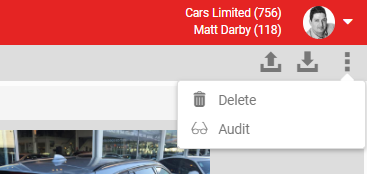
Click MORE in the header to see two options:
- Audit: shows all changes to the image record. You need the Audit role to see this.
- Delete: deletes the image record.
Using Image Bank images elsewhere
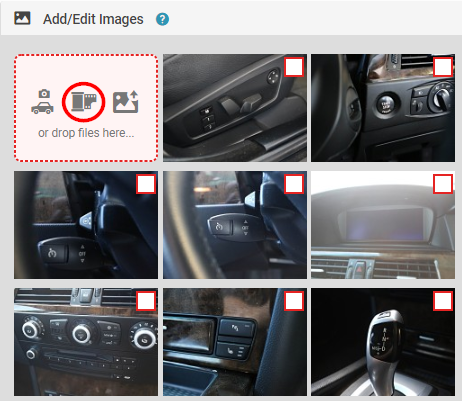
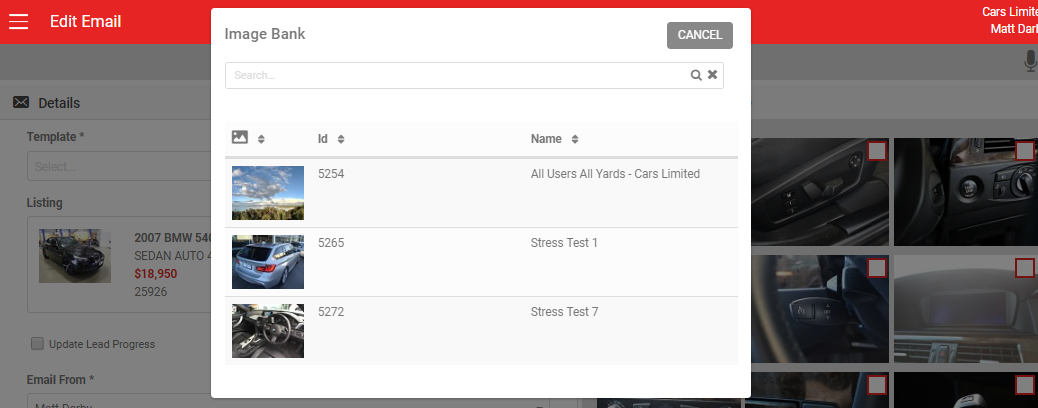
Any image you upload to the Image Bank becomes available in the 'Add/Edit Images' section across listings, emails and email campaigns. Click 'Image Bank' there to open a window and select from all available images.