Since the 21.6.1 release, you can tag Lead Collaborators to a lead while the salesperson keeps ownership of the sales process. Lead Collaborators are controlled by a role that AutoPlay Support applies to your account, with five default collaborator types:
- Call Centre
- Concierge
- Finance Manager
- Sales Manager
- After Sales
The role has a single configurable attribute. With Lead Collaborators See All Department Leads enabled, a user marked as a Lead Collaborator on a lead can see it on their dashboard. If they also have managerial access via the Manage Leads role, they can edit and manage the lead fully. Without that managerial access, they can view the Lead Summary and add to the notes section.

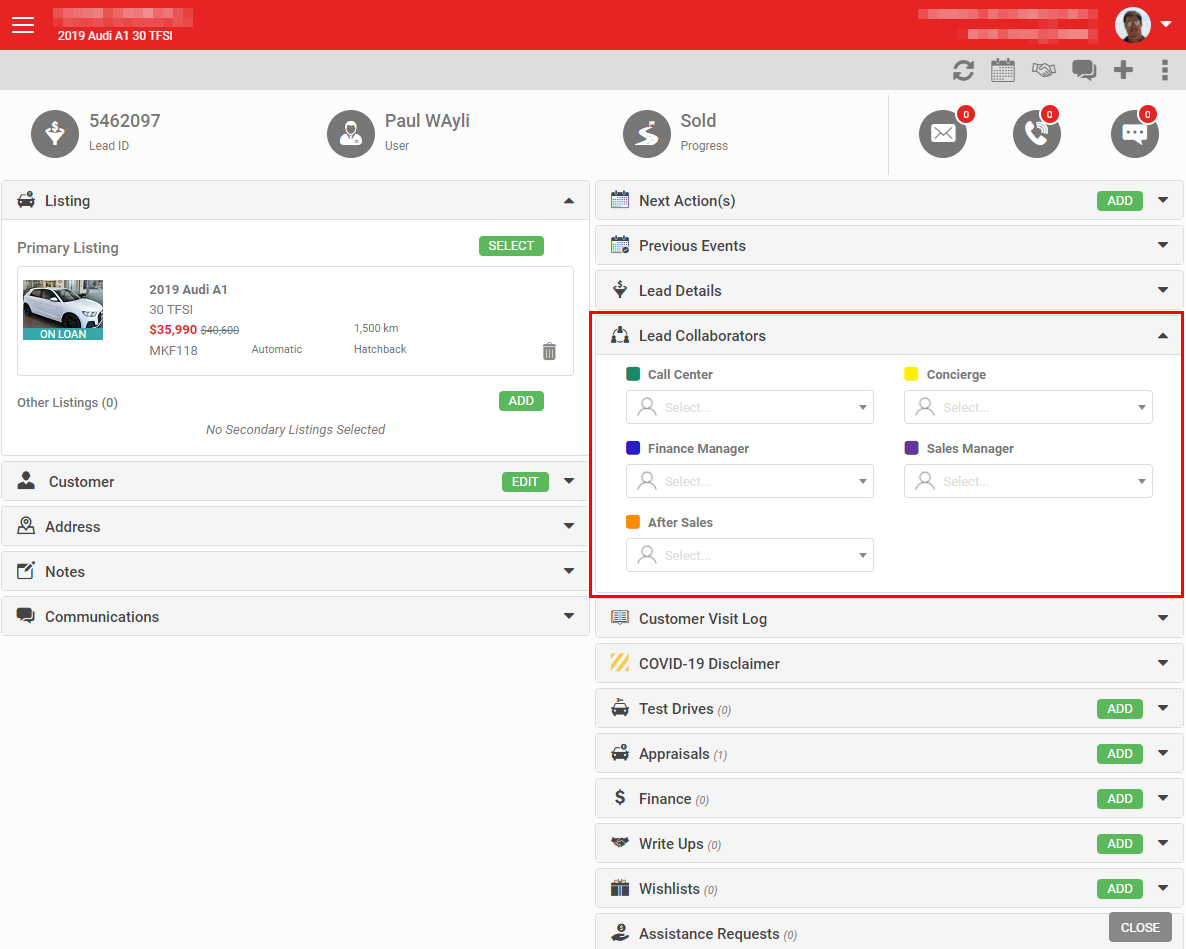
Assign Lead Collaborators from a drop-down list within the lead. If a user is marked as a Lead Collaborator and the lead is assigned to them, they're applied to the matching collaborator type automatically.
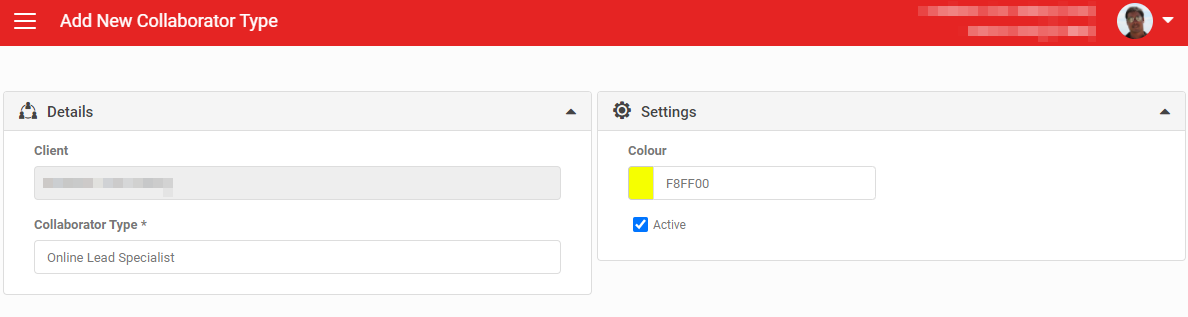
Default collaborator types can be hidden where not needed, and custom types added per account, via Settings > Sales Pipeline Settings > Lead Collab. Types.
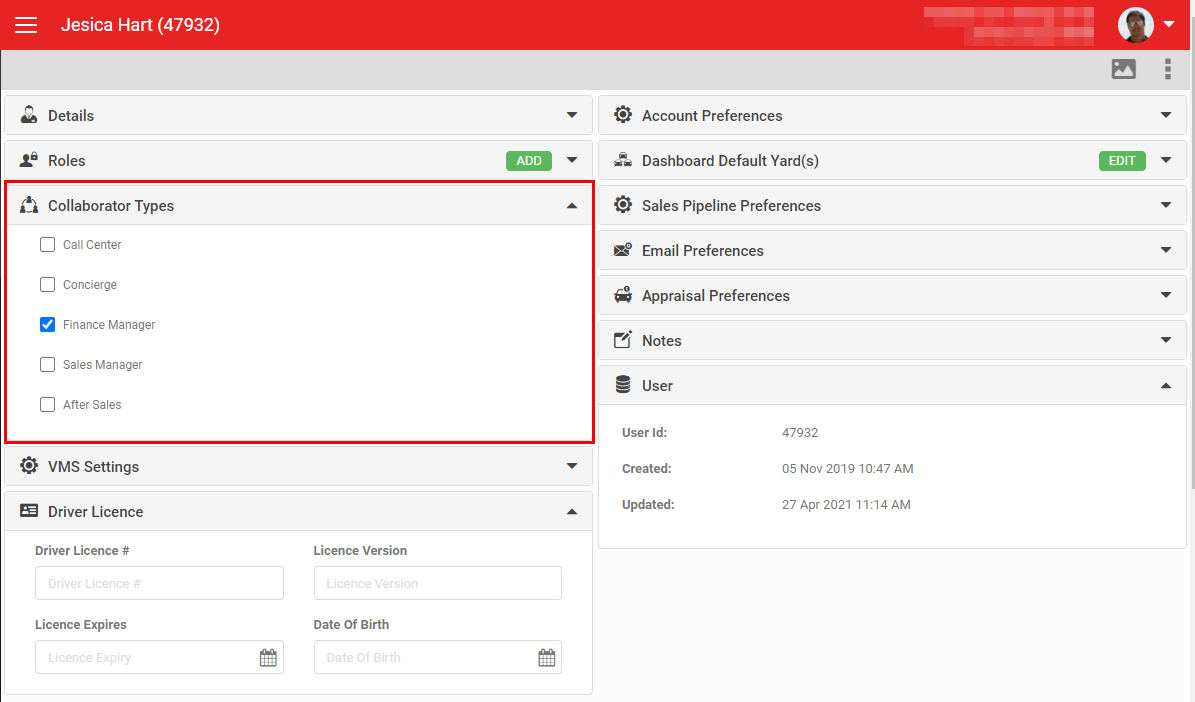
To set a user up as a Lead Collaborator, open their User Detail screen. A section labelled Collaborator Types lets you tick the relevant type and save, enabling the user to be selected as that collaborator on leads.
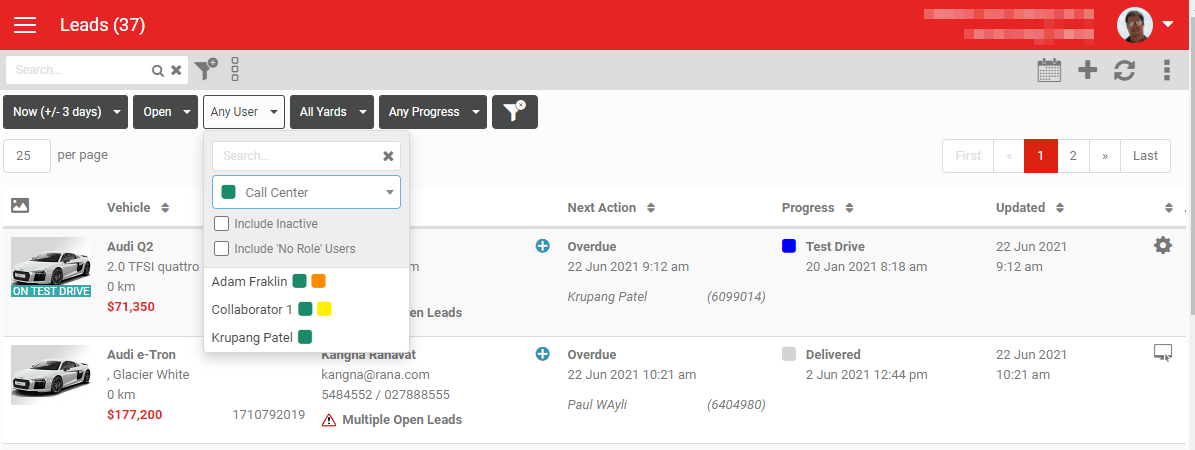
A user tagged as a Lead Collaborator is also identified on the Lead Dashboard via a filter and a colour-coded marker.