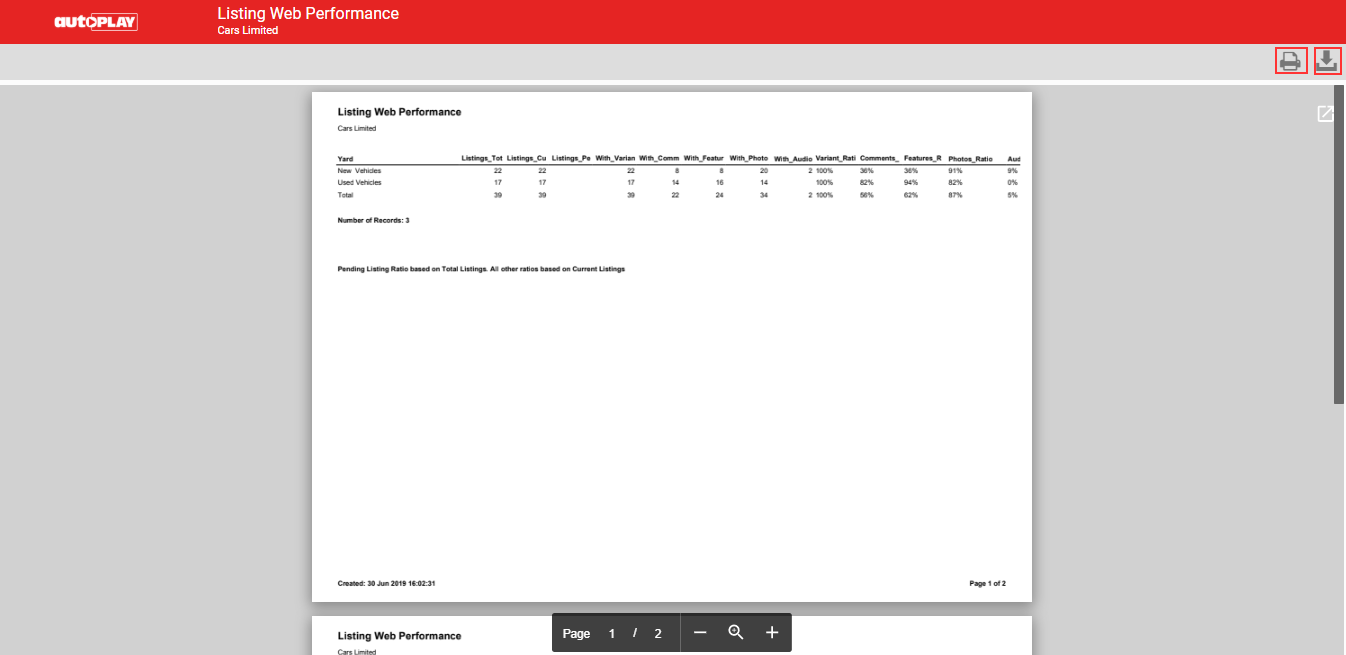
Run a report on your listings from the Listings screen.
Prerequisites
Listing Reporting is only available to dealers on the Data Management Package who use AutoPlay Vehicle Display Pages.
Steps
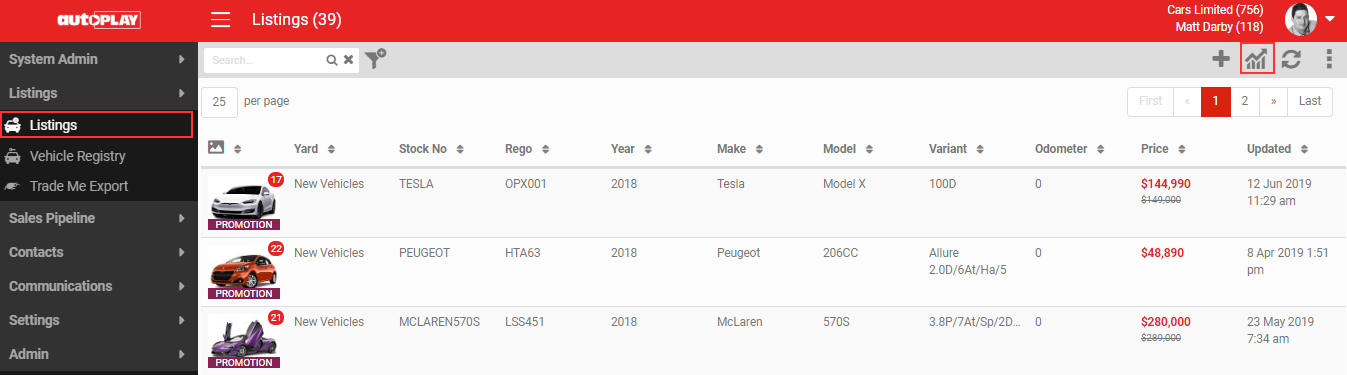
- On the Listings screen, click the Reporting icon in the grey action menu.
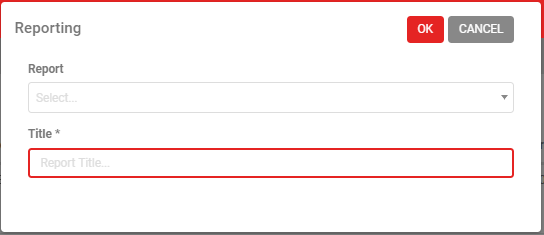
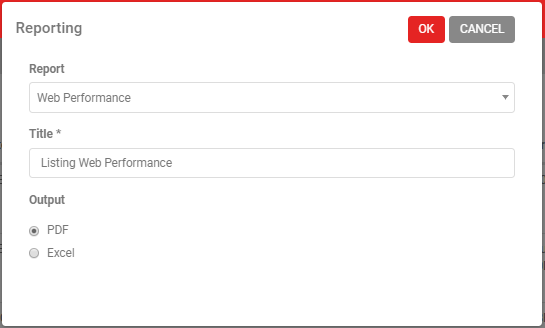
- Select a Report and enter a Title, then click OK to run it.
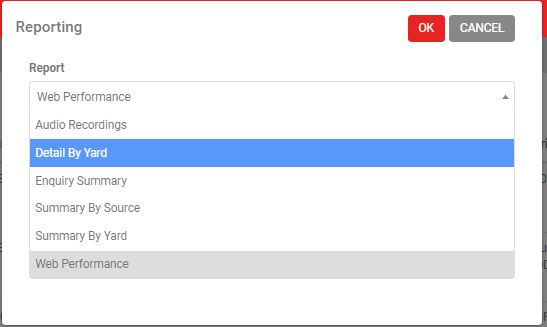
AutoPlayAuto.com includes a number of default reports.
- Choose your output format. Depending on the report, this is PDF or Excel.
Your report opens in a new tab. Click PRINT to print it, or DOWNLOAD to save a PDF or CSV copy.