
This article shows you how to force specific user fields to be filled in before a user record can be saved.
Overview
Mandatory field options at My Company level let you require specific fields to have a value before a user can be created or edited.
Provisioning
Go to Settings > Company Settings > My Company > Mandatory Fields.
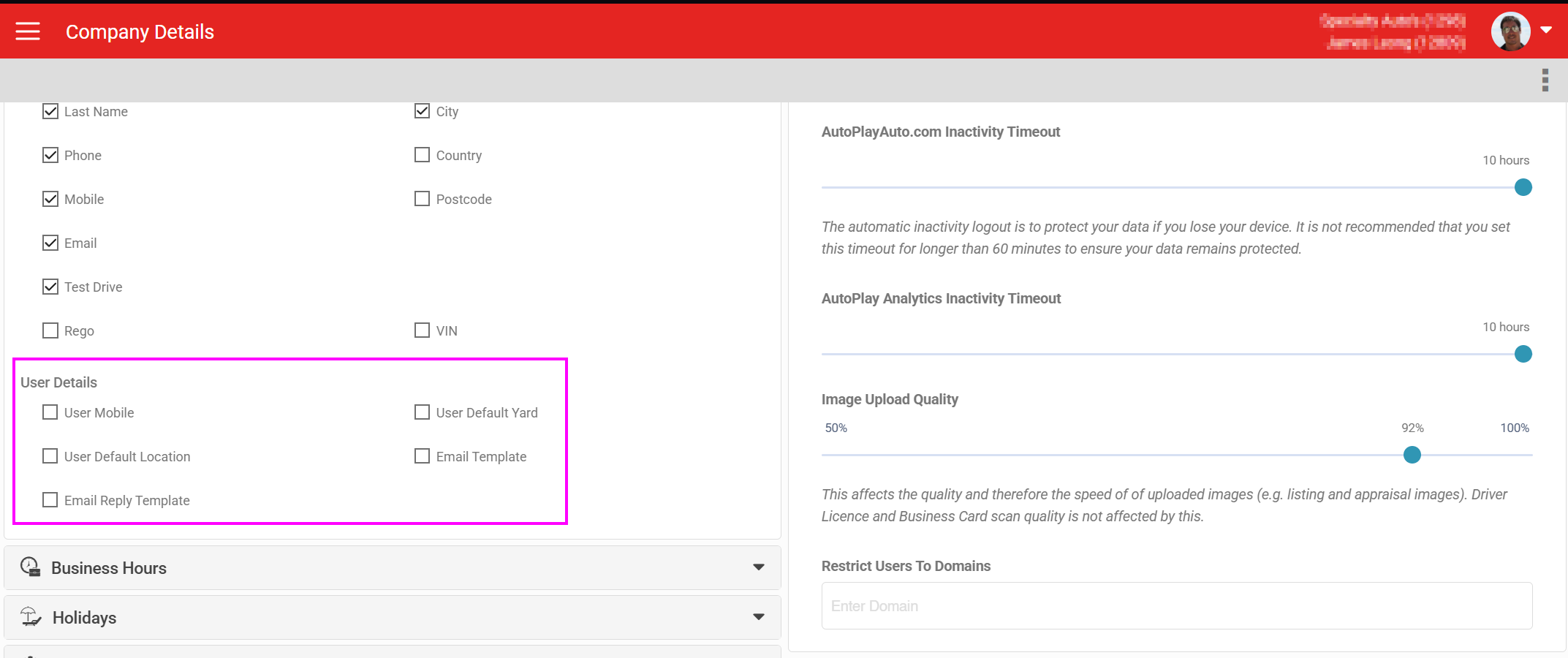
When you tick any of the fields shown, that field becomes required when creating a new user. Editing an existing user also prompts for any of these fields left blank.