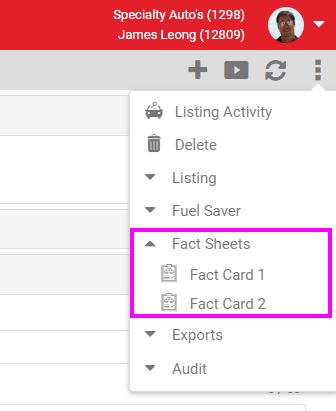
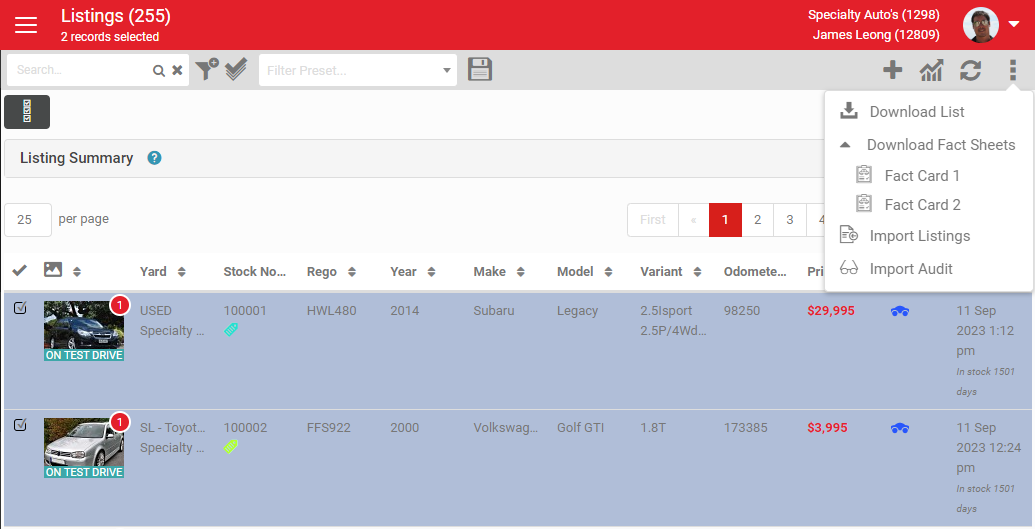
This article helps you set up and use multiple Fact Card templates so you can choose the right one to print or save for each listing.
Summary
Fact Cards are PDF print-outs available in AutoPlay on selected packages. A dealership can now have multiple Fact Card versions loaded, so you can select and print or save the version most relevant to a listing.
Provisioning
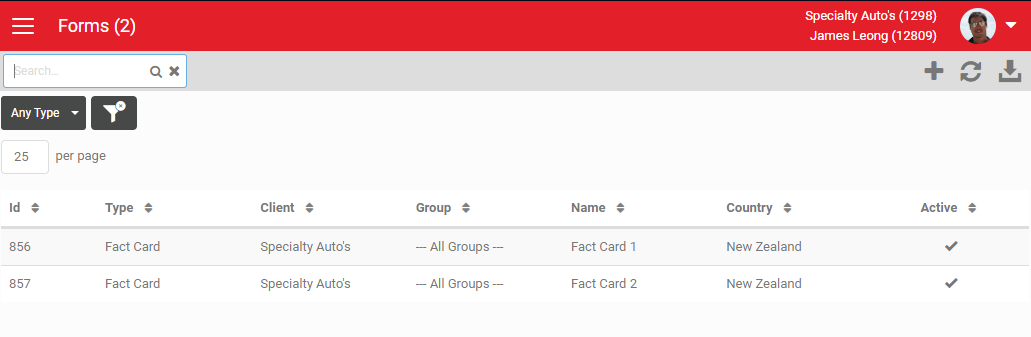
Fact Cards are provisioned in Form Templates, under Settings > Sales Pipeline Settings > Form Templates.
Create and save as many Fact Cards as you need. Each one requires developer setup, logged through a Jira ET project.
Access your Fact Cards
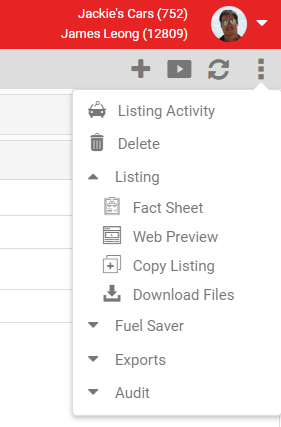
With a single Fact Card loaded, it displays as one item under the Listing option in a listing's three-dot menu, or from the listings dashboard three-dot menu when multiple listings are selected.
Single Fact Card:
With multiple Fact Cards loaded on the account, a Fact Sheets menu option appears, letting you choose which Fact Card to use.
Multiple Fact Cards: