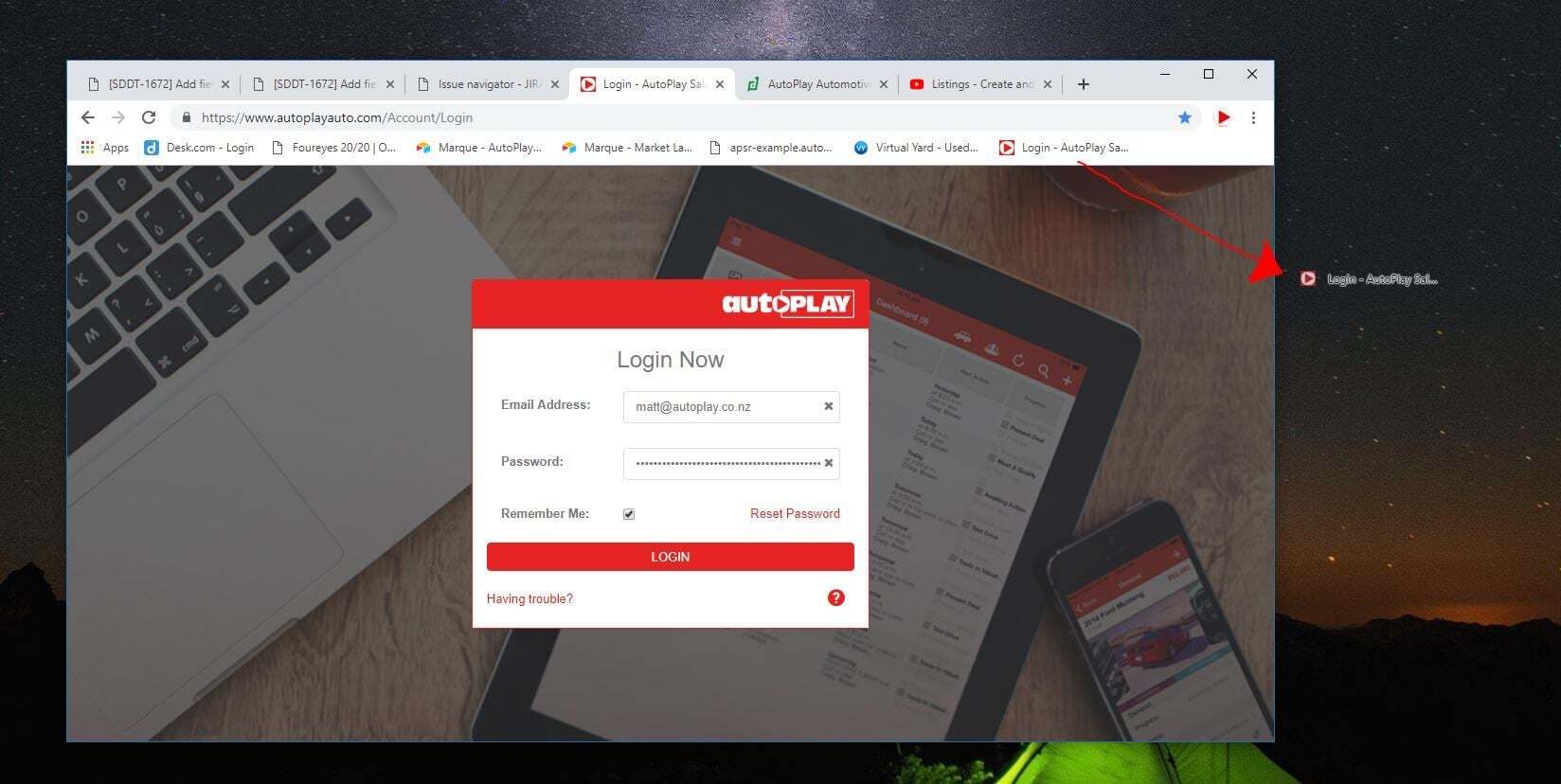
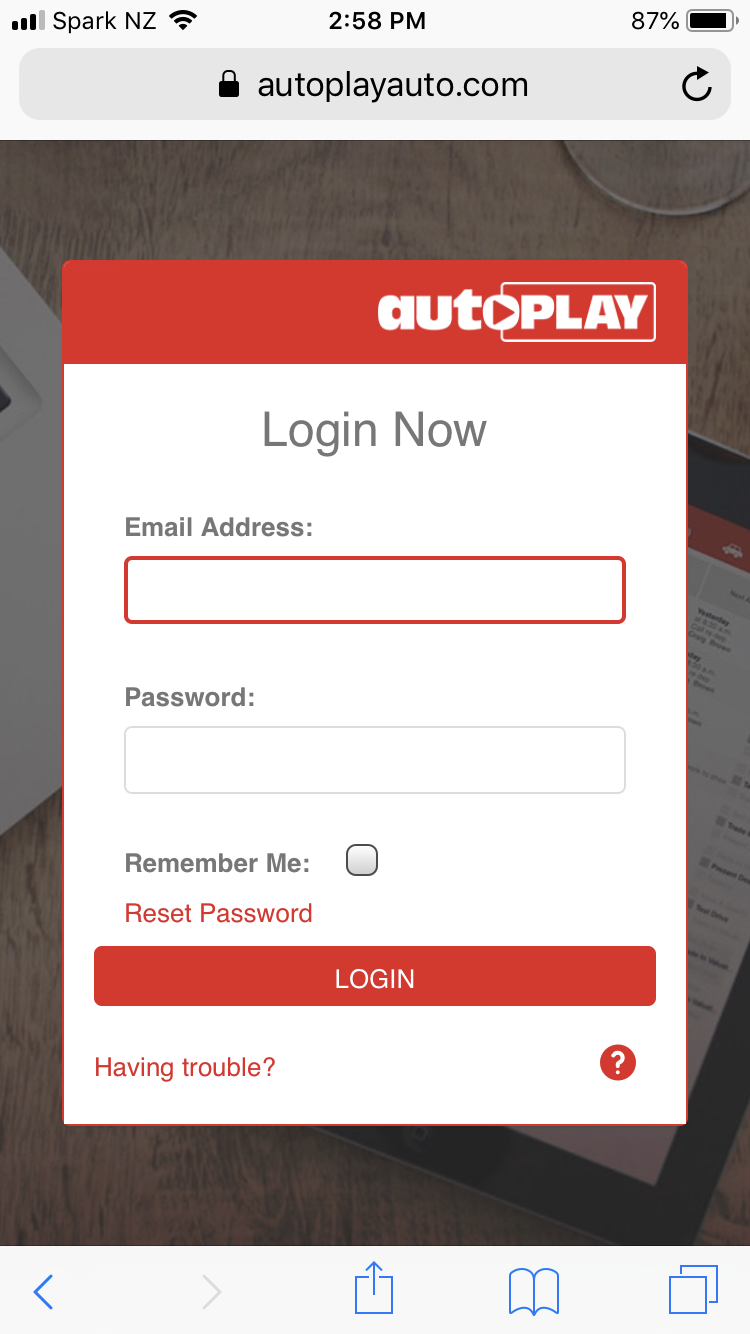
AutoPlay does not have an out-of-browser mode, because it is a full web application. Save https://www.autoplayauto.com/ as a favourite or add it to your home screen instead for quick access.
How do I save https://www.autoplayauto.com/ as a favourite?
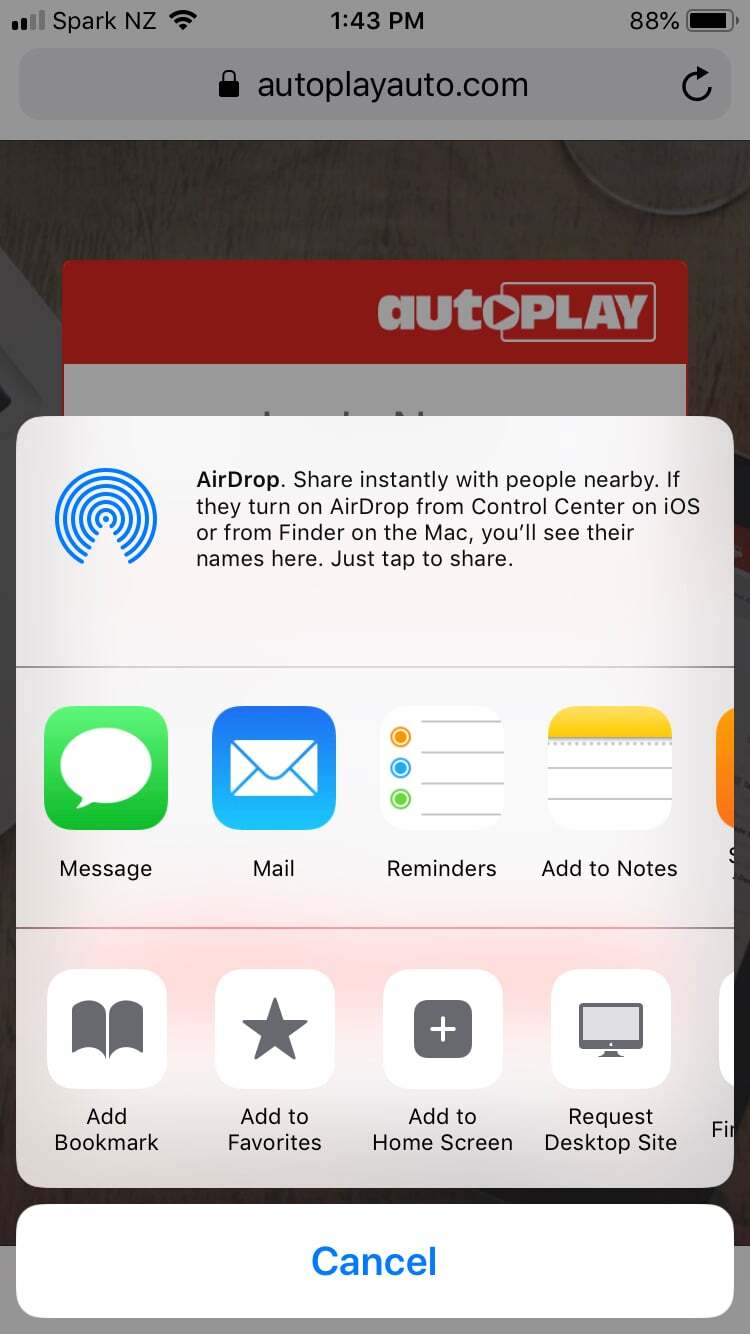
- iOS: tap the share icon (box with an arrow) and select Add to Home Screen.
Warning
Apple disables camera access for web apps saved to the iOS home screen. Until Apple resolves this, use Add Bookmark instead of Add to Home Screen if you need camera access.
Apple disables camera access for web apps saved to the iOS home screen. Until Apple resolves this, use Add Bookmark instead of Add to Home Screen if you need camera access.
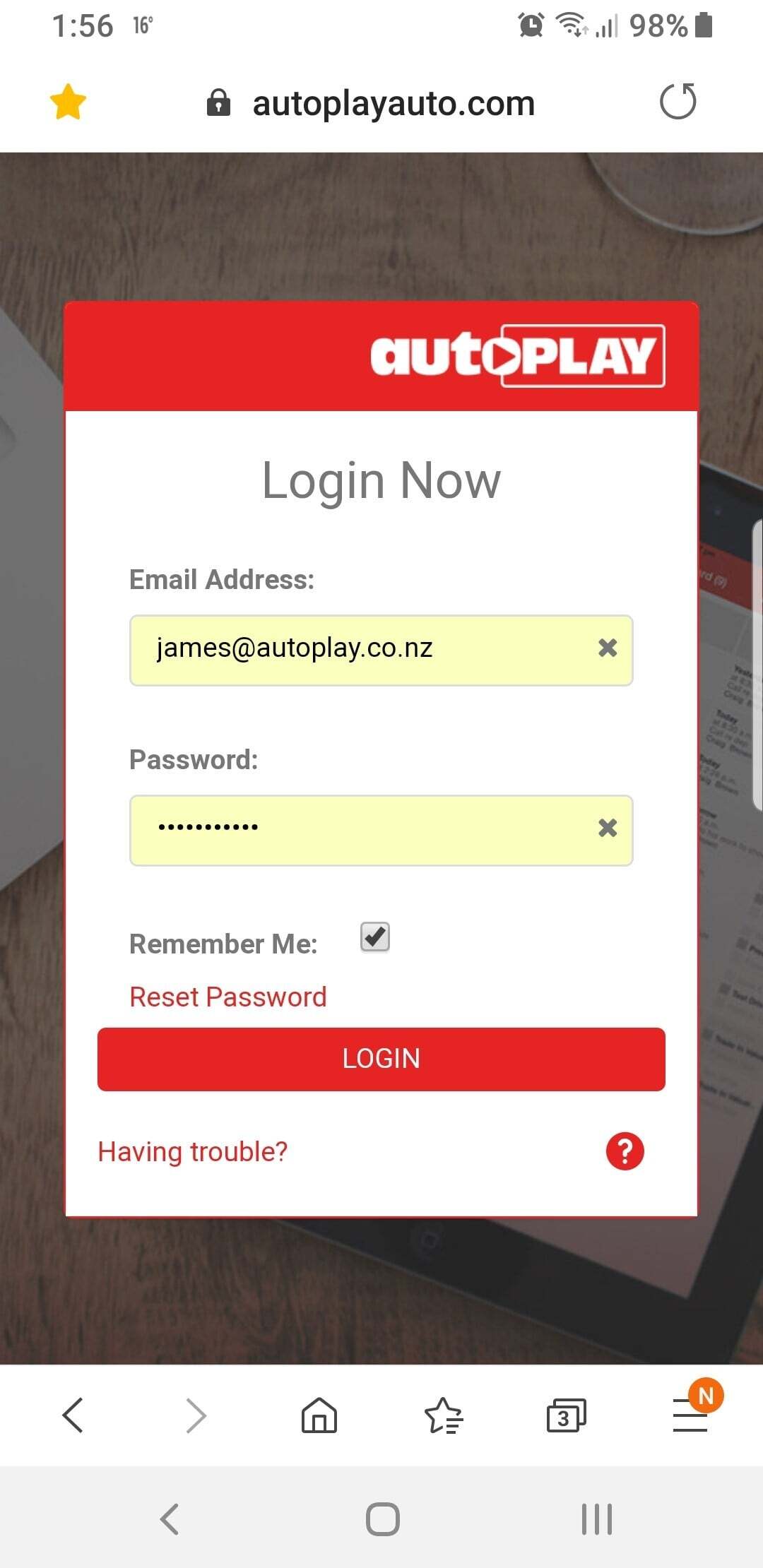
- Android (Samsung Internet shown): tap the star icon in the browser header.
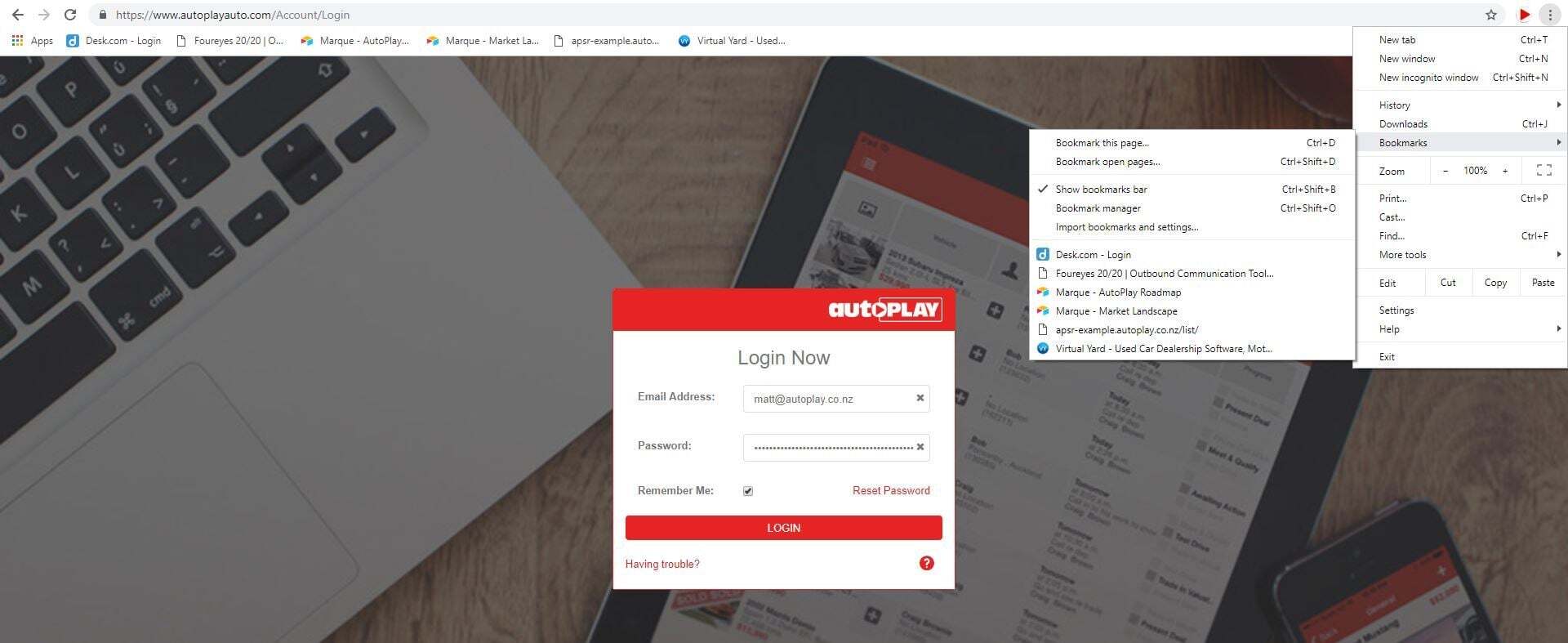
- Chrome: tap the three-dot menu > Bookmarks > Bookmark this page, or tap the star icon.
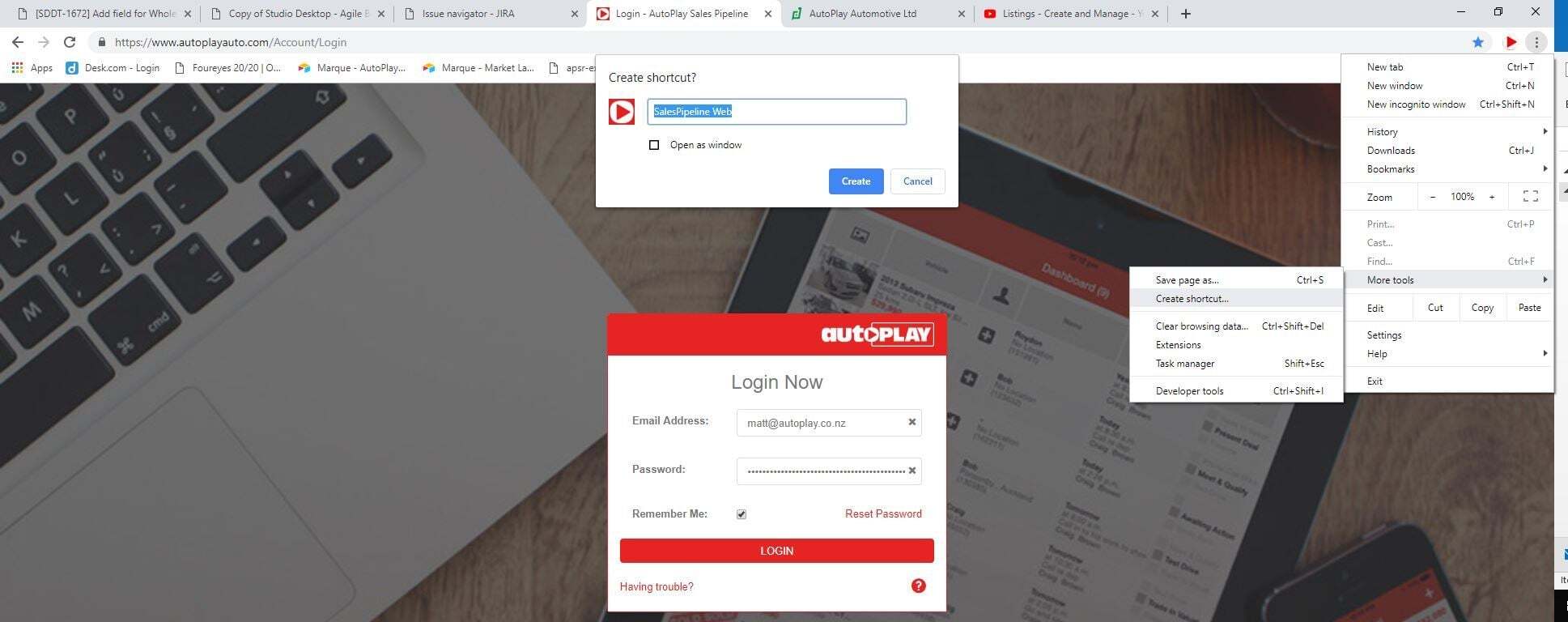
- Chrome (save a desktop shortcut): tap the three-dot menu > More Tools > Create Shortcut.
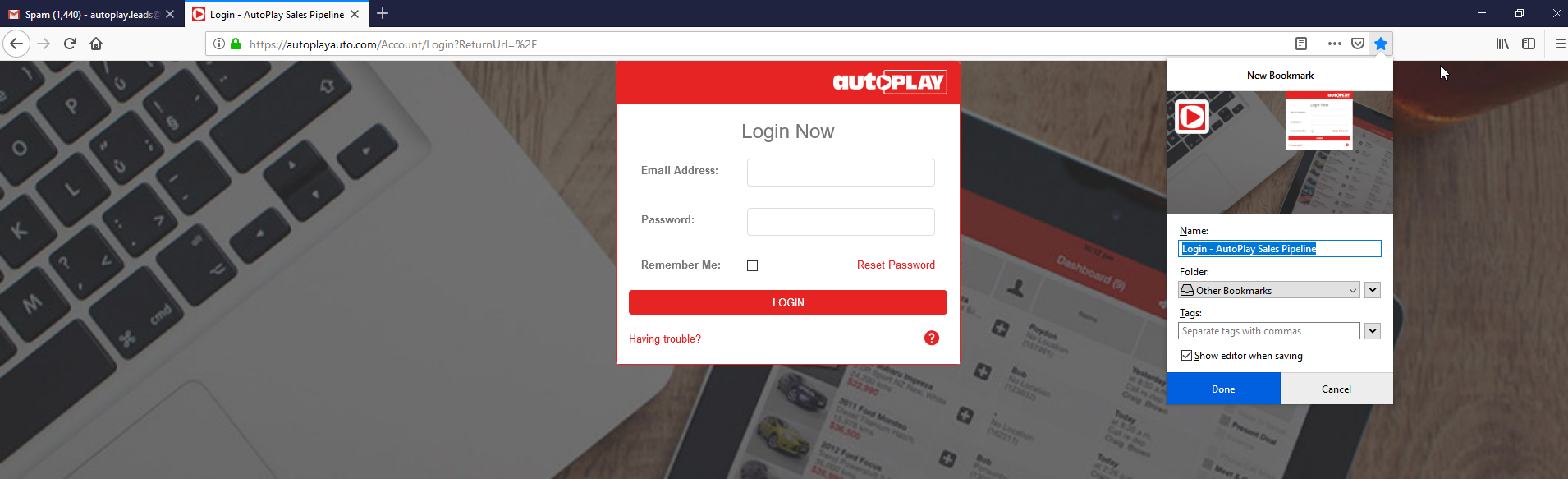
- Firefox: click the star icon.
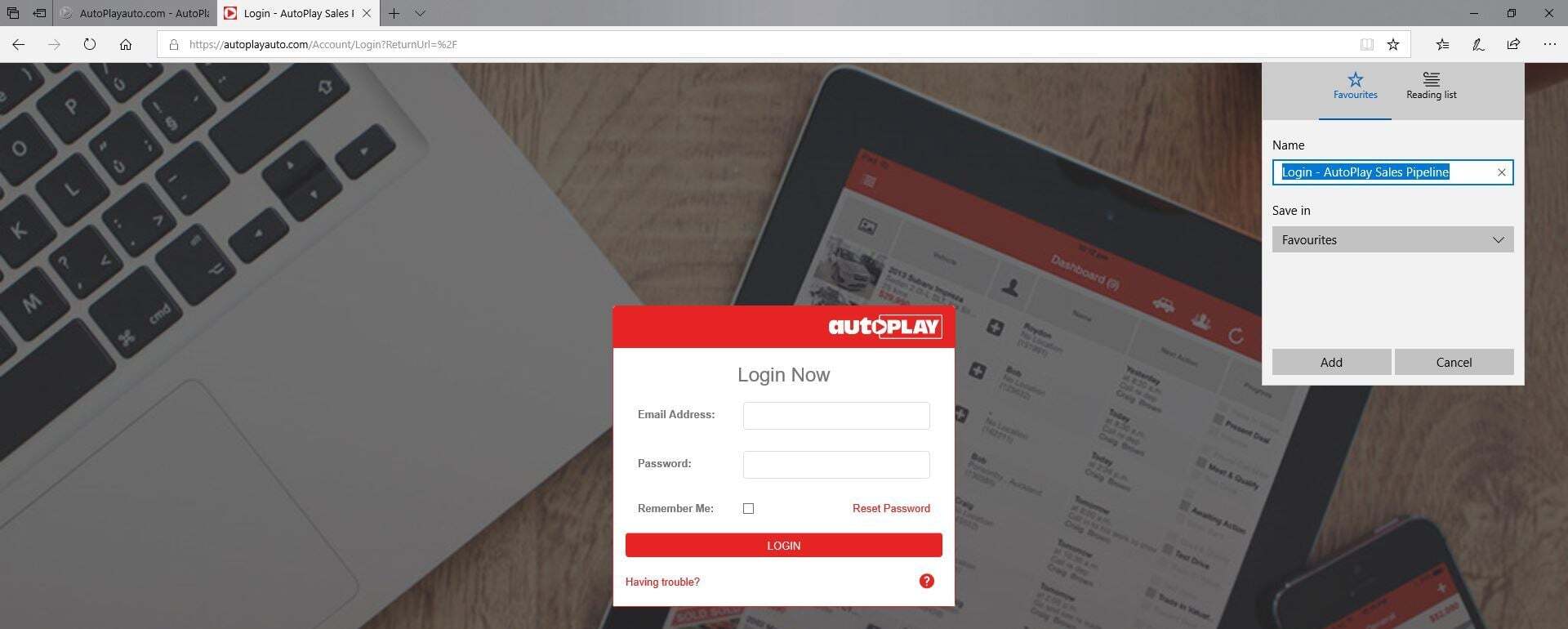
- Edge: click the star icon.
- Internet Explorer: click the star icon.
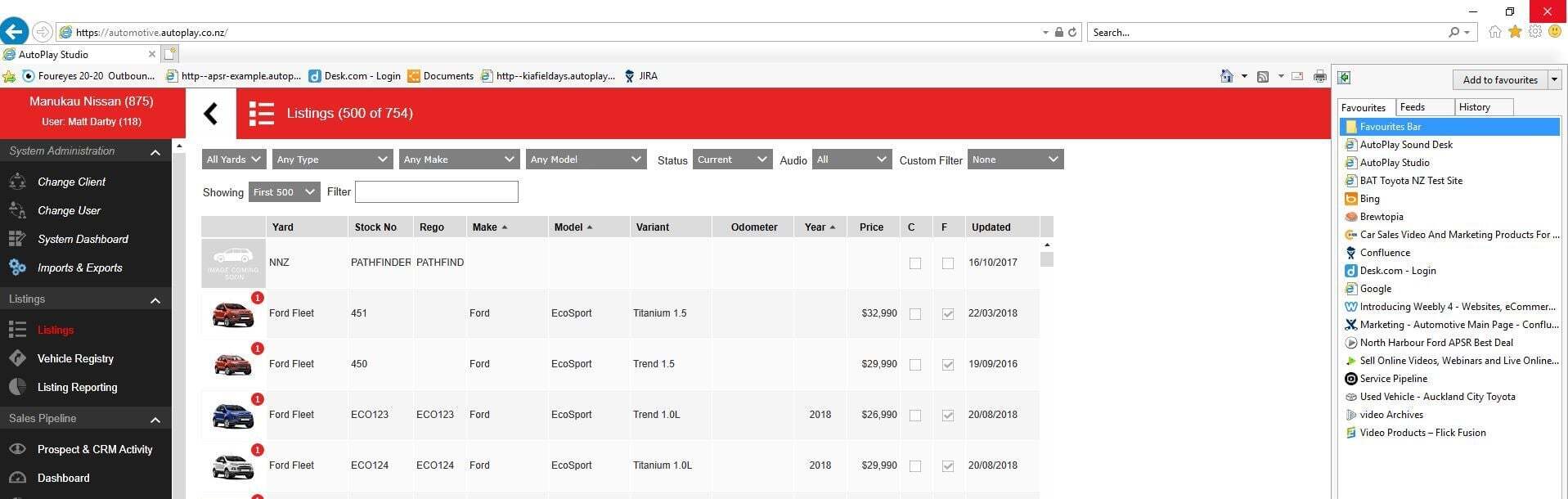
Add a shortcut to your desktop
On iOS and Android, saving to your home screen adds the AutoPlay icon there automatically. On desktop, most browsers let you drag the favourite to your desktop to create a shortcut.