
This article lists what changed in AutoPlay version 26.5.1, released 2 June.
Filter listing exports by stock availability status (SPW-13464)
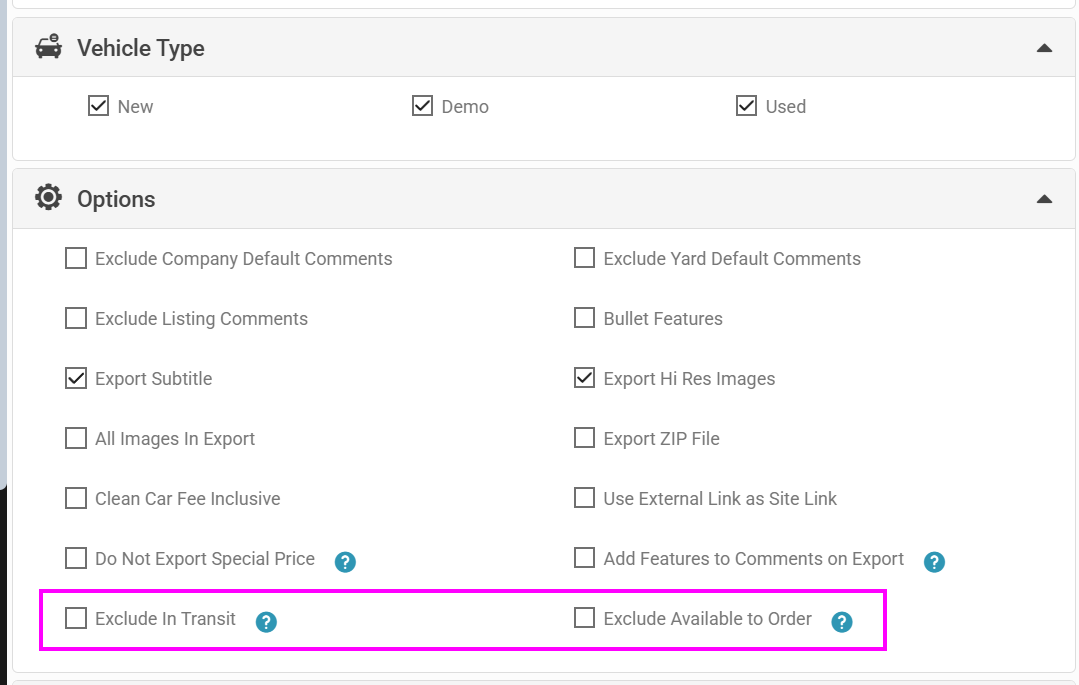
When exporting listings, you can now filter to show only vehicles that don't have "In Transit" or "Available to Order" selected. This makes it easier to identify stock with no availability status assigned.
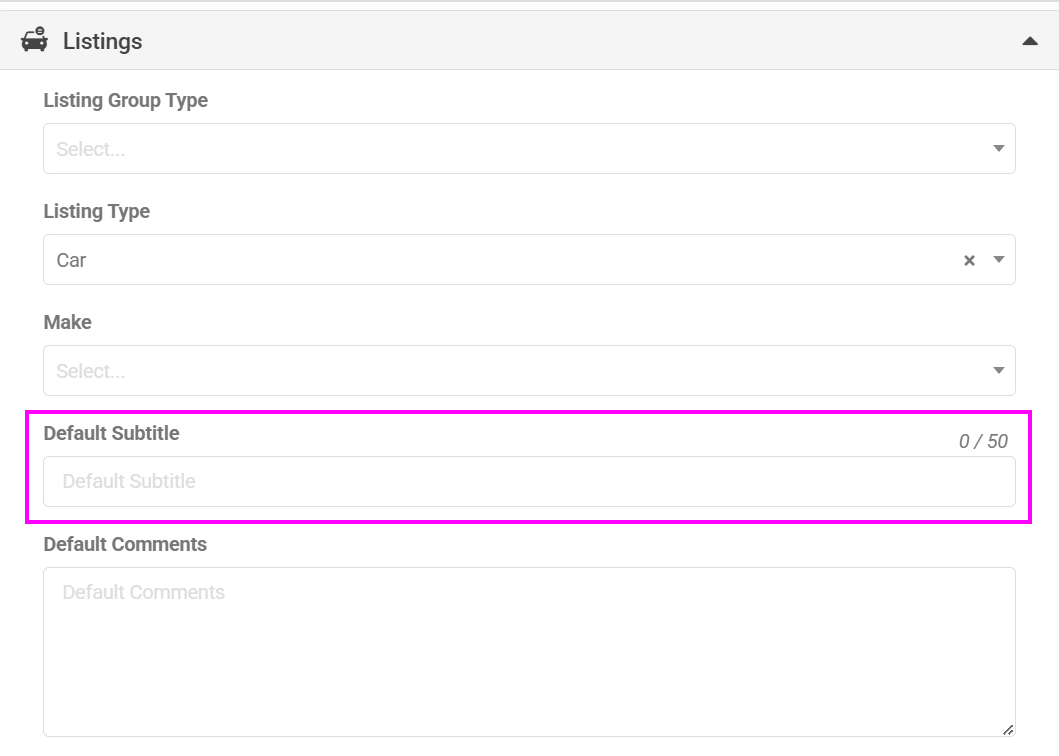
Default subtitles for listings (SPW-12708)
You can now configure default subtitle values, saving time when creating new listings. Once set, the subtitle field pre-populates, so staff don't need to enter it manually each time.
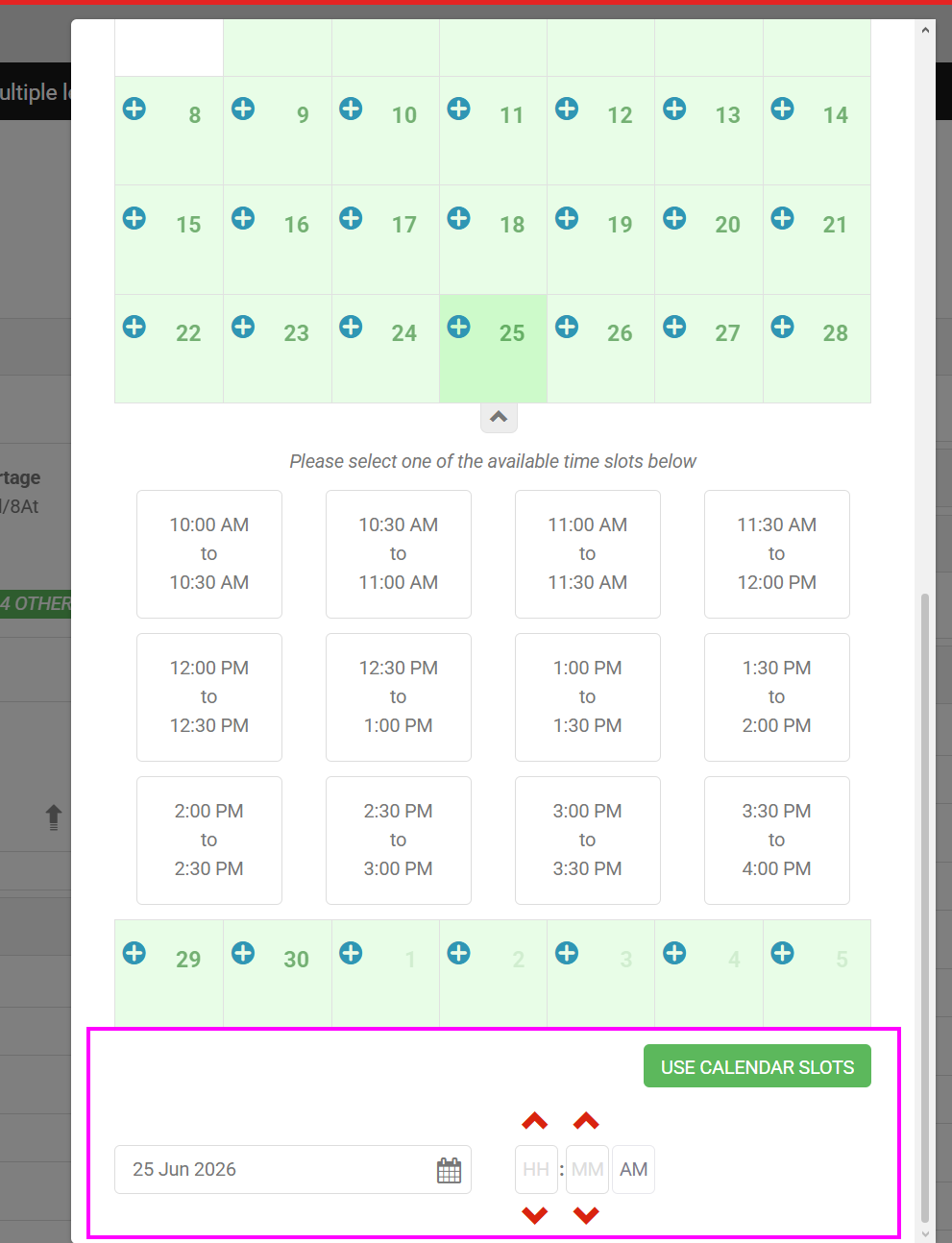
More flexible calendar invite times (SPW-13049)
More granular time options are now available when creating calendar invites, giving staff greater control over scheduling appointments and follow-ups.
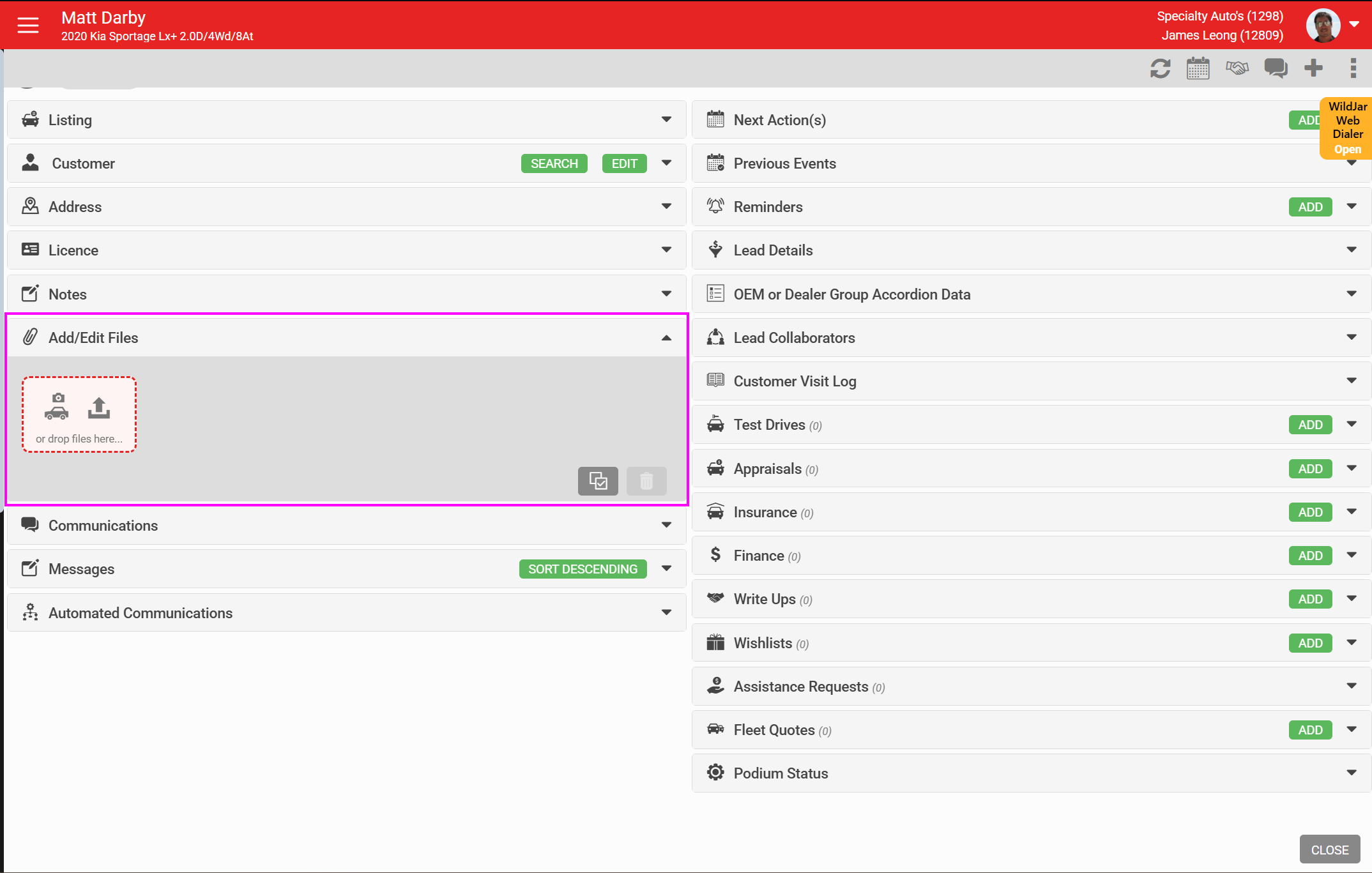
Drag and drop file uploads in leads (SPW-13091)
You can now add files to a lead by dragging and dropping them directly into the Add File section, instead of using the file browser each time.
SMS long codes can be set for a single user or a group of users (SPW-13421)
SMS providers can now be assigned at the salesperson level, so individuals or groups of users can have their own SMS long code rather than sharing one number across the dealership.
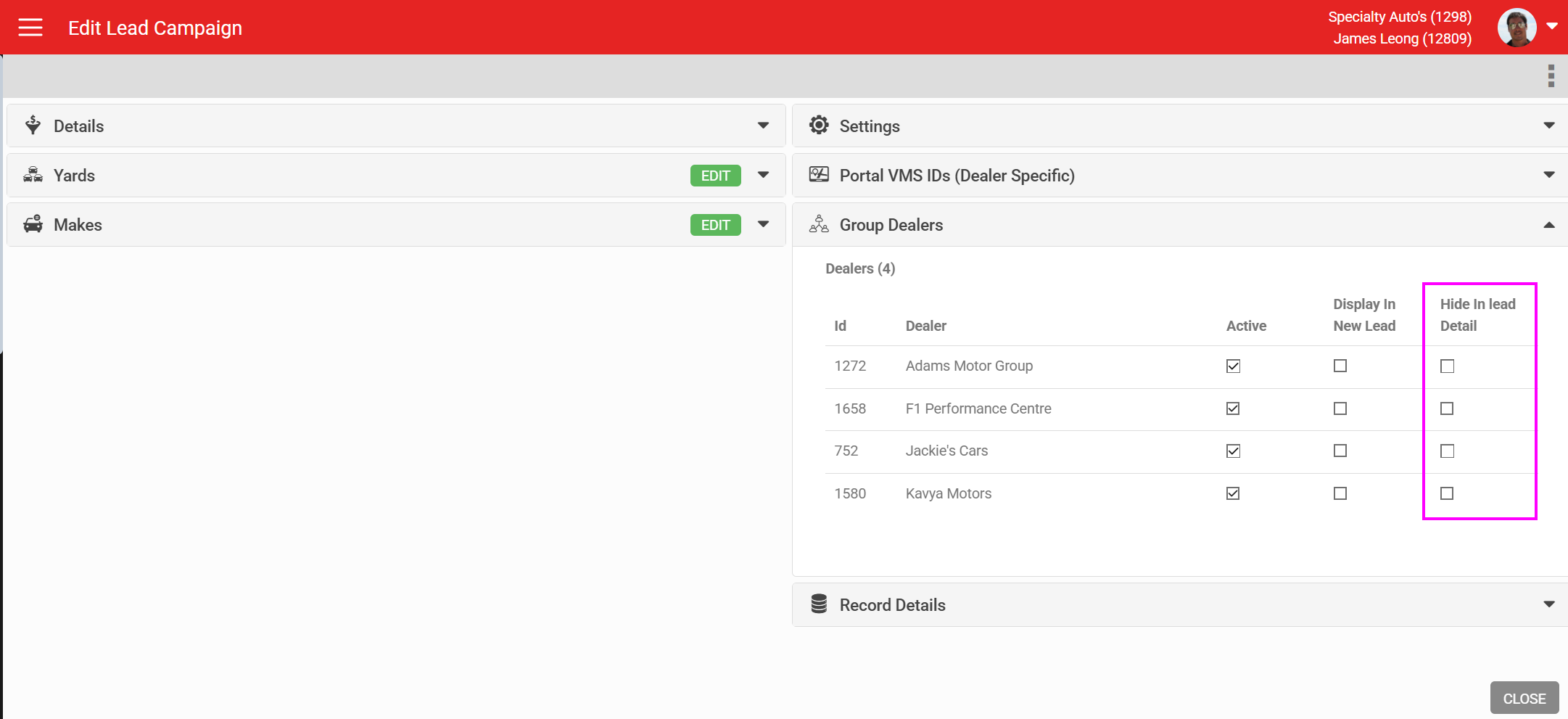
Group level control for Hide in Lead Detail (SPW-13671)
Dealer Group administrators can now control the "Hide in Lead Detail" setting for lead campaigns at group level, applying it across all sites without configuring each one individually.
Future test drives can be booked on a vehicle already in a test drive (SPW-13608)
If a vehicle has an active test drive with an end date set, you can now book a future test drive on it at the same time. This removes a blocker for dealerships managing back to back test drive bookings.
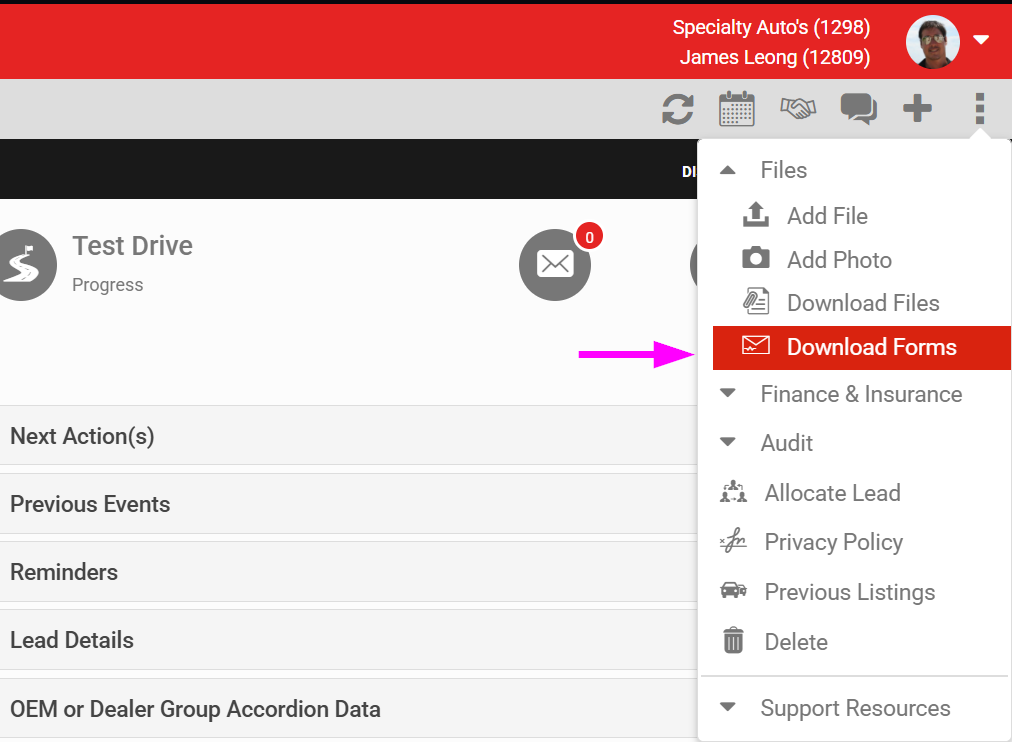
Email lead forms (SPW-13320)
A new option in the three dot menu on the Lead Detail screen lets you download and email all forms associated with a lead.
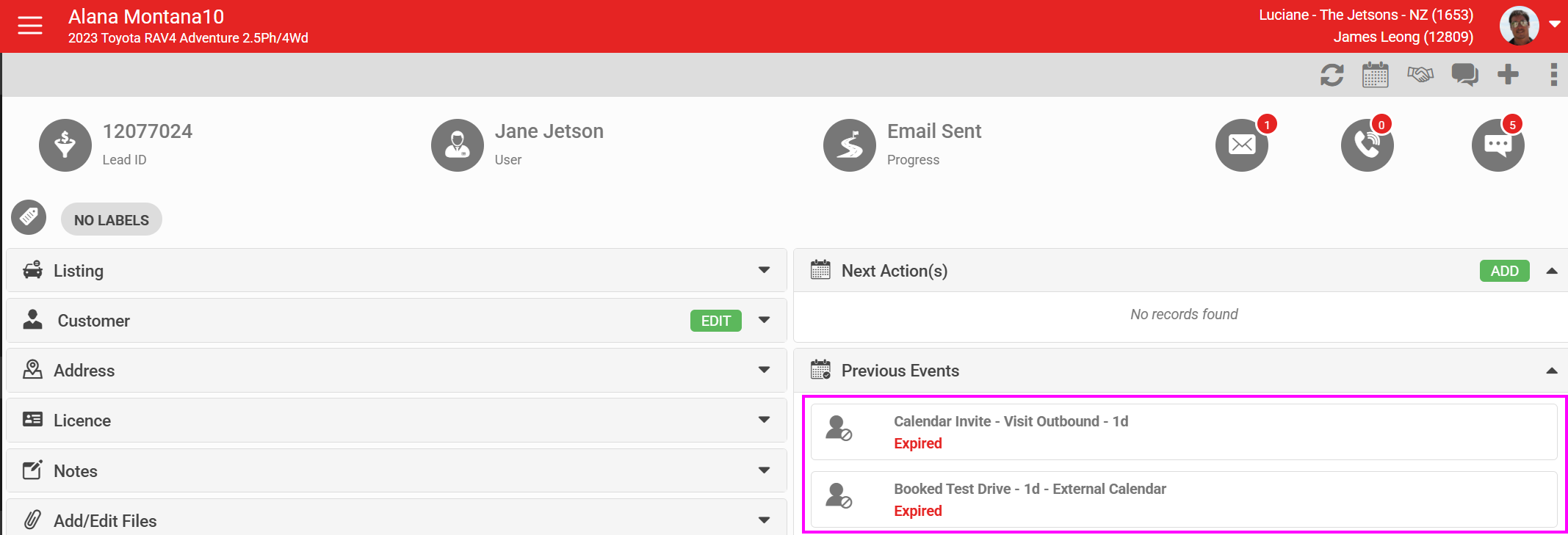
Expired calendar entries and reminders move to previous events (SPW-13487)
Expired calendar entries and reminders now move to Previous Events automatically, keeping the active calendar view clean and reducing clutter for staff managing large numbers of reminders.
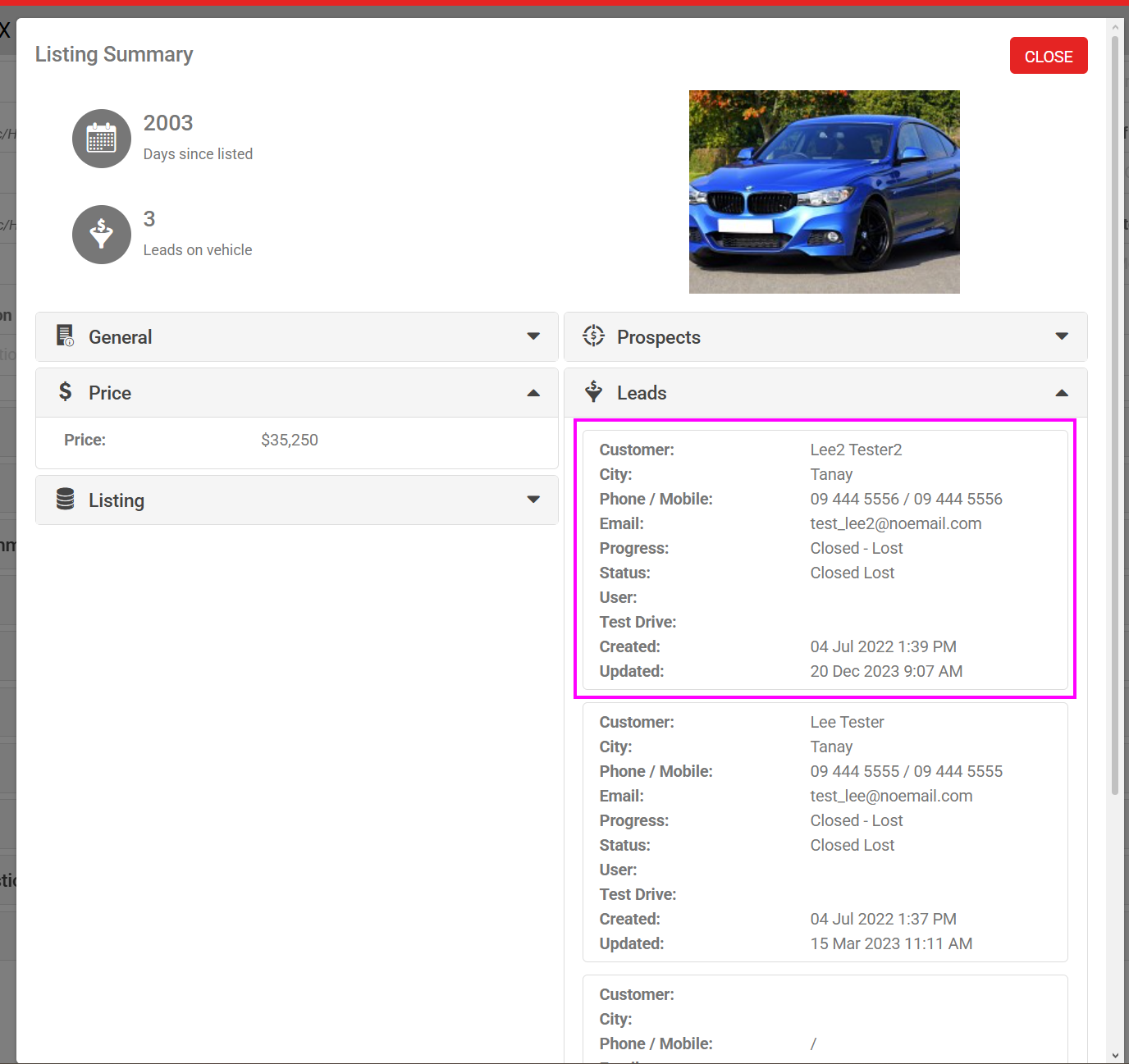
Lock down lead summary on address book (SPW-13531)
You can now lock the lead summary within the address book to restrict editing, which helps maintain data integrity by controlling who can change lead summary information.
Improvements and updates
- (SPW-13106) Allianz error messages now display with improved clarity.
- (SPW-13545) When copying a listing, all vehicle options now copy across automatically.
- (SPW-13544) The full VIN is now visible on the Assistance Request page.
- (SPW-13146) Additional fields are now available in the Import Listing and Download List functions.
- (SPW-13434) Automation improvements for lead assignment workflows.
- (SPW-13448) The Primary Listing Price Reduced automation now has an Ignore Special Price filter.
- (SPW-13496) Fixed display issues with Approved listing checkboxes.
- (SPW-13516) Listing comments are now included in listing reports.
- (SPW-13291) VDP forms are now clearly shown as the lead origin.
Bug fixes
- (SPW-13802) Fixed an issue where holiday dates were being validated incorrectly.
- (SPW-13803) Fixed an issue where the maximum calendar scheduling limit was not being applied to invites.
- (SPW-13807) Fixed RDO logic not being applied correctly to calendar invites.
- (SPW-13826) Fixed an issue preventing new accounts from being created.
- (SPW-13836) Fixed the test drive summary showing as empty in Contact Details.
- (SPW-13843) Fixed an issue where a lead was missing the Close Won option.
- (SPW-13855) Fixed the loan car signature workflow.
- (SPW-13837) Fixed lead allocation standard text not respecting the inactive setting.
- (SPW-13073) Fixed the location option not working in lead progress validation.