What Analytics Reporting does
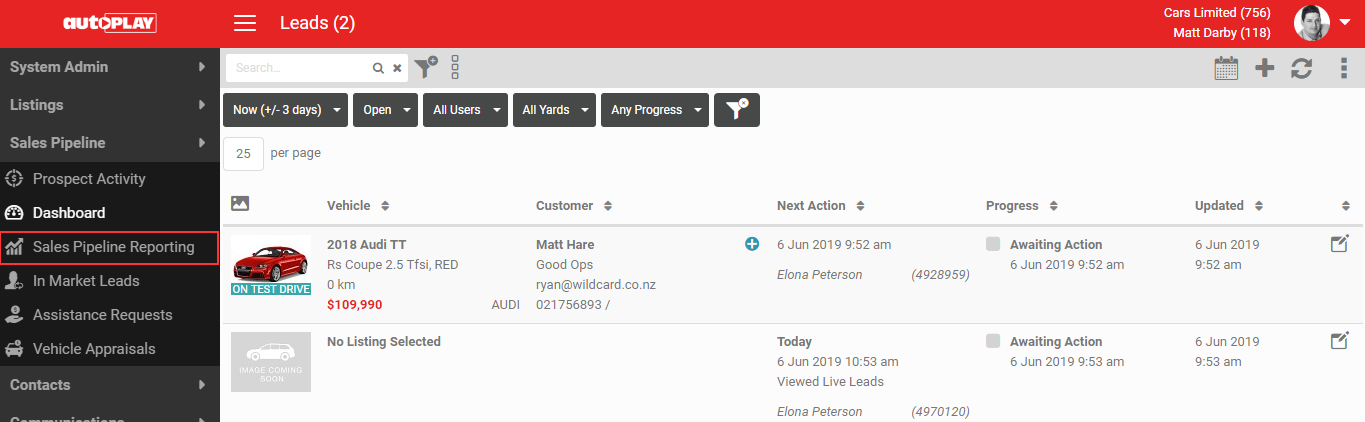
AutoPlay has a full reporting suite. There are two ways to open Sales Pipeline reporting:
- Log in directly at reporting.autoplay.co.nz.
- From the Lead Dashboard, click the MORE icon in the grey action menu, then click Reporting.
What you should see when it worked
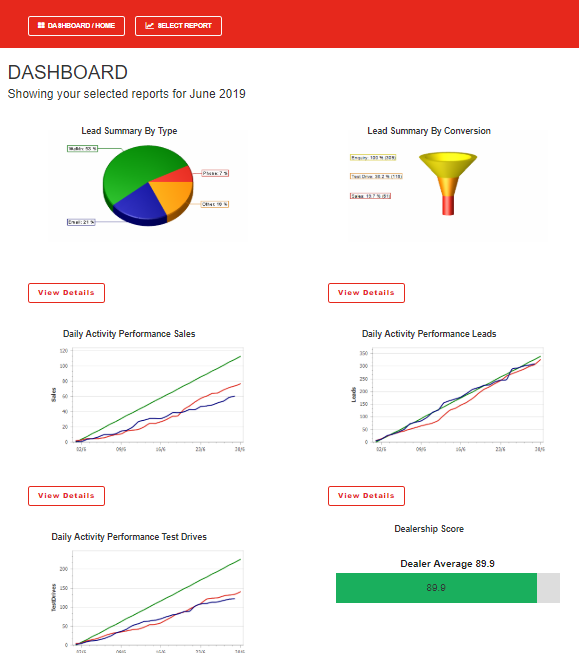
When you open Sales Pipeline reporting from AutoPlay, you do not need to log in again. A new tab opens with the Reporting Dashboard.
Click VIEW DETAILS under any report to open it, or use the SELECT REPORT screen to browse the full range of reports.