
What lead history shows
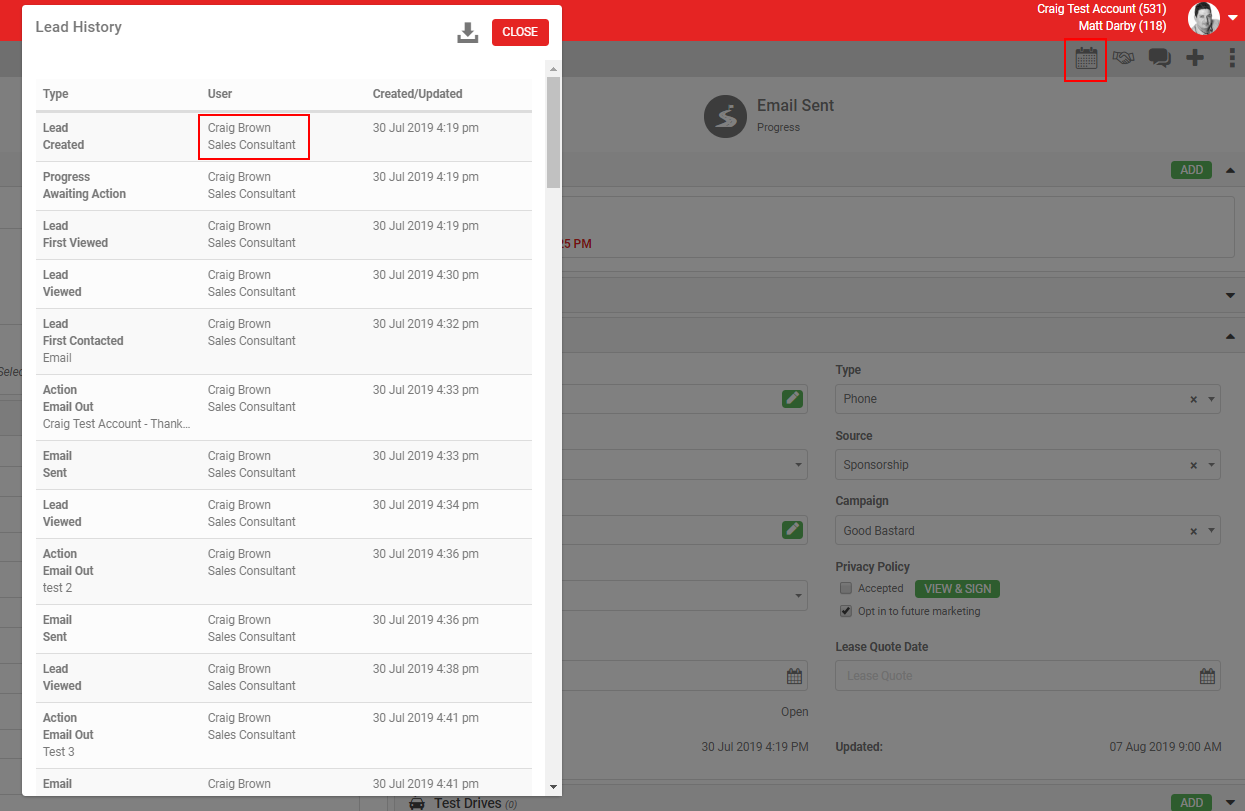
The Lead History popup shows a full history of everything that has happened on a lead.
Steps
- Open the lead.
- Click the calendar icon in the grey action menu.
- Click History.
What you should see when it worked
The popup shows every time a user opened the lead to view it, when its progress was updated, when emails were sent, and more. For each entry, you see the user who made the change, their job title, and the date and time of the action.
Going deeper: the Audit button
For more detail on how a lead has been modified, including every change to the customer record, use the Audit button. Find it under MORE in the grey action menu. It is only visible to users with the Audit role enabled.